
Building an Email Workflow: From Chaos to System in One Weekend
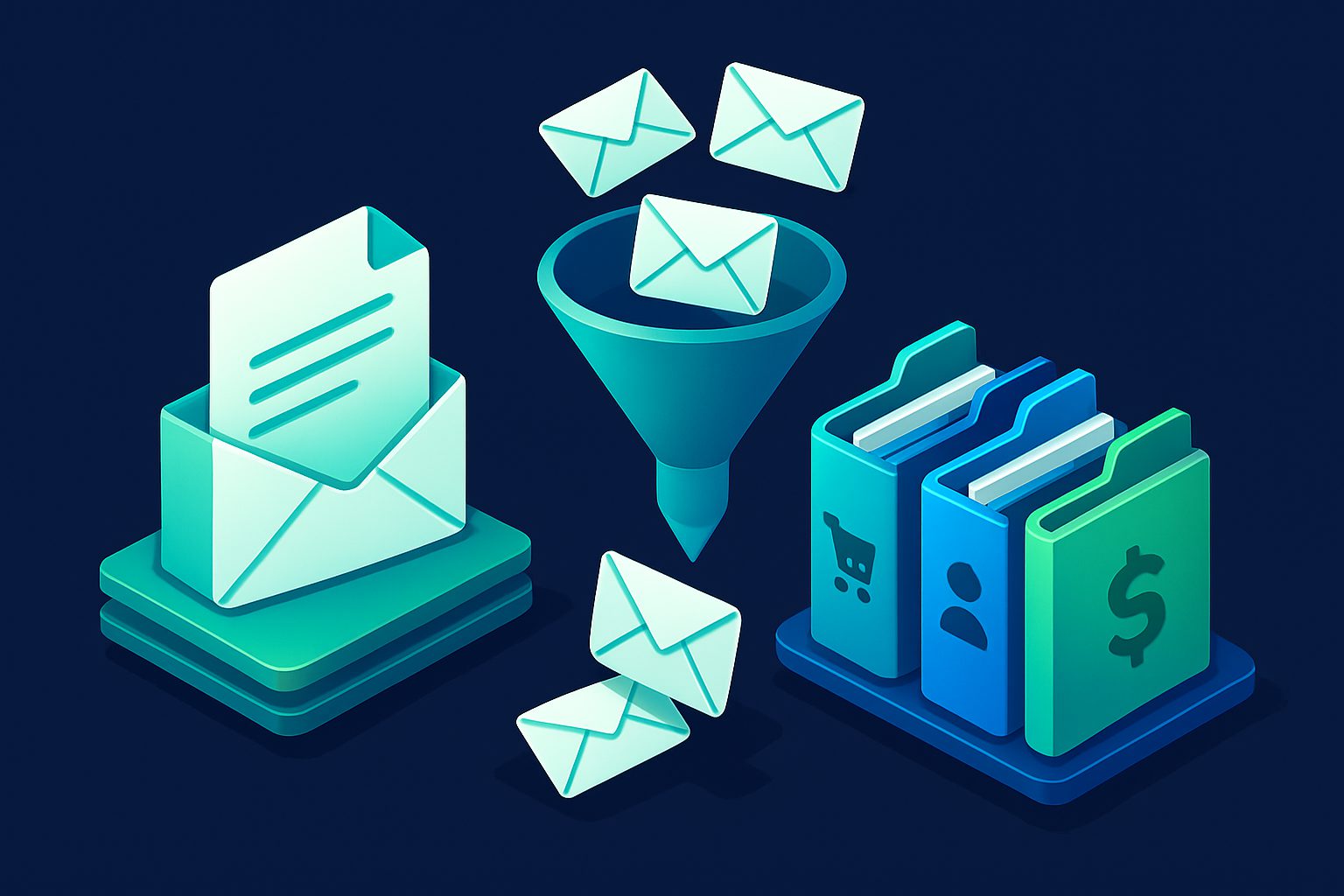
Most people do not have an email problem. They have a systems problem. Email is chaotic because they never built a system to manage it. Every message gets the same treatment: read, maybe reply, maybe archive, maybe ignore. No rules, no routing, no automation.
This guide is a weekend project. By Sunday evening, you will have a structured email system that handles 80% of incoming email automatically. The remaining 20% is the stuff that actually needs your attention.
Saturday morning: Audit (1 hour)
Step 1: Count your volume
How many emails do you receive per day? Check your inbox for the last 7 days and divide by 7. Most professionals receive 50-120 emails per day. Knowing your number sets expectations for how aggressive your system needs to be.
Step 2: Categorize by action type
Go through your last 50 emails and tag each one mentally:
| Type | Action needed | Typical % |
|---|---|---|
| Noise | None — should not reach your inbox | 30-50% |
| FYI | Read later, no reply needed | 20-30% |
| Action | Requires a response or task | 15-25% |
| Reference | Save for later (receipts, confirmations) | 10-15% |
This audit tells you where to focus. If 40% of your email is noise, the biggest win is eliminating noise — not optimizing how you handle action items.
Step 3: Identify your top 20 senders
Check your top senders list. These 20 senders likely account for 80% of your volume. For each one, decide: keep, mute, unsubscribe, or block.
Saturday afternoon: Build the system (2 hours)
Layer 1: Eliminate noise
This is the highest-impact step. Remove email that should never reach your inbox.
Unsubscribe from newsletters and marketing lists you do not read. Use one-click unsubscribe for safety (header-based, not link-clicking).
Block senders that are pure spam. Set their contact state to blocked — future emails are denied automatically.
Category-level deny rules:
- Deny all "Discounts & Promotions" if you never want coupon emails
- Deny all "Gaming & Gambling" if irrelevant to you
- Deny all "Adult" content
Estimated noise reduction: 30-50% of daily volume.
Layer 2: Route FYI emails
Emails you want to receive but do not need to act on immediately. Route them out of your inbox into folders.
Filter templates:
| Filter name | Condition | Action |
|---|---|---|
| Receipts | category = Shopping | Allow, store in "Receipts", mark as read |
| Shipping | category = Logistic Services | Allow, store in "Shipping" |
| Social | category = Social Networks | Allow, store in "Social", mark as read |
| Finance | category = Finance | Allow, store in "Finance", mark as flagged |
| News | category = News & Magazines | Allow, store in "Reading" |
These five filters handle the bulk of FYI email. Browse the folders when you have time. Your inbox now only contains emails that need attention.
Layer 3: Protect important senders
Whitelist the contacts whose emails must never end up in spam or be filtered away:
- Family and close friends
- Your boss and key colleagues
- Important clients
- Your bank and financial advisors
Whitelisted contacts skip spam checks entirely and always land in your inbox. Consider setting important ones to "prioritized" so they are flagged for visibility.
Layer 4: Set up aliases for the future
Start creating aliases for new services. This prevents future inbox clutter at the source:
- Shopping alias — One alias for all e-commerce. When it gets noisy, disable and create a new one.
- Newsletter alias — For newsletters you intentionally subscribe to. Rate-limit to 5/day via Shield.
- Throwaway alias — For one-time signups, free trials, and downloads. Expect to disable within a week.
Sunday morning: Fine-tune (1 hour)
Adjust spam thresholds
Check your quarantine. If legitimate emails are there, raise the threshold by 1-2 points. If spam is getting through to your inbox, lower it.
Review filter effectiveness
Check filter statistics. Are your filters matching the expected emails? Are there unexpected matches (false positives)? Adjust conditions if needed.
Set up Shield on noisy aliases
If any alias receives too much email, add Shield protection:
- Rate limiter — Cap volume on shopping and notification aliases
- Snoozer — Restrict delivery to specific hours on work-related aliases
Sunday evening: Document and maintain
Write down your system
Spend 15 minutes documenting what you built:
- What aliases exist and what they are used for
- What filters are active and why
- What contacts are whitelisted
- What your spam thresholds are set to
This documentation helps when you need to adjust things later, and is essential if you share the account with team members.
Weekly maintenance (5 minutes)
Every Monday morning:
- Check quarantine — release legitimate emails, delete spam
- Check top senders — any new high-volume senders to handle?
- Check filter stats — anything unexpected?
The result
Before the system: 80+ emails per day, all in one inbox, constant anxiety about missing something important buried under noise.
After the system: 15-20 emails per day in your inbox — all requiring your attention. Everything else is automatically blocked, routed, or filed. Important senders are whitelisted and flagged. New services use aliases that you can disable at any time.
Total time invested: 4-5 hours over a weekend. Time saved: 30+ minutes every single day, permanently.
Ready to take control of your inbox?
Start protecting your email with Cleanbox — free plan available, no credit card required.
Get started free