
Rules that actually understand email.
10 condition types, regex matching, nested logic groups, and the ability to test against real messages before you activate. More powerful than Gmail or Outlook filters — without the complexity.
10 condition types
Match on sender, subject, body, headers, properties, categories, spam score, and spam symbols with regex support.
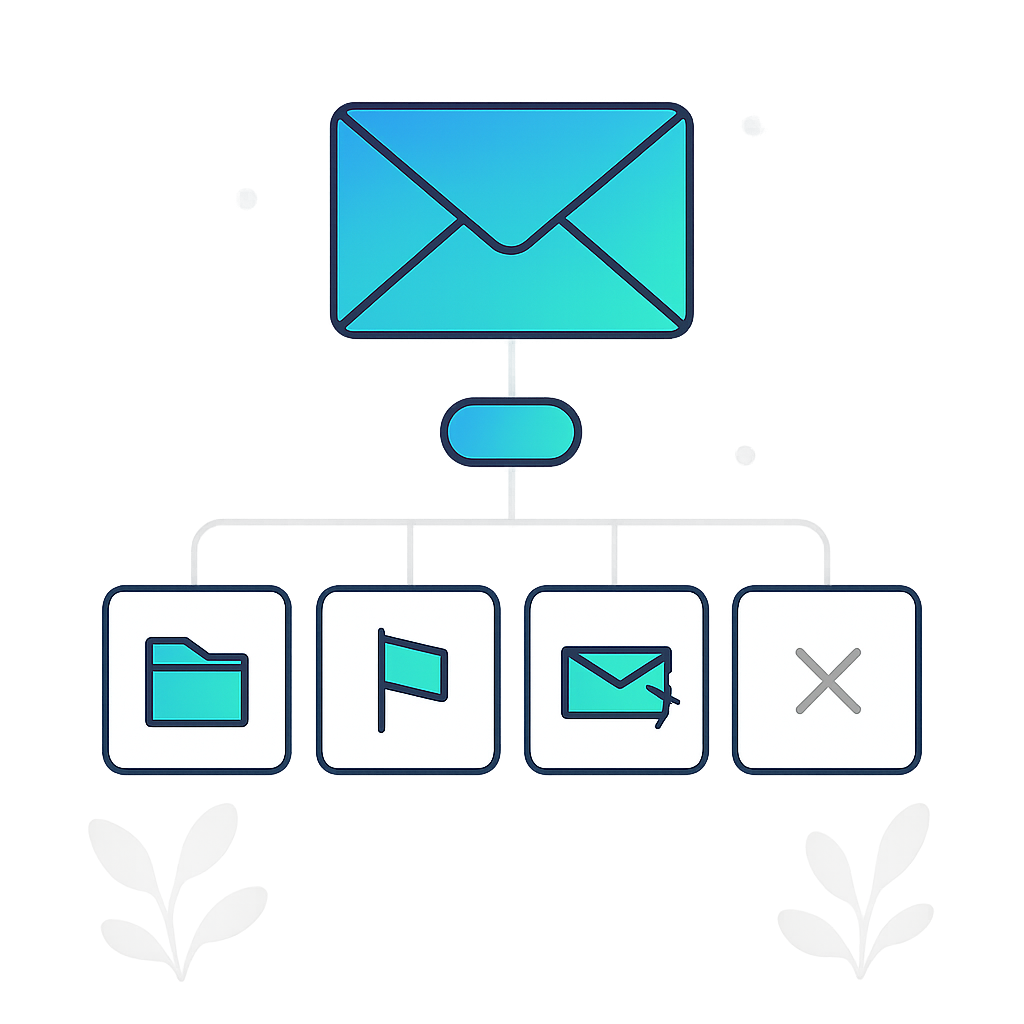
Route, flag, forward, or deny
Deliver to specific folders, mark as read or flagged, forward to up to 5 addresses, or reject entirely.
Test before you activate
Run your filter against recent messages to verify it catches what you expect — without affecting live email.
10 condition components
Match on sender address, sender name, both combined, subject, body content, email properties (attachments, newsletter, encrypted, calendar, high priority), specific headers, contact category, spam score, or individual spam symbols.
Combine conditions in rule groups with ANY (at least one must match) or ALL (every condition must match) logic. Add multiple groups for complex scenarios.
- From, Subject, Body, Property, Header, Category, Spam score, Spam symbol
- 12 operators including regex matching
- Nested ANY/ALL logic groups

Precise delivery control
When a filter matches, choose what happens:
- Allow — Deliver to a specific folder, mark as read, mark as flagged, or forward to up to 5 addresses
- Deny — Reject the message so it never reaches your mailbox
Create folders directly from the filter editor. Combine folder routing with flags to auto-organize: newsletters to "Newsletters" folder marked as read, client emails to "Clients" folder marked as flagged.
Test before you activate
Not sure if your filter catches what you expect? Select a recent message and test your rules against it. The test shows whether the filter would have matched and what action would have been taken — without affecting any real email.
Drag and drop to reorder filter priority. The first matching filter wins — subsequent filters are skipped. Daily statistics show how often each filter triggers.
- Test against recent messages
- Drag-and-drop priority ordering
- Per-filter daily match statistics

Filter by contact category
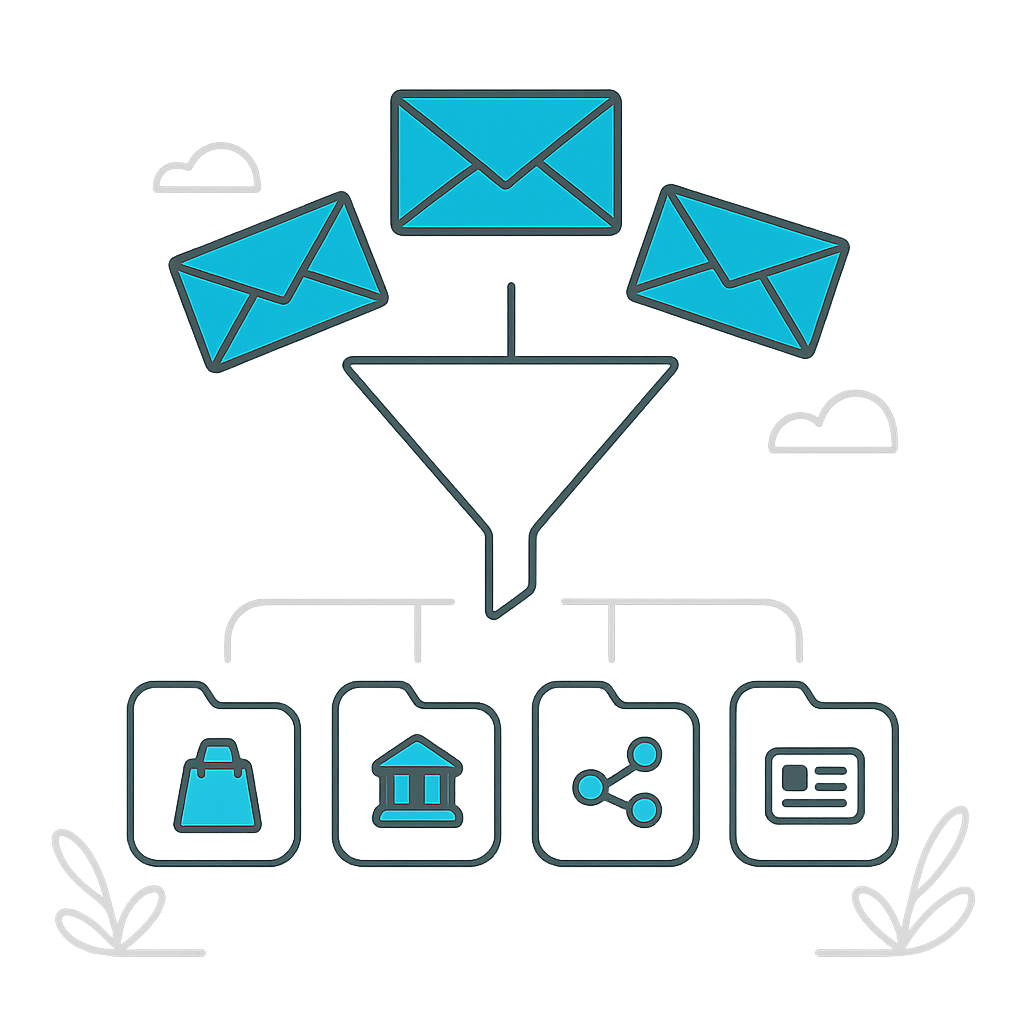
Every sender is automatically categorized into one of 20 categories based on their domain: Shopping, Finance, Social Networks, Travel, Entertainment, and 15 more. Use categories as filter conditions for broad control:
- "Shopping" category → deliver to "Receipts" folder
- "Gaming & Gambling" category → deny
- "Finance" category → flag as important
- Works on senders you've never received email from before
Category filters are future-proof: a new shop you buy from is automatically categorized and your filter applies immediately.
Build filters that work
5 filters on Free, up to unlimited on Enterprise. Start with a sample template or build from scratch.
Get started free