
Email Aliasing Explained: What It Is and Why You Need It
Every time you hand over your email address — to a shop, a SaaS product, a newsletter, a Wi-Fi login page — you are making a bet. You are betting that company will never get hacked, will never sell your data, and will never send you emails you did not ask for.
You will lose that bet. Repeatedly.
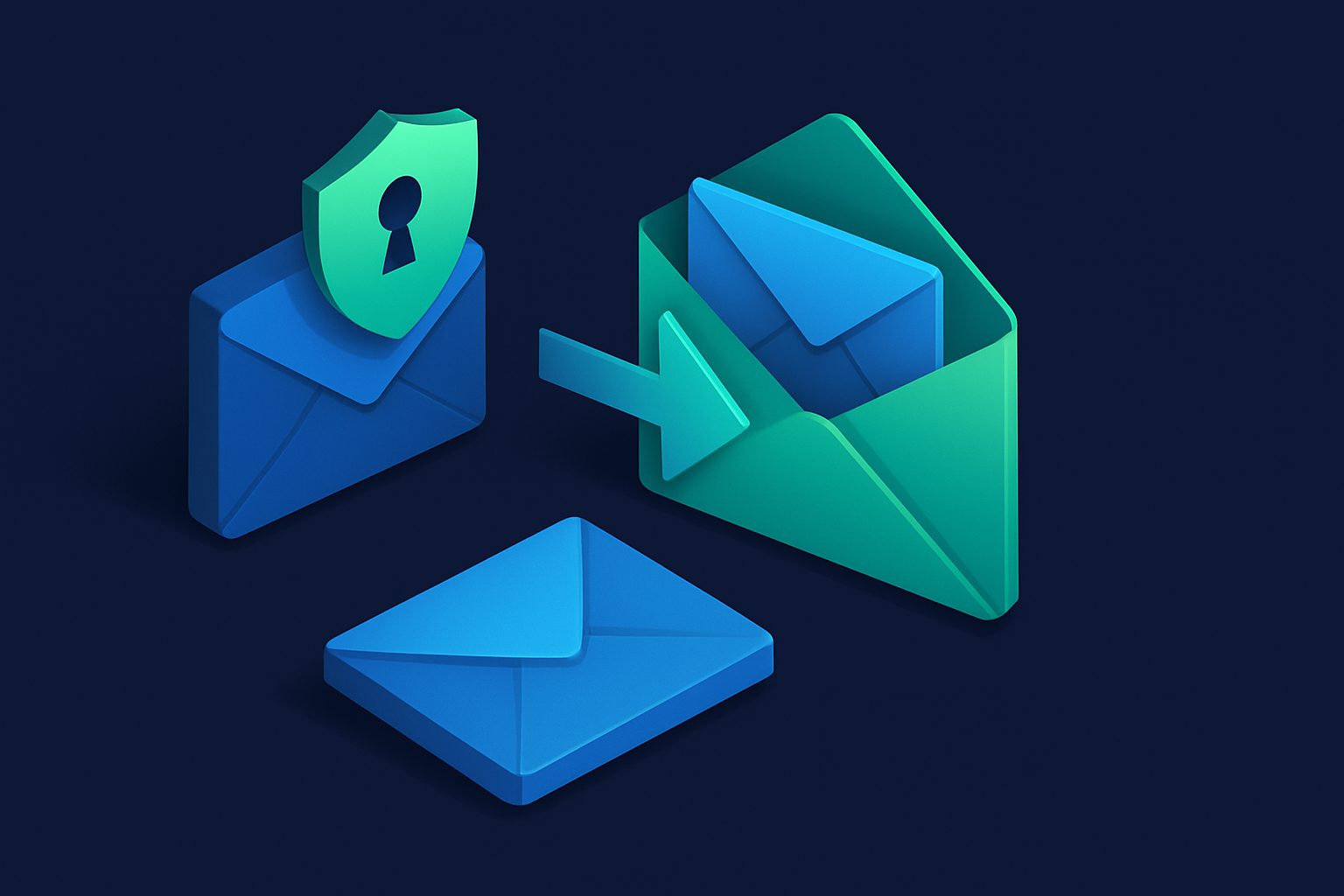
Email aliasing flips the equation. Instead of giving out your real address, you give out a unique, disposable alias that forwards to your inbox. If the alias gets compromised, you disable it. Your real address stays untouched.
What is an email alias?
An email alias is a forwarding address. It looks like a normal email address (shop-amazon@cleanbox.me), it receives email like a normal address, but it is not a real mailbox. Every email it receives is automatically forwarded to your actual inbox (Gmail, Outlook, iCloud, etc.).
Think of it like a PO Box for email. Mail arrives at the PO Box and gets forwarded to your home address. If someone starts sending junk to the PO Box, you close it. Your home address was never exposed.
Aliases vs. forwarding vs. plus addressing
There are several approaches to email indirection. Here is how they compare:
| Method | How it works | Limitations |
|---|---|---|
Plus addressingyou+shop@gmail.com |
Gmail/Outlook ignore everything after the + | Your real address is visible. Many services strip the + part. Zero spam protection. |
| Email forwarding (traditional) |
Forward all email from one address to another | All-or-nothing. Cannot disable selectively. No spam filtering at the forwarding layer. |
Email aliasingshop@cleanbox.me |
Unique address per service, with individual on/off control, spam filtering, and rules | Requires a service like Cleanbox, SimpleLogin, or AnonAddy |
The key difference is granular control. With aliases, each address is independent. You can disable one without affecting the others, set different spam thresholds, apply filters, and track exactly which service uses which address.
Why aliases matter more than ever
Data breaches are the norm
In 2024 alone, over 1 billion records were exposed in data breaches. When a service you use gets hacked, your email address enters a permanent database of targets. With aliases, only the alias is exposed — your real address stays safe, and you can disable the compromised alias immediately.
Email is your digital identity
Your email address is the master key to your online life. Password resets, account recovery, two-factor authentication — it all goes through email. Protecting your primary address is not about convenience; it is about security.
Spam is a solved problem (if you use aliases)
The reason spam is hard to stop is that your address is already out there. You cannot put the genie back in the bottle. But with aliases, there is no genie — each alias is isolated. When one gets spammy, you replace it. There is nothing to accumulate.
How a typical alias workflow looks
- New service signup — You need to create an account on a new website. Instead of typing your real email, you generate an alias like
svc-newsite@cleanbox.me. - Day-to-day use — Emails from that service arrive in your inbox as normal. You would not notice the difference.
- Something goes wrong — The service gets breached, starts sending marketing emails you did not ask for, or sells your data.
- One click — You disable the alias. All email to that address stops instantly.
- Move on — Create a new alias if you want to continue using the service. Your inbox stays clean.
What to look for in an alias service
Not all alias services are equal. The features that matter:
- Unlimited or generous alias count — You want one alias per service, so you need enough headroom
- Custom domain support — Use aliases on your own domain for a professional look
- Spam filtering — Aliases without spam filtering just forward the problem to your inbox
- Per-alias controls — Individual on/off toggle, spam threshold, and rules per alias
- No logging of email content — The alias provider should not read or monetize your email
Common concerns
"What if I forget which alias I used?"
Every alias service has a dashboard showing all your aliases with labels, dates, and the services they are associated with. You can also search by alias address.
"Won't services reject alias addresses?"
Very rarely. Some services block known alias domains, but using a custom domain eliminates this entirely — your alias looks like any other email address.
"What if the alias service goes down?"
Choose a provider with a track record and proper infrastructure. Email aliases work at the DNS/SMTP level — as long as the MX records are active, mail is delivered.
Start today
You do not need to migrate everything at once. Start with your highest-risk accounts — online shopping, social media, subscriptions — and create a unique alias for each. Over time, replace your real address everywhere. Within a few months, your real email address will be effectively invisible on the internet.
That is the endgame of email aliasing: not just managing spam, but making yourself unreachable by anyone you have not explicitly allowed.
Ready to take control of your inbox?
Start protecting your email with Cleanbox — free plan available, no credit card required.
Get started free