
QR Code Phishing (Quishing): The Email Threat Your Spam Filter Might Miss
What Is Quishing?
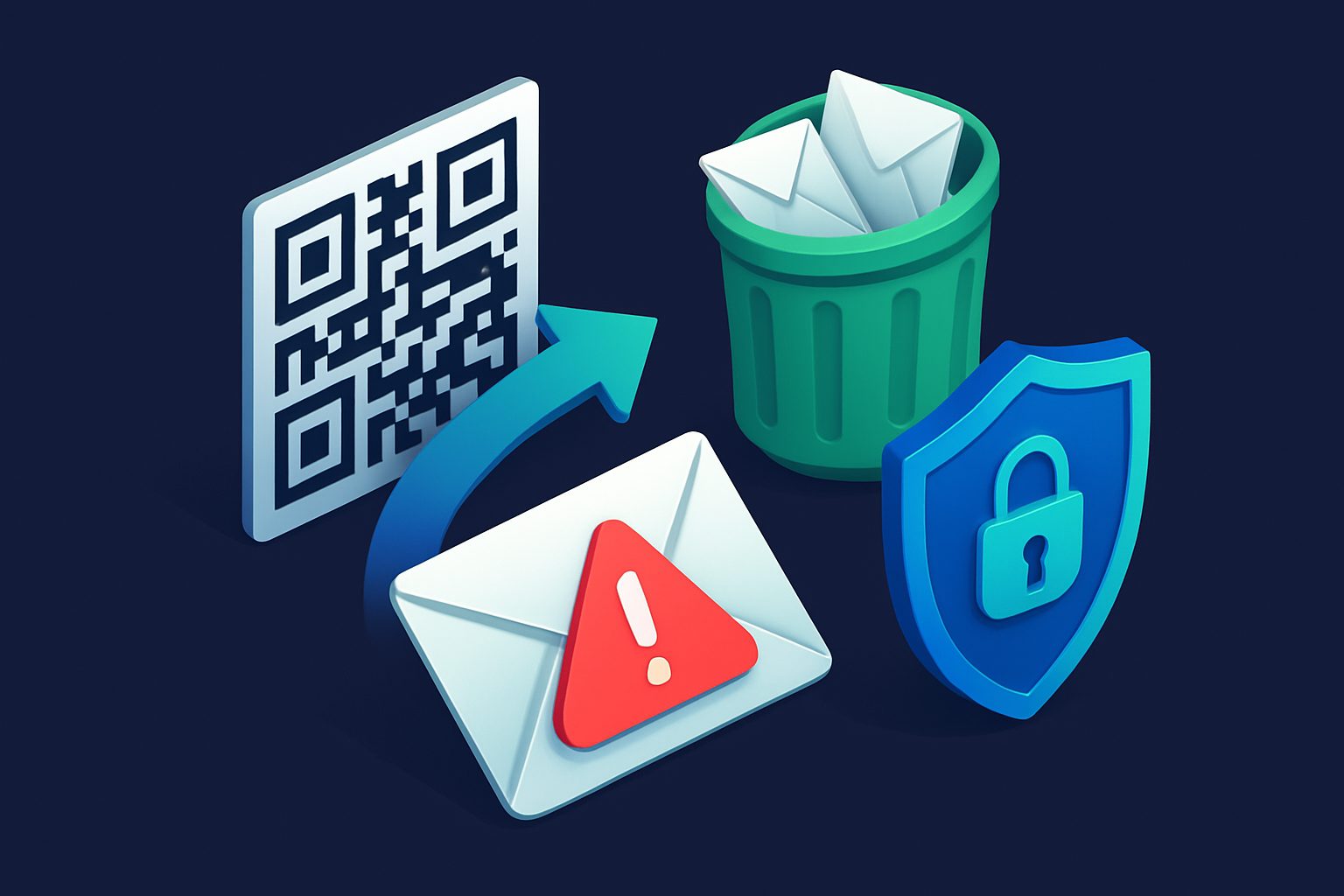
You have probably scanned dozens of QR codes this month alone: restaurant menus, parking meters, event tickets, Wi-Fi passwords. QR codes have become so normal that most people scan them without a second thought. Cybercriminals have noticed, and they are exploiting that trust in a rapidly growing attack called quishing — short for QR code phishing.
Quishing works like traditional phishing, but with one critical twist: instead of embedding a clickable link in the email body, the attacker places a malicious URL inside a QR code image. When you scan the code with your phone, you are taken to a fake website designed to steal your credentials, install malware, or trick you into handing over personal information.
The reason quishing is growing so fast is simple: most email security tools were built to scan text-based URLs. A QR code is just an image file — a grid of black and white squares — and many traditional spam filters have no idea what URL is hiding inside it.
Why Quishing Is Exploding Right Now
Several factors have come together to make quishing one of the fastest-growing email threats:
- QR codes are mainstream. The pandemic accelerated QR code adoption globally. People are conditioned to scan them without hesitation.
- Mobile phones are less protected. When you scan a QR code, you typically open the link on your phone. Mobile browsers show less of the URL, have smaller screens for spotting red flags, and often lack the security extensions available on desktop.
- Traditional filters are blind to images. A spam filter that excels at detecting suspicious URLs in email text may completely ignore the same URL embedded in a QR code image.
- The emails look legitimate. Quishing emails often impersonate well-known brands with professional layouts, logos, and language that pass casual inspection.
Security researchers reported a significant increase in quishing attacks throughout 2025 and into 2026, with some organizations seeing QR code-based phishing attempts more than triple compared to previous years.
How Attackers Use QR Codes in Emails
Quishing emails typically follow a few common patterns. Knowing what they look like is your first line of defense.
Fake Multi-Factor Authentication Setup
This is one of the most common quishing scenarios. You receive an email claiming to be from your IT department, Microsoft 365, or Google Workspace, saying you need to set up or re-verify multi-factor authentication. The email includes a QR code that supposedly links to the setup page. In reality, it leads to a credential-harvesting site that captures your username, password, and even your MFA token in real time.
Fake Delivery Notifications
An email arrives claiming a package could not be delivered. To reschedule delivery, you are asked to scan a QR code. The destination page asks for personal details and sometimes payment information for a small "redelivery fee."
Fake Parking Tickets and Fines
This variant has been especially effective in cities. The email — or even a physical sticker placed on a car — contains a QR code linking to a payment page for a supposed parking violation. The payment page looks official but is designed to steal credit card details.
Fake Document Sharing
You receive what looks like a SharePoint or DocuSign notification with a QR code to "view the document." Scanning it takes you to a login page that captures your credentials.
Why Traditional Spam Filters Struggle with Quishing
To understand the challenge, think about how most email threat detection works. When an email arrives, the filter scans the text content, checks any URLs against blocklists, analyzes the sender reputation, and examines headers for signs of spoofing. This process is highly effective against traditional phishing, where the malicious link is right there in the email body as clickable text or a hyperlink.
But a QR code is none of those things. To an email filter, it is just an image attachment — a PNG or JPEG file containing a pattern of squares. The malicious URL is encoded in the visual pattern of the image, not in any text that the filter can easily read. Unless the filter has specific image analysis capabilities, the QR code passes through unexamined.
Some attackers make detection even harder by:
- Generating the QR code as an inline image rather than an attachment
- Using redirect chains so the first URL in the QR code appears harmless
- Adding legitimate-looking text around the QR code to make the email appear trustworthy
- Splitting the QR code across multiple image fragments that reassemble visually
How Modern Filters Are Adapting
The good news is that email security is evolving to meet this threat. Modern filtering systems are adding several capabilities to detect quishing:
- QR code decoding. Advanced filters now include image processing that can detect QR codes in email attachments and inline images, decode them, and extract the embedded URL for analysis against threat databases.
- AI-powered content analysis. Machine learning models can analyze the full context of an email — the text, the layout, the sender behavior, and the image content together — to determine whether the email is likely a phishing attempt, even when no traditional indicators are present.
- Behavioral analysis. If an email from an unknown sender contains a QR code and uses urgent language about account verification or payment, that combination of signals can trigger a warning or block.
These capabilities are becoming standard in more advanced email security platforms, but many basic spam filters still lack them entirely.
How to Spot a Quishing Attempt
While technology catches up, your own awareness is the strongest defense. Here is a practical checklist for identifying suspicious emails that contain QR codes:
Ask yourself these questions before scanning any QR code in an email:
- Were you expecting this email? If a QR code arrives out of the blue asking you to verify your account, reset a password, or pay a fine, treat it with suspicion.
- Does the email create urgency? Phrases like "your account will be locked in 24 hours" or "immediate action required" are classic pressure tactics designed to make you act before you think.
- Does the sender address match the claimed organization? Check the actual email address, not just the display name. A message from "Microsoft Support" sent from a Gmail address is an obvious red flag.
- Why a QR code instead of a regular link? Legitimate organizations rarely send emails asking you to scan a QR code to verify your identity or make a payment. If a company needs you to take action, they will usually provide a direct link or ask you to log in to your account through their website.
- Can you verify through another channel? If the email claims to be from your bank, call the number on the back of your card. If it claims to be from your IT department, contact them directly. Never rely solely on the information in the suspicious email.
If you do scan a QR code:
- Check the URL preview before opening it. Most phone cameras show the URL before navigating to it.
- Look for HTTPS and verify the domain name carefully. Attackers often use domains that look similar to legitimate ones (like "micros0ft-verify.com").
- Never enter credentials or payment information on a page you reached via a QR code from an email.
What to Do If You Think You Have Been Quished
If you scanned a QR code and entered information on a suspicious site, act quickly:
- Change your password immediately for the affected account, and for any other account where you use the same password.
- Enable multi-factor authentication on all important accounts if you have not already.
- Monitor your accounts for unauthorized activity — bank accounts, email, cloud storage.
- Report the phishing email to your email provider and, if applicable, to your IT department.
- Report to authorities. In the US, report to the FBI Internet Crime Complaint Center (IC3). In the EU, report to your national cybercrime agency.
Practical Steps to Protect Yourself Going Forward
Beyond awareness, there are concrete steps you can take to reduce your risk:
- Use an email security solution with image analysis. Make sure your spam filter can decode and analyze QR codes, not just scan text-based URLs.
- Keep your phone updated. Mobile operating systems are increasingly adding warnings for suspicious URLs opened from QR codes.
- Use a QR code scanner app that previews URLs. Some scanner apps are designed with security in mind and will warn you about known malicious destinations.
- Limit what you share via email sign-ups. The fewer places your email address appears, the fewer quishing emails you will receive in the first place. Using email aliases for different services helps you control exposure and quickly identify which source led to a suspicious email.
- Train your team. If you manage a team or organization, include quishing in your security awareness training. Many employees who would never click a suspicious link will readily scan a QR code.
The Bottom Line
Quishing is effective precisely because it exploits two things: our comfort with QR codes and the limitations of traditional email security. As QR codes become even more embedded in daily life, this attack vector will only grow.
The defense is straightforward: treat QR codes in emails with the same skepticism you would treat any unexpected link. Verify the source through a separate channel, preview URLs before opening them, and make sure your email filtering can actually see inside images. Awareness and the right tools together make quishing far less dangerous.
Ready to take control of your inbox?
Start protecting your email with Cleanbox — free plan available, no credit card required.
Get started free