
What Happens to Your Data When You Create an Online Account
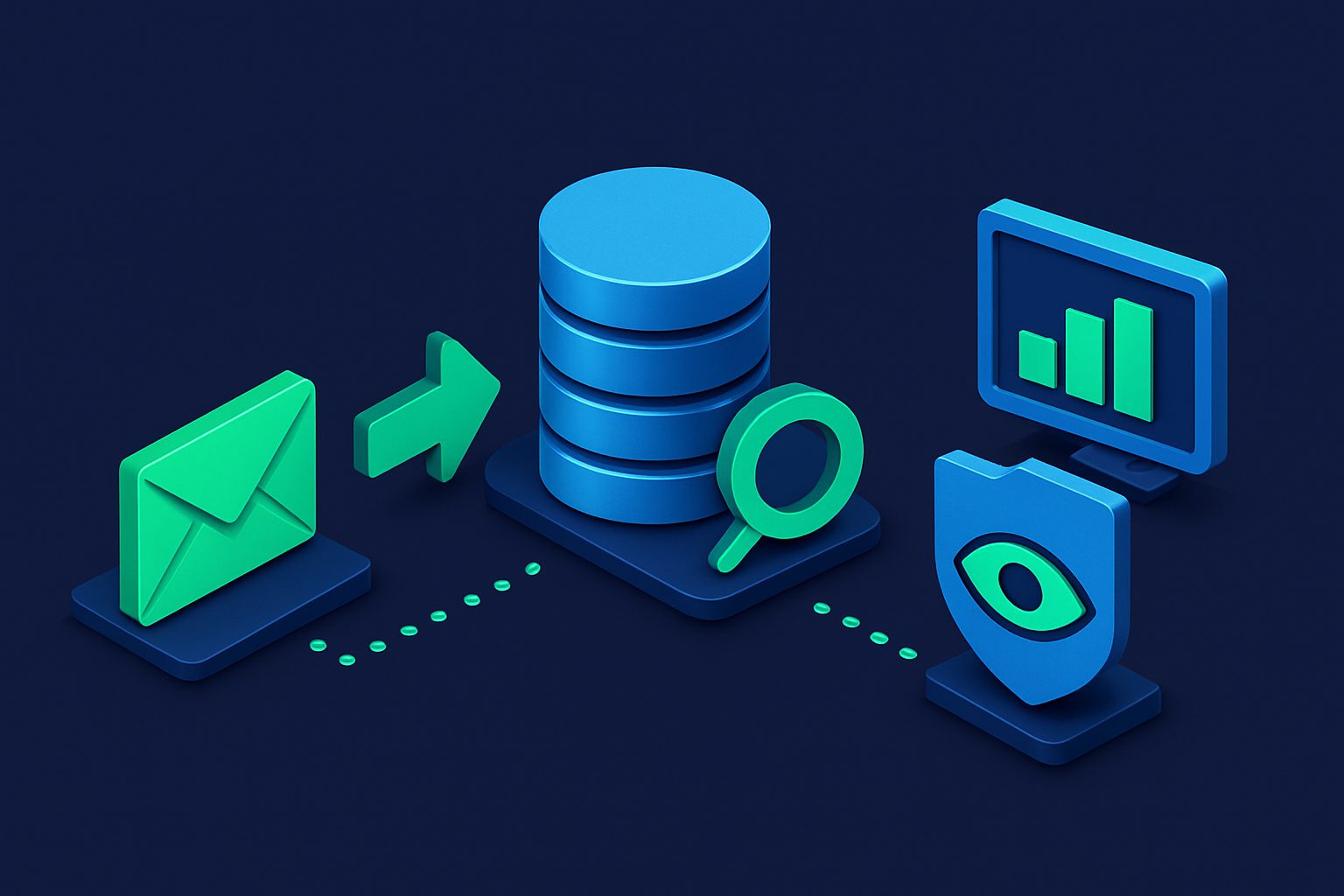
You find a new app that looks useful. Maybe it is a project management tool, a recipe site, or an online store. You click “Sign Up,” enter your name, email address, and a password, then hit submit. The whole interaction takes about thirty seconds.
In that half-minute, you have set something in motion that will continue for years, possibly decades, after you forget the service ever existed. Your data does not stay in one place. It moves, copies, and multiplies across systems you have never heard of, often in ways that even the company you signed up with cannot fully control.
This article traces the complete journey of your data from the moment you hit that Sign Up button. Understanding this journey is the first step toward making more informed decisions about where you share your information.
Step 1: You Enter Your Information
The signup form asks for the basics: an email address, a name, and a password. Some services ask for more—phone number, date of birth, physical address—but email is almost always required. It serves as both your unique identifier and the primary communication channel.
What most people do not consider at this point is that your email address is not just a way to contact you. It is a universal key that connects your activity across the entire internet. Data brokers, advertisers, and analytics platforms use email addresses (often hashed, but still linkable) to match your behavior across different services. The email you enter on a recipe site can be correlated with your account on a shopping platform, a social network, and a news site.
Your email address is, in practical terms, your digital fingerprint.
Step 2: Stored in Their Database
Once you submit the form, your data is written to the company’s database. Your password should be hashed using an algorithm like bcrypt or Argon2, meaning the company stores a mathematical derivation of your password rather than the password itself. In a well-designed system, even the company’s engineers cannot see your actual password.
However, your email and name are stored in plain text. They have to be—the company needs to send you emails and display your name in the interface. This means that anyone who gains access to the database (an employee, a contractor, or an attacker) can see this information directly.
The security of this database varies enormously between companies. Large tech companies invest millions in database security. A small startup might store your data on a server with default credentials and no encryption at rest. You have almost no way to evaluate this from the outside, which is why you should assume every database will eventually be compromised.
Step 3: Shared with Analytics Platforms
Before you even finish the signup process, data about your visit has likely been sent to one or more analytics platforms. Google Analytics, Mixpanel, Amplitude, Segment, Heap—these tools track your behavior on the website: which pages you visited, how long you stayed, what you clicked, and whether you completed the signup.
In many implementations, your email address is sent to these platforms as an identifier, either directly or as a hashed value. This allows the company to track your journey from anonymous visitor to registered user. It also means your email address now exists in the databases of these third-party analytics companies, subject to their own privacy policies and data retention practices.
Most users never think about this layer. You signed up for one service, but your data now lives in three or four company databases.
Step 4: Shared with Marketing Partners
Check the privacy policy of almost any online service and you will find a section about “sharing data with partners.” The language is typically vague: “We may share your information with trusted partners to provide you with relevant offers and services.”
In practice, this means your email address and associated profile data (name, location, interests inferred from your behavior) are shared with marketing platforms, affiliate networks, and sometimes directly with other companies. This sharing is technically legal because you agreed to the privacy policy when you signed up. In practice, almost nobody reads these policies, and the sharing is rarely limited to what a reasonable person would expect.
This is the step where your data begins to escape the original context. You signed up for a cooking app, and now a travel company has your email address because both companies use the same marketing platform that facilitates “audience sharing.”
Step 5: Shared with Ad Networks
Ad networks like Google Ads, Meta (Facebook) Ads, and programmatic advertising platforms operate on data. Your email address, hashed and uploaded as part of a “custom audience,” allows advertisers to target you specifically across the web. The company you signed up with can upload their user list to Facebook, and now Facebook knows that you are a user of that service—information that enriches your advertising profile.
This data flows both ways. The ad network uses your email to match you with data from other sources: your browsing history, your purchase behavior, your location data from mobile apps. Your single signup has now contributed a data point to a profile that spans hundreds of services and years of activity.
Step 6: Data Broker Databases
Data brokers are companies whose entire business model is collecting, aggregating, and selling personal information. Companies like Acxiom, Oracle Data Cloud, and LiveRamp maintain profiles on hundreds of millions of people, built from thousands of sources including the marketing partners and ad networks described above.
Your email address, linked to your name and behavioral data, eventually finds its way into these databases. From there, it is sold to anyone willing to pay: marketers, insurers, employers, landlords, political campaigns, and private investigators. The data broker industry generates over $200 billion in annual revenue, and your personal information is the product.
You did not agree to this directly. But the chain of agreements—you agreed to the service’s privacy policy, which allowed sharing with partners, who shared with ad networks, who shared with data brokers—creates a legal pathway for your data to reach places you never intended.
Step 7: The Breach
Not every company will be breached, but enough of them will that it is a statistical certainty for any active internet user. The website Have I Been Pwned tracks over 14 billion compromised accounts from more than 800 data breaches. If you have used the internet for more than a few years, your email address has almost certainly appeared in at least one breach.
When a breach occurs, your data—email, name, hashed password, and whatever else the company stored—is typically sold on dark web marketplaces. Buyers use this data for credential stuffing (trying your email and password combination on other services), phishing attacks (sending convincing emails that reference the breached service), and identity theft.
The breach is often discovered months or years after it occurs. By the time you receive the notification email, your data has already been traded, copied, and used in ways that are impossible to fully trace or undo.
After You Delete Your Account
Suppose you decide to delete your account. You find the option buried in the settings (if it exists at all), confirm the deletion, and assume your data is gone. It is not.
Most companies retain backup copies of their databases for weeks, months, or years. Your data exists in those backups even after it is deleted from the live system. Analytics platforms retain their copy of your data according to their own retention policies, which are typically much longer than you would expect. Marketing partners and ad networks have already incorporated your data into their models. Data brokers have no reason to delete data they have already purchased.
GDPR and similar regulations give you the right to request deletion, but enforcement is inconsistent and the practical reality is that copies of your data persist across systems that the original company does not control.
The Power of Compartmentalization
Reading all of this, it might seem like the situation is hopeless. Your data will leak, propagate, and persist no matter what you do. That is partly true—using the internet requires sharing some information. But you can dramatically limit the damage by changing one thing: stop using the same email address everywhere.
When you use a unique email alias for each service, the chain described above still happens, but each chain is isolated. The cooking app shares data with its marketing partners, but the alias used there is different from the one used for your banking app. A data broker cannot easily link the two profiles. If the cooking app is breached, the exposed email address is not the one you use for anything else, making credential stuffing useless and phishing attempts easy to identify.
This is compartmentalization: instead of one identity that spans the entire internet, you create separate identities for separate contexts. Each alias is a firewall that prevents data from one service from contaminating another.
Cleanbox makes this practical by letting you create a unique alias for every service. Each alias forwards to your real inbox, so you do not need multiple mailboxes. If an alias starts receiving spam or appears in a breach, you disable it without affecting any other service. The isolation is built into the architecture.
Practical Steps You Can Take Today
Even without changing your current email setup, you can take immediate steps to limit data propagation:
- Use unique passwords for every service. A password manager makes this effortless. If a breach exposes your password on one service, it does not compromise any others.
- Read the data sharing section of privacy policies. You do not need to read the entire document. Search for “share,” “third party,” and “partner.” This gives you a quick sense of how aggressively the company monetizes your data.
- Check Have I Been Pwned regularly. Enter your email addresses at haveibeenpwned.com to see which breaches have exposed your data. This is a free service run by security researcher Troy Hunt.
- Use aliases for new signups. Even if you keep your existing accounts as they are, start using a unique alias for every new service you sign up for. The isolation compounds over time.
- Periodically delete accounts you no longer use. Every dormant account is a breach waiting to happen. If you have not used a service in a year, delete the account.
For a deeper look at the economic side of this equation, our article on the real cost of free email explores how free services monetize your data and what alternatives exist.
Your Data Is a Trail, Not a Snapshot
The most important mental model shift is understanding that your data is not a static thing you hand over once. It is a trail that grows longer with every service you use, every account you create, and every year that passes. Each new signup extends the trail and creates new connections between existing data points.
You cannot erase the trail entirely. But you can make it harder to follow by using compartmentalization, limiting what you share, and making deliberate choices about which services deserve access to your real information. The thirty seconds it takes to create an alias is an investment in a future where your data works for you rather than against you.
Ready to take control of your inbox?
Start protecting your email with Cleanbox — free plan available, no credit card required.
Get started free