
Why We Created Shield: Your Inbox Should Respect Your Schedule
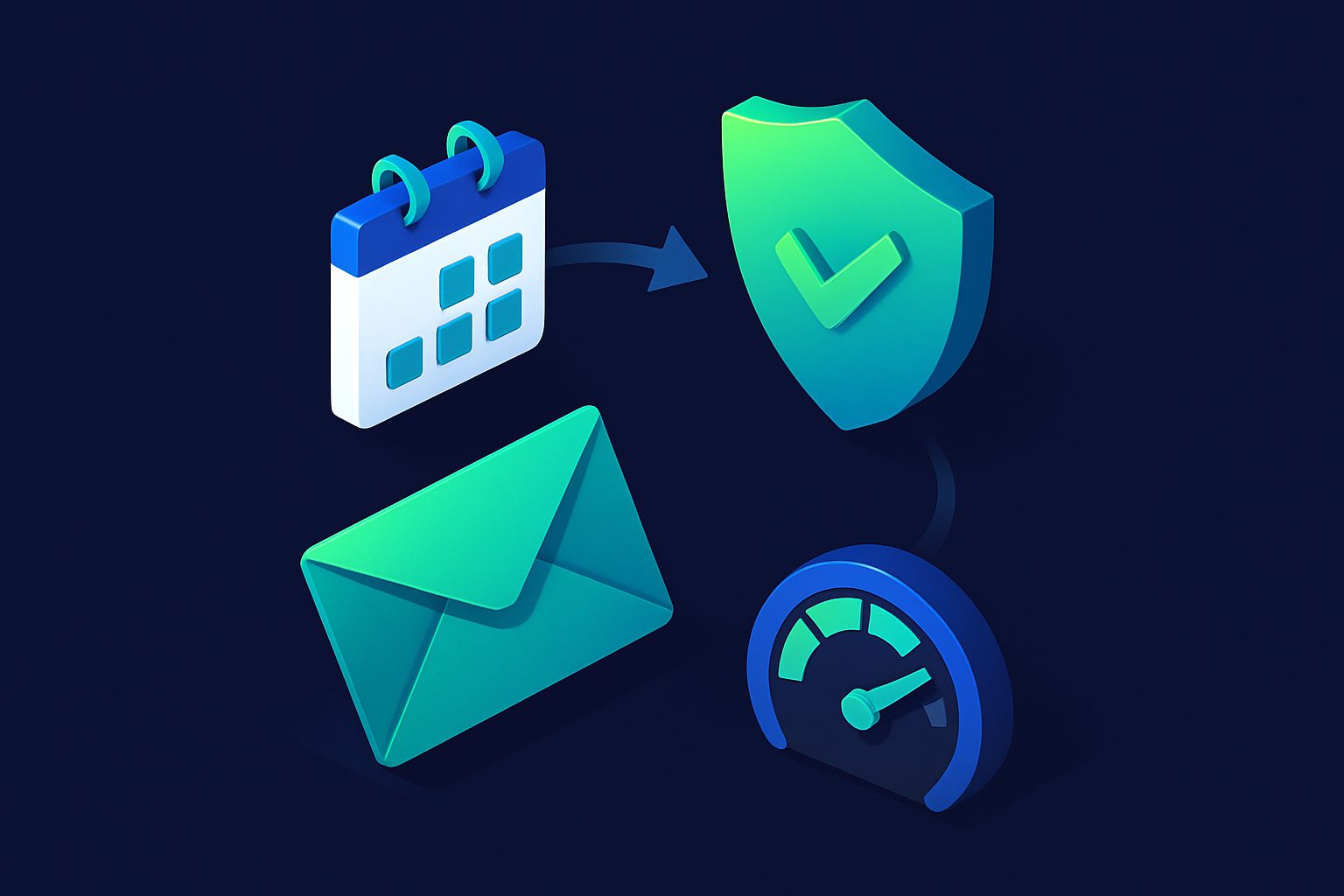
The idea for Shield came from a simple frustration: email does not respect boundaries.
You set up an alias for a service, and suddenly you are getting 15 emails a day from them. You share a contact address on your website, and within a week random senders are flooding it. You try to disconnect from work in the evening, but your work alias keeps pinging.
Spam filters catch unwanted email. But what about wanted email that arrives at the wrong time or in the wrong volume?
The three features
Rate Limiter: "5 emails per day, max"
Some senders are legitimate but noisy. A service that sends 10 notifications per day when you only need 2 is not spam — it is just too much. The rate limiter caps how many emails a specific contact can deliver per time window (hour, day, week, month, or year). Excess emails are silently rejected.
We debated whether to queue excess emails or reject them. We chose reject, because queueing would mean a flood of old messages when the window resets. If a sender sends 50 emails in a day and your limit is 5, you want the first 5, not all 50 delivered the next morning.
Delivery Snoozer: "Not before 8 AM"
This was the feature that started it all. The scenario: you have a work alias and a personal alias. Work email should arrive Monday through Friday, 8 AM to 6 PM. Personal email can arrive anytime. But both forward to the same inbox.
The snoozer holds messages arriving outside your delivery window and releases them when the window opens. Set a work alias to Mon-Fri 08:00-18:00 and your evenings and weekends are genuinely email-free — without missing anything. Messages queue up and arrive first thing Monday morning.
We added timezone support early because a delivery window is meaningless without it. If you are in Amsterdam and your window is 08:00-18:00, that should be Amsterdam time, not UTC. Timezone configuration was a non-negotiable requirement.
Gatekeeper: "Approved senders only"
For maximum-security aliases, Gatekeeper enables whitelist-only mode. Only contacts you have explicitly approved can email the alias. Everyone else is automatically rejected. Zero noise, zero spam, zero unexpected senders.
This is particularly useful for aliases used in sensitive contexts: a personal alias shared only with close contacts, a business alias for a specific client, or a high-value address that should never receive unsolicited email.
Contact states interact with Shield
We designed contact states to interact with Shield logically:
- Whitelisted contacts bypass the gatekeeper and rate limiter (they are trusted)
- Prioritized contacts bypass the gatekeeper, rate limiter, and snoozer (they are VIP — always delivered immediately)
- Blocked contacts are rejected before Shield even evaluates
This means your VIP client can still reach you at 2 AM even if the snoozer is active. Your boss can bypass rate limits. But random senders cannot.
Ready to take control of your inbox?
Start protecting your email with Cleanbox — free plan available, no credit card required.
Get started free