
How Our Cloud Feature Prevents You from Losing That Important Document
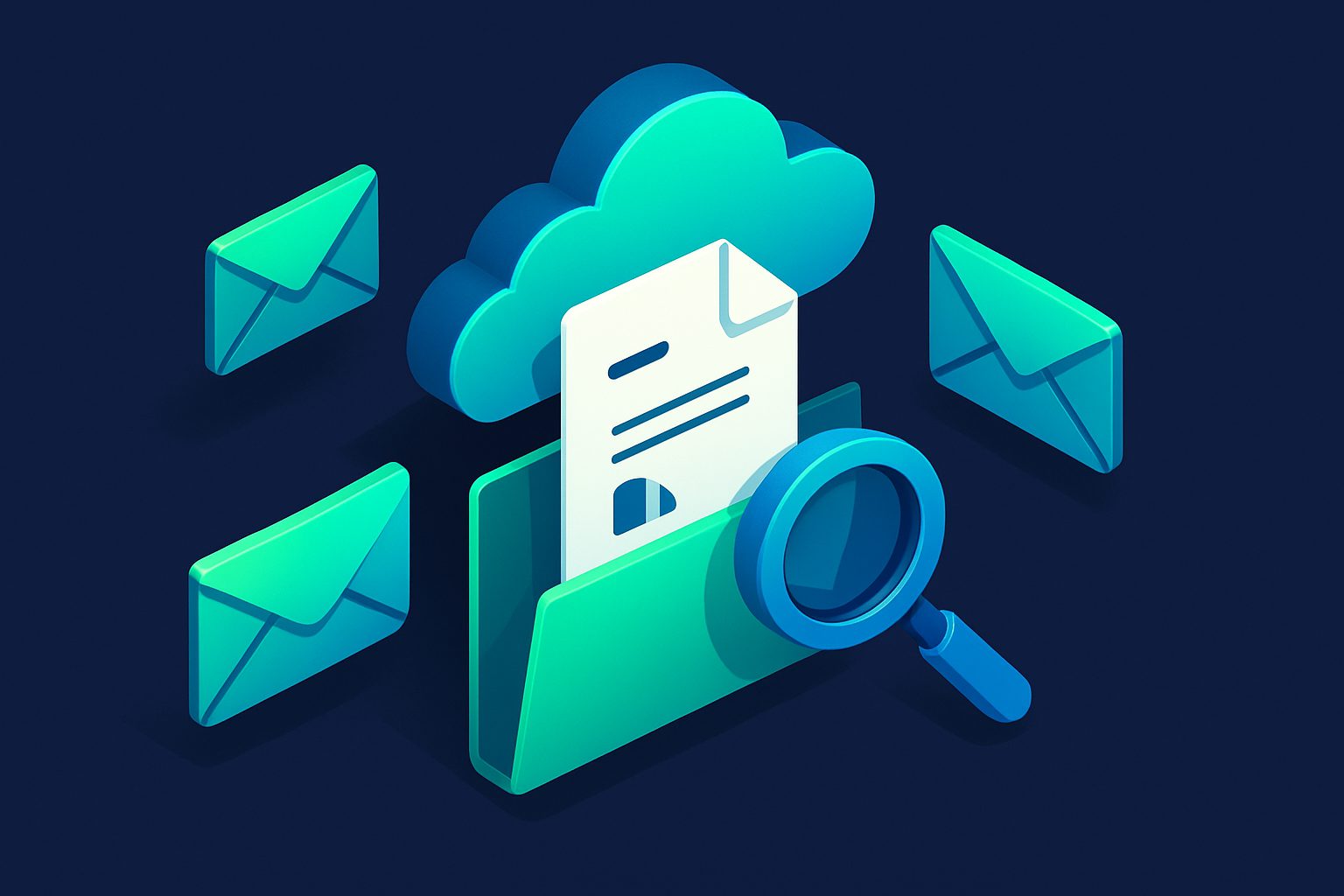
We built Cloud because of a real problem. A user lost access to an important invoice PDF because their email provider had purged old messages. The email was gone. The attachment was gone. The only copy had been sitting in their inbox, and now it was not.
Email was never designed to be a document storage system. But that is exactly how most people use it.
The problem
Think about how many important documents arrive as email attachments:
- Invoices and receipts from vendors
- Contracts and agreements
- Tax documents and financial statements
- Insurance policies and medical records
- Travel confirmations and boarding passes
- Photos and files shared by colleagues
These documents are buried in your inbox, mixed with thousands of other emails. When you need one, you search, scroll, and hope it has not been deleted or expired. If you switched email providers, moved to a new account, or your provider had a retention policy — the attachment may simply be gone.
How Cloud works
When Cleanbox delivers an email with attachments, the Cloud feature automatically:
- Extracts every attachment from the email
- Stores it securely in encrypted cloud storage (encrypted at rest)
- Organizes it by sender contact
No manual downloads. No "save to Drive" button. Every attachment is captured the moment the email arrives.
Organized by sender
The Cloud dashboard shows your contacts with stored files. Click a contact and you see all their attachments in one place. Every invoice from your accountant, every contract from a client, every receipt from Amazon — grouped by who sent them.
This is fundamentally different from a folder of random downloaded files. Context is preserved: you know who sent each file and when.
Per-contact control
Not every contact's attachments are worth keeping. Marketing emails with banner images, social media notifications with tiny logos — these are noise. Cloud lets you enable or disable storage per contact. Keep invoices from your accountant, skip promotional images from newsletters.
Independent of message retention
This is the key difference from just reading attachments in the message preview. Message retention is limited by your plan (7 to 365 days). After that, the raw email is deleted and attachments in the email are gone.
Cloud storage is independent. Files stay until you manually delete them or reach your plan's storage quota (1 GB to 200 GB depending on plan). That invoice from 6 months ago? Still there, even if the email itself has expired.
Ready to take control of your inbox?
Start protecting your email with Cleanbox — free plan available, no credit card required.
Get started free