How to Keep Your Email Secure While Traveling
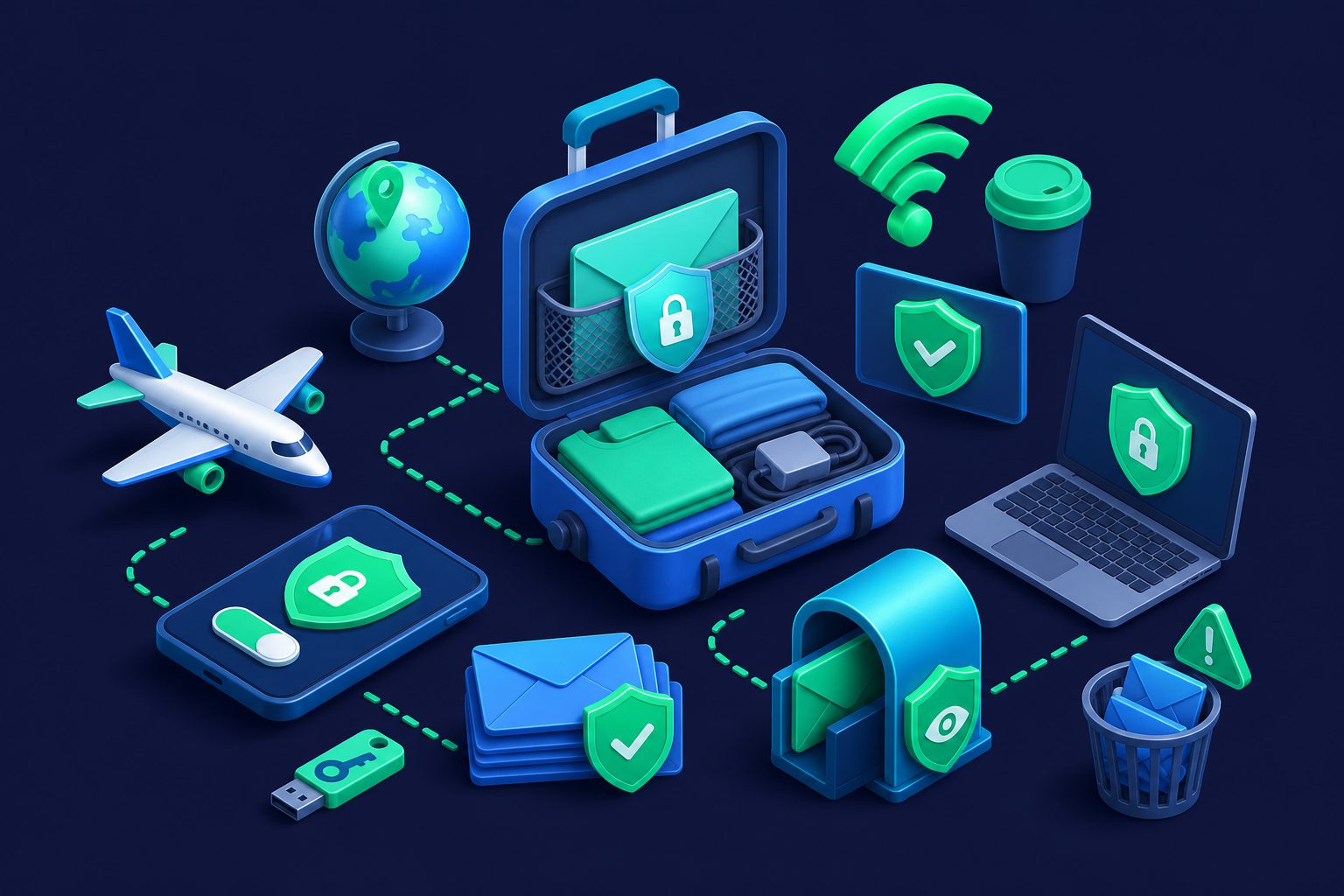
At home, your email runs through trusted networks on familiar devices. When you travel, every assumption changes. You connect through hotel Wi-Fi that logs traffic. You check email on airport networks shared with thousands of strangers. You might lose a phone or have a laptop stolen from a hotel room.
Most email security advice ignores travel entirely. But travel is exactly when your email is most exposed. Here is what actually matters and what you can do about it.
The risks you face while traveling
Public Wi-Fi interception
Hotel, airport, and cafe Wi-Fi networks are the most common threat vector for travelers. On an open or shared network, an attacker can:
- Monitor unencrypted traffic: Any connection not using TLS (HTTPS) can be read by anyone on the same network.
- Run man-in-the-middle attacks: Sophisticated attackers can intercept even encrypted connections by spoofing certificate authorities or exploiting downgrade attacks.
- Set up evil twin networks: A Wi-Fi network named “Hilton_Guest_WiFi” in the lobby is not necessarily the hotel’s real network.
Modern email connections use TLS, which protects the content of your messages in transit. But TLS does not protect metadata (who you email, when, from where), and not every email provider enforces TLS on every connection. If your email client falls back to an unencrypted connection on a hostile network, your credentials and messages are exposed.
Device theft and loss
A stolen laptop or phone that is logged into your email gives the thief access to every message, every contact, and every account that uses that email for password resets. This is not hypothetical — device theft targeting travelers is a known problem in every major tourist destination.
The damage depends on what is cached locally. Email apps that sync messages offline store your entire inbox on the device. If the device is not encrypted or uses a weak passcode, those messages are readable without your credentials.
Shared and public computers
Hotel business centers, library computers, and airport kiosks should be treated as compromised by default. Keystroke loggers (hardware or software), browser session hijacking, and cached credentials are all real risks on machines you do not control.
SIM-based attacks
If you use SMS for two-factor authentication on your email, traveling internationally creates additional risks. SIM swapping is easier in some countries with less stringent carrier verification. Some carriers have poor roaming security. And if you switch to a local SIM for data, your original number is temporarily unreachable — which means SMS-based 2FA and recovery codes will not work.
Before you travel
Most travel email security is about preparation, not reaction. Here is what to do before you leave:
Enable strong two-factor authentication
Switch from SMS-based 2FA to an authenticator app (TOTP) or hardware security key (WebAuthn/FIDO2). These work without a phone signal and are not vulnerable to SIM swapping. If your email provider supports hardware keys, this is the single most effective security measure you can take.
Generate backup codes
If you lose your 2FA device while traveling, backup codes are your only way back into your accounts. Print them (yes, on paper) and store them separately from your devices — in a different bag, a hotel safe, or with a trusted travel companion.
Update and encrypt your devices
Before traveling:
- Update your operating system and email apps to the latest versions (patches close known vulnerabilities)
- Enable full-disk encryption (FileVault on Mac, BitLocker on Windows, default on modern iOS and Android)
- Set a strong passcode — at least 6 digits, ideally alphanumeric. Biometrics are convenient but can be compelled at borders
- Enable remote wipe capability (Find My iPhone, Find My Device on Android)
Reduce what is on your devices
The less email data on your device, the less can be compromised:
- Reduce your email app’s sync window (last 7 days instead of all messages)
- Remove accounts you will not need while traveling
- Log out of email on secondary devices you are leaving at home
- Consider using a travel-only device with minimal accounts configured
Set up email aliases for travel
Create dedicated email aliases for travel-related services: hotel bookings, airline confirmations, car rentals, tour bookings. Use these aliases instead of your primary email. Benefits:
- If a hotel’s booking system is compromised, only the travel alias is exposed, not your main address
- You can disable the travel alias after your trip, cutting off any future spam or phishing
- Booking confirmations are compartmentalized and easy to find
During your trip
Use a VPN (but understand its limits)
A VPN encrypts traffic between your device and the VPN server, protecting you from eavesdropping on the local network. This is genuinely useful on public Wi-Fi. But a VPN does not:
- Protect you if your device is compromised
- Encrypt email end-to-end (it only protects the network hop between you and the VPN)
- Prevent your email provider from seeing your messages
- Protect against phishing or spam
Use a VPN on every public network, but do not treat it as complete protection. For more on what VPNs actually do for email, see Does a VPN Protect Your Email?
Avoid public computers for email
Do not log into email on any computer you do not own. Hotel business centers, library computers, and shared workstations should be completely off limits for email access. If you absolutely must use a shared computer, use a private browsing window, manually log out when done, and change your password from a trusted device as soon as possible.
Pause non-essential email
You do not need to receive every newsletter and marketing email while traveling on a limited data connection over untrusted networks. Reducing your email volume while traveling reduces your attack surface:
- Mute or temporarily disable aliases used for newsletters and non-critical services
- Use delivery scheduling to queue non-urgent email and review it when you are back on a trusted network
- Set up out-of-office responses for work email to reduce incoming volume
Watch for targeted phishing
Travelers are prime phishing targets. Common travel-specific phishing:
- “Your flight has been changed” emails with malicious links (especially during actual travel disruptions)
- Fake hotel Wi-Fi login pages that harvest credentials
- “Suspicious login detected” alerts that are themselves phishing (verify by going directly to your provider’s website, not through the email link)
- Fake booking confirmations impersonating airlines or hotels you actually use
These attacks are more convincing when you are actually traveling because the context matches. Stay skeptical of any email that asks you to click a link or enter credentials, even if it looks legitimate. For more on recognizing phishing, see How to Report Phishing Emails.
After your trip
Review and rotate
When you return to trusted networks:
- Review active sessions on your email accounts and terminate any you do not recognize
- Change passwords for any account you accessed on a network you do not trust
- Disable or delete travel-specific aliases you no longer need
- Check your email for any suspicious activity that happened while you were traveling
- Review quarantined messages that accumulated during your trip
Check for compromised accounts
If you accessed email on public Wi-Fi without a VPN, or if a device was lost or stolen, assume your credentials may be compromised. Change passwords, review account recovery settings, and check for unauthorized forwarding rules that an attacker might have created.
How Cleanbox helps with travel security
Several Cleanbox features are particularly useful for travelers:
- Travel aliases: Create dedicated aliases for booking services. Give hotels and airlines a travel-specific alias, not your real address. Disable it after your trip to stop any follow-up spam or phishing.
- Shield delivery scheduling: Pause email delivery on non-essential aliases while you travel. Messages queue safely and arrive when you are back on trusted networks. Less email on untrusted Wi-Fi means less exposure.
- Shield Gatekeeper: Set travel aliases to only accept email from approved senders (your airline, your hotel). Everything else is held for review. This blocks phishing attempts targeting your travel arrangements.
- Spam filtering at the source: Cleanbox filters spam and phishing before they reach your inbox. This matters more on travel because you are more likely to encounter phishing that exploits your travel context — and Cleanbox catches it before you see it on a small phone screen in an unfamiliar environment.
- Quarantine review on return: Any borderline messages caught while you traveled are held in quarantine with full explanations. Review them when you are back, on your terms.
Travel does not have to mean choosing between staying connected and staying secure. The combination of dedicated aliases, delivery control, and pre-inbox filtering keeps your email protected regardless of the network you are on.
For more on protecting your email, see How to Check If Your Email Has Been Hacked and Email Aliasing Explained.
Ready to take control of your inbox?
Start protecting your email with Cleanbox — free plan available, no credit card required.
Get started free