
How to Reduce Your Digital Footprint in 2026
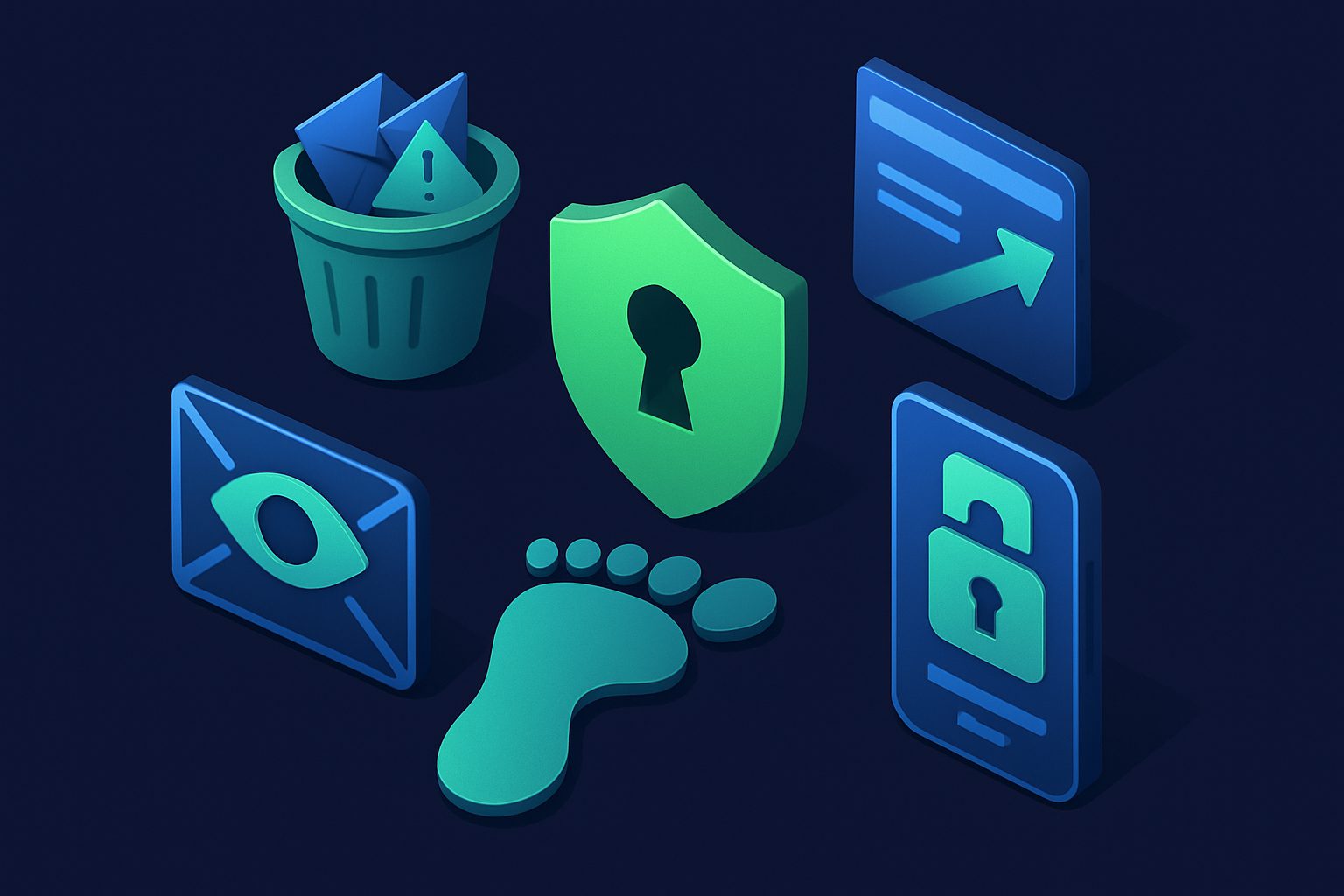
Every time you create an account, post on social media, accept cookies, or download an app, you leave a trace. Over years of internet use, these traces accumulate into a detailed profile: your name, email addresses, phone numbers, location history, purchasing habits, political leanings, health concerns, and much more. This is your digital footprint, and in 2026, it is larger and more accessible than ever.
The problem is not just targeted advertising (though that is annoying enough). Your digital footprint is the raw material for social engineering attacks, identity theft, credential stuffing, and corporate data mining. The more data that exists about you, the easier it is for someone — whether a scammer or a data broker — to piece together your identity and exploit it.
Reducing your digital footprint does not mean going off the grid. It means being intentional about what you share, where you share it, and how you manage the accounts and services that hold your data.
Understanding Your Digital Footprint
Active Footprint
Your active footprint is the data you deliberately create and share: social media posts, blog comments, forum accounts, online reviews, and the information you enter into registration forms. You have direct control over this, even if deleting it later can be difficult.
Passive Footprint
Your passive footprint is collected without your explicit action: cookies tracking your browsing, apps logging your location, advertising networks building profiles, and services sharing your data with third-party partners. This is harder to control because it often happens invisibly.
Both types contribute to the dossier that data brokers compile and sell. And both types can be reduced with deliberate effort.
Why Your Digital Footprint Matters
- Data brokers profit from your information. Companies like Spokeo, WhitePages, and PeopleFinder aggregate data from public records, social media, purchase history, and breaches. They sell this data to anyone willing to pay — including scammers. Our article on stopping data brokers covers this in detail.
- Social engineering becomes easier. The more an attacker knows about you, the more convincing their phishing emails and pretexting calls become. Your mother’s maiden name, your pet’s name, your high school — these are not just nostalgic facts, they are security question answers.
- Identity theft risk increases. A large footprint gives criminals more data points to impersonate you, open accounts in your name, or take over existing accounts.
- Targeted attacks use personal data. Spear phishing, SIM swapping, and business email compromise all rely on detailed knowledge of the target. A smaller footprint means less ammunition.
- You lose control of your narrative. Old posts, reviews, and profile information can be taken out of context. Employers, landlords, and others routinely search for people online.
Step 1: Audit Your Online Accounts
The first step is knowing what is out there. Most people have created far more accounts than they remember.
- Check your password manager. If you use one (and you should), it contains a list of every account you have saved credentials for. Sort by oldest first — you may find services you have not used in years.
- Search your email for “welcome,” “verify your email,” and “confirm your account.” These subject lines reveal the accounts you have created over the years.
- Check “Sign in with Google/Apple/Facebook” permissions. Visit your Google, Apple, and Facebook account settings to see which third-party apps you have authorized. Revoke access for any you no longer use.
- Use HaveIBeenPwned. Enter your email addresses at
haveibeenpwned.comto see which breaches they appear in. This also reveals which services had your data.
For a more thorough walkthrough of this process, see our guide to auditing your online accounts.
Step 2: Delete Accounts You No Longer Use
Every dormant account is a liability. It holds your personal data, it may have a weak or reused password, and if the service is breached, your information leaks. Go through the accounts you found in your audit and delete the ones you no longer need.
Some services make this easy. Others bury the option or require you to email support. For EU residents, GDPR gives you the right to request deletion — services must comply within 30 days. For stubborn accounts you cannot delete, at minimum change the email to a disposable alias, change the password to something random, and remove any personal information from the profile.
Step 3: Use Unique Email Aliases for Each Service
Your email address is the most common identifier across your online accounts. Using the same email everywhere creates a web of connections that data brokers, advertisers, and attackers can follow.
The solution is to use a unique email alias for each service. If the alias for an online store appears in a breach, the attacker learns nothing about your banking email, your social media email, or your real address. The breach is contained to that one alias.
Cleanbox makes this practical by letting you create unlimited aliases that forward to your real inbox. Each service gets its own address. If one is compromised or starts receiving spam, you disable that single alias without affecting anything else. It is one of the most effective ways to compartmentalize your digital identity.
Step 4: Opt Out of Data Brokers
Data broker sites aggregate your information from public records, social media, and purchased data. They make it available to anyone who searches for your name. The opt-out process varies by site but generally involves:
- Finding your profile on the data broker site
- Submitting an opt-out or removal request (usually through a form or email)
- Verifying the request (often via email)
- Waiting for processing (days to weeks)
Start with the largest brokers: Spokeo, WhitePages, PeopleFinder, BeenVerified, Intelius, and Radaris. Be aware that some brokers re-add your data over time, so this is not a one-time task. Paid services like DeleteMe or Privacy Duck can automate the ongoing removal process if you prefer not to do it manually.
Step 5: Review App Permissions
Applications on your phone and computer often request more permissions than they need. A flashlight app does not need access to your contacts. A weather app does not need your photo library.
- On iOS: Go to Settings → Privacy & Security. Review each category (Location Services, Contacts, Photos, Microphone, etc.) and revoke access for apps that do not need it.
- On Android: Go to Settings → Privacy → Permission Manager. Same process.
- On desktop: Check browser extensions (remove any you do not actively use), and review which apps have access to your Google, Microsoft, or Apple account.
Pay special attention to location permissions. Your location history is extraordinarily revealing and is frequently shared with advertising networks and data brokers.
Step 6: Use Privacy-Focused Tools
Your browser, search engine, and default settings have an outsized impact on your passive footprint:
- Browser. Firefox with strict tracking protection or Brave are solid privacy-focused choices. Safari on Apple devices also offers strong tracking prevention. Avoid Chrome if privacy is a priority — its business model depends on data collection.
- Search engine. DuckDuckGo, Startpage, or Brave Search do not build profiles based on your searches.
- DNS. Use a privacy-respecting DNS resolver like Quad9 (9.9.9.9) or Cloudflare (1.1.1.1) instead of your ISP’s default DNS, which may log and sell your browsing data.
- VPN. A reputable VPN hides your IP address from the sites you visit. Choose one with a verified no-logs policy and a strong track record. Avoid free VPNs — if you are not paying, you are the product.
- Ad and tracker blockers. uBlock Origin is the gold standard for browser-based blocking. On mobile, consider DNS-based blocking through apps like NextDNS.
Step 7: Minimize Social Media Exposure
Social media is the single largest source of voluntary data exposure for most people. Every post, like, comment, and share adds to your profile — both the public one and the hidden one that advertising platforms maintain.
- Review your privacy settings. Set profiles to private or friends-only where possible.
- Remove old posts. Many platforms let you bulk-delete or archive old posts. Facebook offers a “Manage Activity” tool; Twitter/X has third-party tools for bulk deletion.
- Limit personal details. Remove your phone number, birthday, address, workplace, and relationship status from public profiles.
- Be cautious with photos. Photos contain EXIF metadata (location, device, timestamp). Some platforms strip this on upload, but not all. Remove metadata before posting using tools like ExifTool.
- Think before tagging. Location tags, event check-ins, and tagging other people all expand both your footprint and theirs.
Step 8: Check HaveIBeenPwned Regularly
Troy Hunt’s haveibeenpwned.com is an essential tool. Enter your email addresses and phone numbers to see which breaches they appear in. Set up notifications to be alerted when your data appears in future breaches. When you find a breach:
- Change the password on the affected service immediately
- Change the password on any other service where you reused it (then stop reusing passwords)
- Enable 2FA if you have not already
- Consider whether the account is still needed — if not, delete it
Email: The Backbone of Your Digital Identity
Your email address connects your accounts, receives your password resets, holds your private conversations, and is the identifier that data brokers, advertisers, and attackers use to link your activity across services. It is the backbone of your digital identity.
This is precisely why email hygiene is central to footprint reduction. Using unique aliases per service, securing your email with strong 2FA, and being selective about which services get your real address are among the highest-impact steps you can take.
A Realistic Approach
You do not need to do everything at once. Start with the highest-impact steps:
- Enable a password manager and strong 2FA on your email accounts
- Delete the accounts you clearly do not need
- Start using unique aliases for new signups
- Opt out of the major data brokers
- Switch your browser and search engine
Then work through the remaining steps over weeks or months. The goal is not perfection — it is reducing the surface area available to advertisers and attackers. Every account you delete, every alias you use instead of your real email, and every permission you revoke is one less data point in someone else’s database.
Your digital footprint took years to build. Shrinking it is a process, not a project. But the payoff is real: less spam, fewer targeted ads, lower risk of identity theft, and the peace of mind that comes from knowing you are not an easy target.
Related guides
- Complete guide to deleting old online accounts — step-by-step walkthrough for the account cleanup process
- Email aliases vs Gmail plus addressing — why a real alias service is better than the + trick for compartmentalization
- Exporting your Cleanbox data — if you use Cleanbox, how to audit what data is stored about you
Ready to take control of your inbox?
Start protecting your email with Cleanbox — free plan available, no credit card required.
Get started free