
What Is Email Relay and How Does It Protect Your Business?
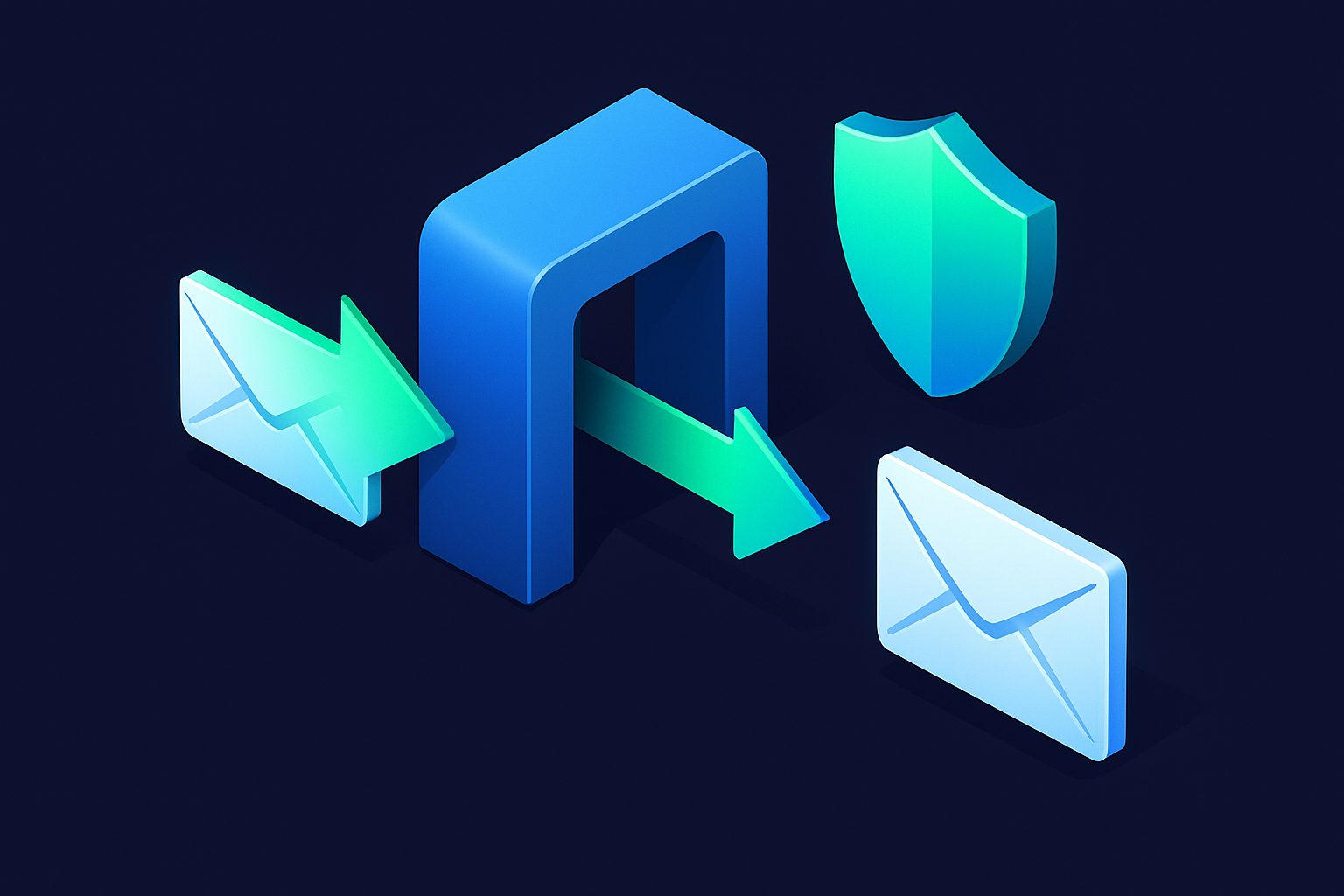
Email relay (also called an MX gateway or mail filtering proxy) is a service that processes your inbound email before it reaches your mail server. Think of it as a security checkpoint for every email entering your organization.
How email relay works
In a standard email setup, your domain's MX records point directly to your mail server via SMTP. Anyone on the internet can connect to it and attempt to deliver email.
With relay, your MX records point to the relay service instead. The flow becomes:
- Email arrives at the relay service (e.g., Cleanbox)
- Filtering occurs: spam scoring, virus scanning, IP blacklist checking, authentication verification, custom rules
- Clean email is forwarded to your actual mail server via SMTP
- Spam and threats are rejected before they ever reach your server
Your existing email addresses, your outbound email configuration (SPF, DKIM, DMARC), and your email client — none of these change. Relay only affects inbound delivery.
Relay vs aliases
People often confuse relay with email aliases. They solve different problems:
| Aliases | Relay | |
|---|---|---|
| Creates new addresses | Yes (alias@cleanbox.me) | No (protects existing addresses) |
| Hides real address | Yes | No (your address stays the same) |
| Requires MX change | No | Yes |
| Delivery method | IMAP (writes to mailbox) | SMTP (forwards to mail server) |
| Best for | Individuals hiding their real address | Businesses protecting existing infrastructure |
For a detailed technical comparison, see How Relay Email Processing Differs from Aliases.
What Cleanbox Relay filters
Cleanbox Relay applies the full protection stack to every inbound email:
- Spam scoring — Rspamd with Bayesian classification and crowd-sourced sender reputation. Per-address configurable thresholds with a quarantine zone for borderline messages.
- Virus scanning — ClamAV scans attachments and email content for known malware. Infected messages are rejected immediately.
- IP blacklist checking — The sender's IP is checked against Spamhaus, Barracuda, SpamCop, and other DNSBL providers.
- Authentication verification — Spam symbol rules can reject emails that fail SPF, DKIM, or DMARC checks.
- Custom filters — Your own filter rules based on sender, subject, body content, headers, or spam symbols.
- Shield protection — Rate limiting, delivery scheduling, and gatekeeper mode per relay address.
- Contact intelligence — Automatic sender categorization, contact states (whitelist, block, mute, prioritize).
When you need relay
- You run a business with existing email addresses that customers and partners already know
- You run your own mail server and want professional spam filtering without managing Rspamd or SpamAssassin yourself
- You run your own mail server (Postfix, Exchange) and want professional spam filtering without managing Rspamd/SpamAssassin yourself
- You need per-address spam control — strict filtering on public addresses, relaxed on internal ones
- You want virus scanning as an additional layer
Setting up relay
The setup takes about 15 minutes:
- Add and verify your domain in Cleanbox
- Configure relay with your mail server's SMTP host and port
- Register the addresses you want to protect
- Update your domain's MX records to point to Cleanbox
- Optionally configure the verification token on your mail server to prevent direct bypass
For the full walkthrough, see Setting Up Relay for Your Domain.
What about outbound email?
Relay is inbound-only. Your outbound email (emails you send) goes directly from your mail server to the recipient, using your existing SPF, DKIM, and DMARC configuration. Cleanbox does not touch outbound email and does not need to — outbound security is handled by your mail server and DNS records.
Cleanbox uses SRS (Sender Rewriting Scheme) for the envelope sender when forwarding to your server. This ensures SPF alignment is maintained even though the email passes through an intermediate server.
Ready to take control of your inbox?
Start protecting your email with Cleanbox — free plan available, no credit card required.
Get started free