
What Is an MX Relay and Why Your Domain Needs One
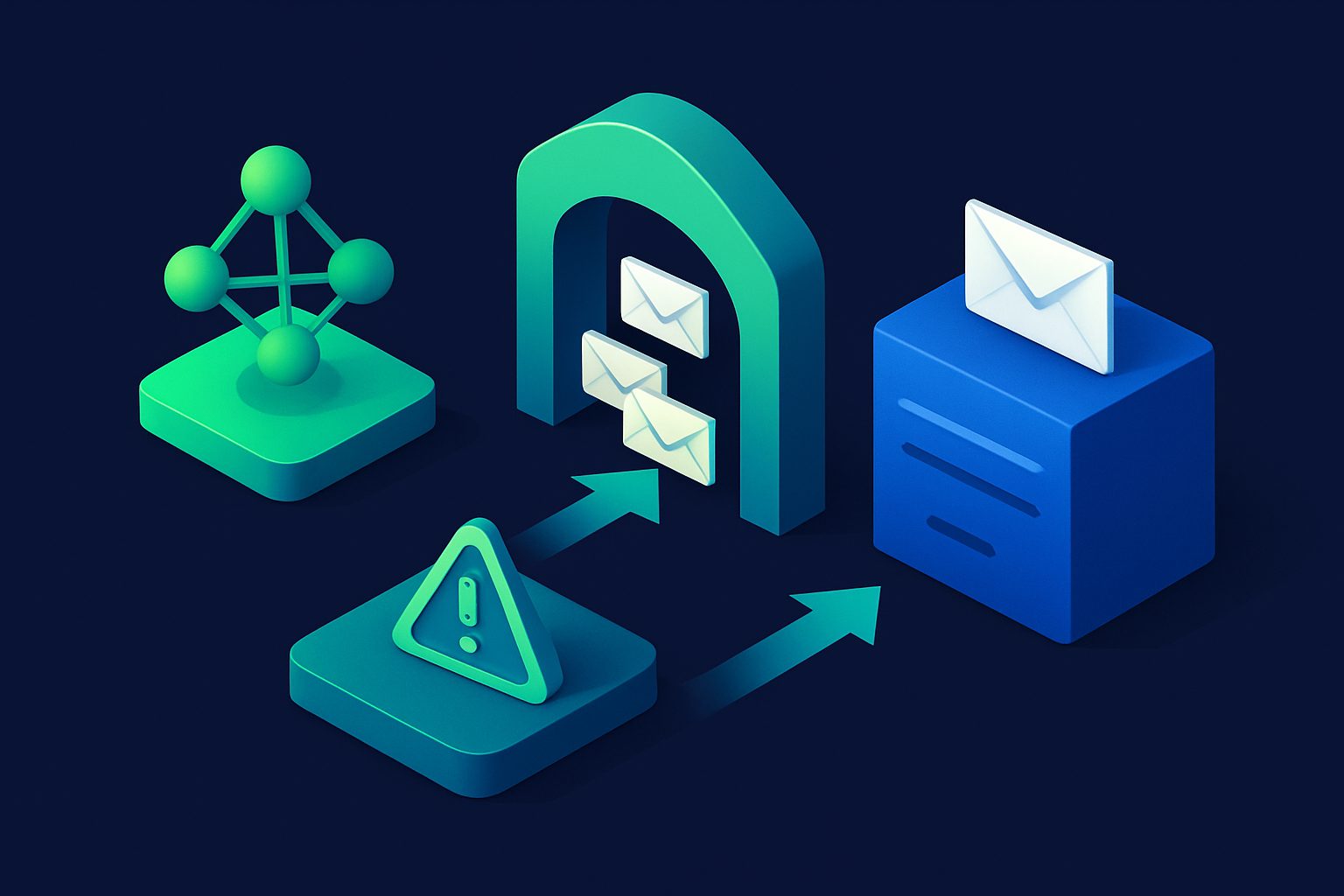
Your mail server has a public MX record. Every spammer, botnet, and phishing campaign on the internet can find it. They send directly to your server, and your server has to decide what to do with each message — accept it, reject it, or filter it.
An MX relay changes this dynamic. Instead of exposing your mail server to the entire internet, you put a filtering layer in front of it. All incoming email hits the relay first. The relay scans, scores, and filters every message. Only clean email gets forwarded to your actual mail server.
How an MX relay works
The concept is straightforward:
- Change your DNS. Your domain’s MX records point to the relay service instead of your mail server.
- Email arrives at the relay. Every incoming email for your domain is received by the relay’s SMTP servers first.
- The relay filters. Each email is scanned for spam, viruses, authentication failures (SPF, DKIM, DMARC), blacklisted IPs, and other threats.
- Clean email is forwarded. Messages that pass filtering are forwarded via SMTP to your actual mail server.
- Spam is quarantined or rejected. Bad messages never reach your server at all.
Your users notice nothing. They use the same email addresses, the same email client, the same server. The only difference is that their inbox is cleaner because an entire layer of protection sits in front of everything.
MX relay vs email forwarding
These terms are sometimes confused, but they solve different problems:
| MX relay | Email forwarding | |
|---|---|---|
| Purpose | Filter email for existing addresses | Create new forwarding addresses |
| Your addresses | Keep your existing addresses | New alias addresses |
| Mail server | Required (you run your own) | Not required (forwards to any inbox) |
| Filtering | Pre-delivery spam/virus scanning | Usually no filtering |
| Who uses it | Businesses, domain owners with mail servers | Individuals wanting privacy |
| DNS change | MX records point to relay | MX records point to forwarding service |
For a deeper comparison, see Email Relay vs Email Forwarding.
Why your domain needs an MX relay
Your mail server is not a spam filter
Most mail servers (Postfix, Exchange, Zimbra, etc.) include basic spam filtering. But spam detection is a specialized problem that requires constantly updated rules, machine learning models, IP reputation databases, and real-time threat intelligence. Your mail server’s primary job is delivering and storing email — not running a security operation.
An MX relay is purpose-built for filtering. It uses dedicated spam engines (like Rspamd or SpamAssassin), virus scanners, DNSBL lookups, and authentication checks. Your mail server receives only the clean output.
Reduce server load
Depending on your domain’s visibility, 50-80% of incoming SMTP connections may be spam. Your mail server has to accept these connections, process the messages, run its basic filter, and either deliver or reject them. This consumes CPU, memory, disk I/O, and bandwidth.
An MX relay absorbs all of this traffic. Your mail server only handles legitimate messages, which dramatically reduces resource usage and improves performance for your users.
Protect against direct attacks
When your MX record points directly to your mail server, attackers can:
- Brute-force SMTP authentication to find valid credentials
- Exploit vulnerabilities in your mail server software
- Launch denial-of-service attacks against your SMTP port
- Harvest valid email addresses through SMTP VRFY/EXPN commands
An MX relay hides your mail server’s real IP address. Attackers hit the relay, which is hardened for internet-facing traffic. Your server only accepts connections from the relay’s known IPs.
Centralized policy enforcement
With an MX relay, you set filtering policies in one place that apply to all addresses on your domain:
- Reject email from specific countries or IP ranges
- Require SPF/DKIM/DMARC authentication for all incoming mail
- Quarantine suspicious messages for admin review
- Set spam score thresholds per address or department
- Block specific attachment types (executables, macros) domain-wide
Without a relay, each user manages their own spam settings in their email client, leading to inconsistent protection across your organization.
Who needs an MX relay?
An MX relay makes sense if you:
- Run your own mail server (Postfix, Exchange, Zimbra, hMailServer, etc.) and want better spam filtering than the server provides natively
- Host email on a custom domain and receive significant spam
- Want to protect your server’s IP from direct internet exposure
- Manage email for a team or business and need centralized spam policies
- Use a hosting provider’s built-in email (cPanel, Plesk) with weak spam filtering
If you use Gmail, Outlook, or another hosted email provider exclusively (no self-hosted server), you probably do not need an MX relay — your provider handles filtering. In that case, email aliases are a better fit for privacy protection.
What to look for in an MX relay service
Detection quality
The whole point is filtering. Look for services that use multiple detection methods:
- Spam scoring engines (Rspamd, SpamAssassin) with regularly updated rules
- DNSBL integration (Spamhaus, Barracuda, SpamCop) for IP reputation. For a comparison of DNSBL providers, see Top DNSBL Providers Compared.
- Authentication enforcement — SPF, DKIM, DMARC, and ARC validation
- Virus scanning (ClamAV or equivalent)
- AI or machine learning classification for content that rule-based engines miss
Reliability and uptime
If the relay goes down, your email stops flowing. Look for redundant MX servers (primary + backup), clear uptime SLAs, and a track record of reliability. Email is not a service you want single points of failure on.
TLS support
The relay should support TLS for both inbound connections (from senders) and outbound forwarding (to your server). Configurable TLS modes (opportunistic vs enforced) let you balance compatibility with security. For details on why TLS matters, see TLS Email Security Explained.
Transparent headers
Good relay services add informational headers to forwarded messages showing the spam score, authentication results, and filtering decisions. This helps you debug delivery issues and tune your thresholds. Look for headers like X-Spam-Score, X-Spam-Status, or provider-specific equivalents.
Per-address configuration
Different addresses on your domain may need different spam thresholds. Your CEO’s inbox should have stricter filtering than a public-facing info@ address that legitimately receives cold outreach. Per-address configuration lets you tune the relay without blanket policies.
How Cleanbox Relay works
Cleanbox Relay is an MX relay service designed for domain owners who want enterprise-grade filtering without enterprise complexity:
- Detection stack: Rspamd scoring, DNSBL checks (Spamhaus, Barracuda, SpamCop), SPF/DKIM/DMARC/ARC validation, ClamAV virus scanning, and AI classification
- Per-address thresholds: Set different spam score thresholds for each address on your domain
- Transparent headers: Every forwarded email includes
X-Cleanbox-SpamscoreandX-Cleanbox-Explanationheaders showing exactly why a message was scored the way it was - Redundant MX: Primary (
mx1.cleanbox.to) and backup (mx2.cleanbox.to) servers - TLS: Configurable per destination — STARTTLS, implicit TLS, or plain (for legacy servers)
- Setup: Point your MX records to Cleanbox, add your destination server, and email starts flowing through the filter within minutes
Relay is available on Advanced ($35/mo) and Enterprise ($100/mo) plans. For a step-by-step setup guide, see the Relay documentation.
Setting up an MX relay
The process is the same regardless of which relay service you use:
- Sign up for the relay service and add your domain
- Configure your destination — tell the relay where to forward clean email (your mail server’s hostname or IP)
- Update DNS. Change your domain’s MX records to point to the relay service. Remove or lower the priority of your server’s direct MX entry.
- Update SPF. Add the relay service’s sending IPs to your SPF record so forwarded messages pass authentication at your server
- Test. Send test emails and verify they arrive after passing through the relay. Check headers to confirm filtering is active.
- Restrict your server. Once the relay is working, configure your mail server to only accept SMTP connections from the relay’s IP addresses. This prevents attackers from bypassing the relay by connecting to your server directly.
For more on DNS configuration, see DNS for Email: Everything You Need to Know.
Ready to take control of your inbox?
Start protecting your email with Cleanbox — free plan available, no credit card required.
Get started free