
Email Encryption Explained: TLS vs PGP vs S/MIME
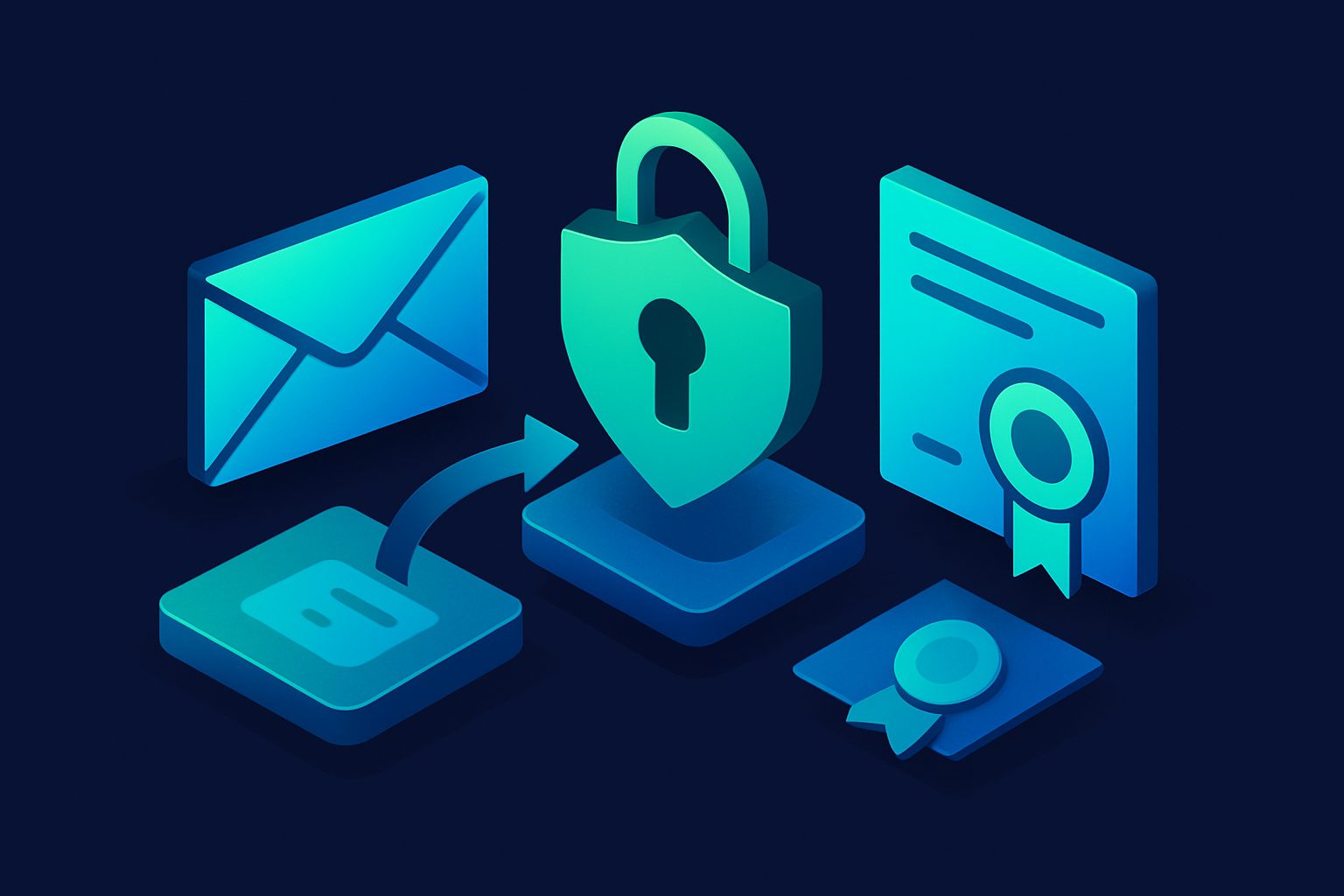
When someone says "encrypted email," they could mean three very different things. TLS encrypts the connection between servers. PGP encrypts the message content end-to-end. S/MIME does the same with X.509 certificates instead of key pairs.
Each solves a different problem. Using the wrong one (or none at all) leaves specific gaps in your email security. This guide explains all three, when to use each, and how they interact.
The three layers
| TLS | PGP | S/MIME | |
|---|---|---|---|
| What it encrypts | The connection (in transit) | The message content (at rest + in transit) | The message content (at rest + in transit) |
| Who can read it | Both email providers can read content | Only sender and recipient with keys | Only sender and recipient with certificates |
| Setup required | None (automatic between servers) | Both parties must exchange public keys | Both parties must have X.509 certificates |
| User experience | Invisible (happens automatically) | Manual (key management, encryption/decryption) | Semi-automatic (certificate-based, integrated in clients) |
| Metadata protection | In-transit only (servers see metadata) | None (headers are unencrypted) | None (headers are unencrypted) |
| Cost | Free | Free (keys are free) | $0-200/year per certificate |
| Adoption | ~95% of email traffic | Very low (<1%) | Low (mainly enterprise/government) |
TLS: encrypting the connection
TLS (Transport Layer Security) encrypts the SMTP connection between mail servers. When you send an email, TLS prevents anyone monitoring the network from reading the content in transit.
How it works
- Your email server connects to the recipient's server on port 25
- They negotiate TLS (via STARTTLS or implicit TLS)
- The email is transmitted over the encrypted connection
- At the other end, the email is decrypted and stored on the server
What TLS protects
- Network eavesdropping (ISP surveillance, public WiFi sniffing, government mass surveillance)
- Man-in-the-middle attacks on the connection
What TLS does NOT protect
- Email at rest: Both the sender's and recipient's email providers can read the content. Gmail, Outlook, Yahoo — they all have access to your unencrypted email on their servers.
- Metadata: Even with TLS, connection metadata (which server connected to which server) is visible to network observers.
- Between hops: If the email passes through a relay that does not support TLS, that hop is unencrypted. Opportunistic TLS means "try, but fall back to plain text if unavailable."
For more on TLS in Cleanbox, see The Importance of TLS Encryption in Email.
PGP: encrypting the message
PGP (Pretty Good Privacy) encrypts the email content itself. The message is encrypted on your device before leaving, and only decrypted on the recipient's device. No server in between can read it — not your email provider, not theirs, not any relay.
How it works
- Both parties generate a key pair (public key + private key)
- They exchange public keys (via keyserver, email, or in person)
- The sender encrypts the message with the recipient's public key
- Only the recipient's private key can decrypt it
- Optionally, the sender signs the message with their own private key (proves authorship)
What PGP protects
- Content at rest: The email is encrypted on every server it touches. Even if a server is compromised, the content is unreadable.
- Content in transit: Encrypted regardless of whether TLS is available.
- Provider access: Your email provider cannot read PGP-encrypted content. This is the key advantage over TLS.
What PGP does NOT protect
- Metadata: Subject line, sender, recipient, timestamps, and headers are all unencrypted. PGP only encrypts the body and attachments.
- Key management: If you lose your private key, encrypted emails are permanently unreadable. No recovery.
Why PGP adoption is low
PGP was invented in 1991 and has never achieved mainstream adoption because:
- Both parties must have PGP set up — you cannot encrypt to someone who does not have a public key
- Key management is complex (generating, exchanging, verifying, rotating, revoking)
- Most email clients do not support PGP natively (requires plugins like Mailvelope)
- Encrypted emails cannot be searched by the email provider (no server-side search)
- Forwarding encrypted emails requires re-encryption
S/MIME: the certificate-based alternative
S/MIME (Secure/Multipurpose Internet Mail Extensions) provides the same end-to-end encryption as PGP but uses X.509 certificates instead of PGP key pairs. It is more integrated into mainstream email clients.
Advantages over PGP
- Built into Outlook, Apple Mail, and Thunderbird natively (no plugins)
- Certificates can be issued by trusted Certificate Authorities (CA), providing identity verification
- Certificate management is more standardized than PGP key management
Disadvantages
- Certificates cost money ($0-200/year, free options exist but limited)
- Both parties still need certificates
- Certificate revocation and renewal adds administrative overhead
- Gmail webmail does not support S/MIME (only Google Workspace with specific plans)
Which one do you need?
| Scenario | Recommendation |
|---|---|
| Normal personal and business email | TLS only (automatic, sufficient for most use cases) |
| Sensitive business communication | TLS + S/MIME (end-to-end with managed certificates) |
| Journalist/whistleblower communication | TLS + PGP (maximum content protection, no CA trust required) |
| Government or regulatory compliance | TLS + S/MIME (auditable certificate chain, identity verification) |
| Privacy from your email provider | PGP or S/MIME (provider cannot read encrypted content) |
| Metadata privacy | None of the above (email metadata is inherently exposed — see What Your Email Metadata Reveals) |
How they interact with Cleanbox
Cleanbox operates at the transport layer:
- TLS: Cleanbox's SMTP server supports STARTTLS for inbound connections. Relay forwarding supports configurable TLS modes (STARTTLS, implicit TLS, or none). IMAP delivery uses TLS by default (port 993).
- PGP/S/MIME: If an email is PGP or S/MIME encrypted, Cleanbox processes it normally but cannot read the encrypted body content. Spam scanning analyzes the headers and unencrypted metadata. The Encrypted property is set on the message so you can identify and filter encrypted emails.
- AI classification: The AI classifier cannot analyze PGP/S/MIME encrypted content (it only sees the encrypted blob). Authentication checks (SPF, DKIM, DMARC) still work because they operate on headers, not body content.
The practical reality
For 99% of email users, TLS is sufficient. It is automatic, universal, and protects against the most common threat (network eavesdropping). The remaining 1% who need end-to-end encryption should evaluate PGP (for maximum privacy from providers) or S/MIME (for enterprise/compliance use cases).
The biggest practical improvement most people can make is not encryption — it is compartmentalization. Using email aliases to limit what each service knows about you, combined with TLS (automatic) and a VPN (for metadata protection), provides better real-world privacy than PGP for most threat models.
Ready to take control of your inbox?
Start protecting your email with Cleanbox — free plan available, no credit card required.
Get started free