
The Importance of TLS Encryption in Email: What You Need to Know
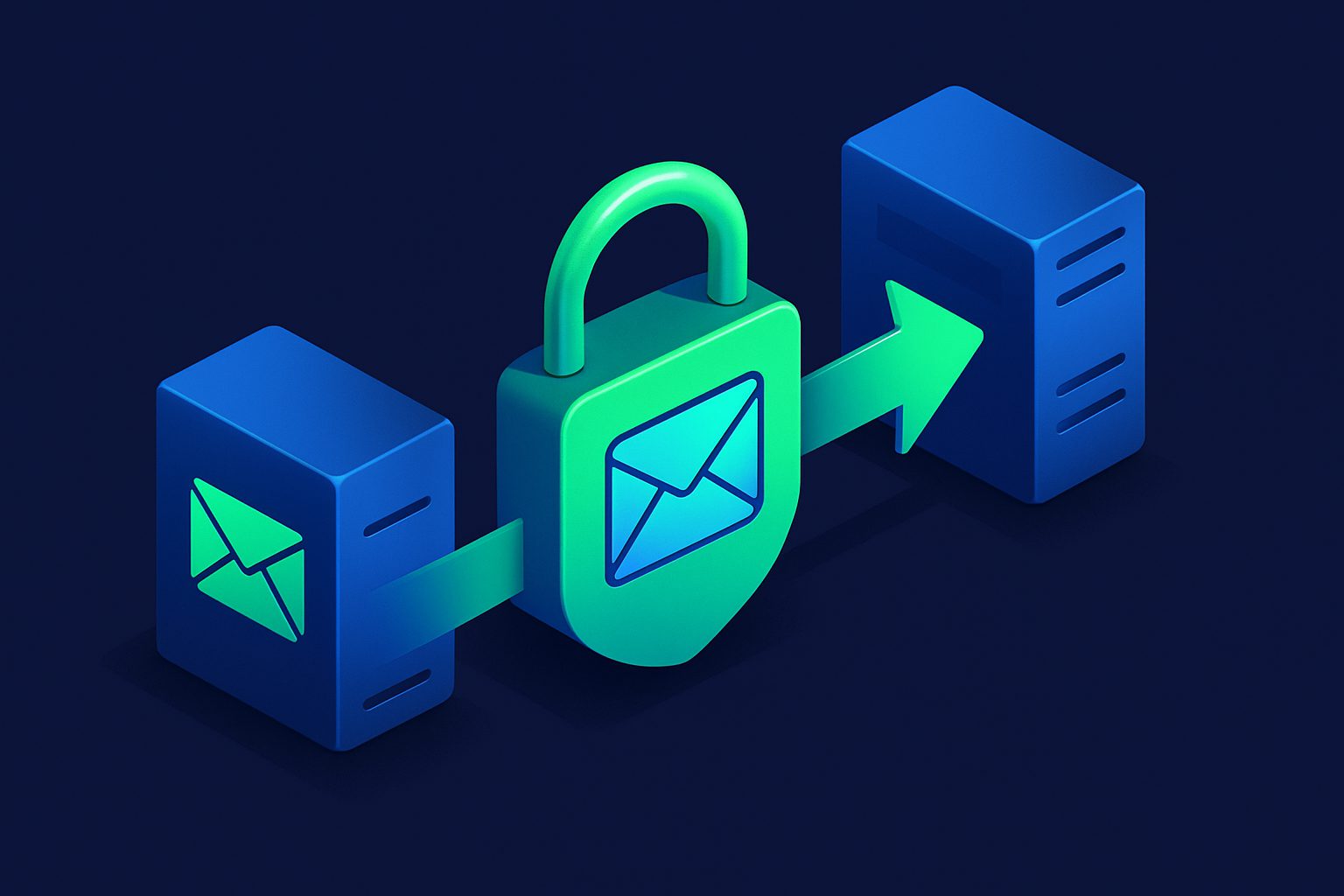
When you send an email, it does not travel directly from your computer to the recipient. It hops between multiple servers: your email client to your provider, your provider to the recipient's provider, and finally to the recipient's inbox. At each hop, the email can potentially be intercepted.
TLS (Transport Layer Security) encrypts these connections. But there is a catch: it only works if both sides of each hop support it.
How email TLS works
Email servers communicate using SMTP (Simple Mail Transfer Protocol). By default, SMTP transmits everything in plain text — anyone monitoring the network can read the email content, headers, and even authentication credentials.
TLS adds encryption on top of SMTP in two ways:
| Method | How it works | Port |
|---|---|---|
| STARTTLS | Connection starts unencrypted on the standard SMTP port. Both servers negotiate encryption before transferring data. If either side does not support TLS, the connection falls back to plain text. | 25 or 587 |
| Implicit TLS | Connection is encrypted from the very first byte. No fallback to plain text. If the server does not support TLS, the connection fails. | 465 |
Opportunistic vs enforced TLS
Most email servers use opportunistic TLS: they try to encrypt, but fall back to plain text if the other server does not support it. This means your email is encrypted most of the time, but not guaranteed.
Enforced TLS (also called mandatory TLS) refuses to send or receive email unless TLS is available. This guarantees encryption but may cause delivery failures if the other server does not support TLS.
In practice, the vast majority of email traffic between major providers (Gmail, Outlook, Yahoo) is now encrypted via opportunistic STARTTLS. Google's transparency report shows that over 90% of inbound and outbound Gmail traffic is encrypted in transit.
What TLS does and does not protect
| Protects against | Does NOT protect against |
|---|---|
| Network eavesdropping (man-in-the-middle) | Access by your email provider (they can read your email) |
| ISP surveillance of email content in transit | Access by the recipient's email provider |
| Passive interception on public WiFi | Legal requests (subpoenas, warrants) to the provider |
| Bulk surveillance of internet traffic | Compromise of either endpoint (your device or the recipient's) |
TLS encrypts email in transit, not at rest. Once the email arrives at the recipient's server, it is stored according to that server's policies. For true end-to-end encryption (where even the providers cannot read the content), you need PGP or S/MIME — which is impractical for most use cases.
TLS in Cleanbox
Cleanbox supports TLS at every connection point:
- Inbound SMTP: The Cleanbox SMTP server supports STARTTLS. Sending servers that support TLS will automatically negotiate an encrypted connection.
- Web interface and API: All web traffic uses HTTPS (TLS 1.2+). Unencrypted HTTP is redirected to HTTPS.
- Relay forwarding: When forwarding email to your mail server, you can configure the TLS mode per relay domain:
- STARTTLS (default) — Encrypts if your server supports it, falls back to plain text if not
- TLS — Enforced encryption from the first byte. Connection fails if your server does not support TLS.
- None — No encryption. Only use this if your mail server is on the same local network as Cleanbox (not recommended).
- IMAP delivery: Connections to your IMAP mailbox use TLS (port 993) by default.
What you should do
- If you run your own mail server: Ensure TLS is enabled and your certificate is valid. Use STARTTLS on port 25 for server-to-server, and implicit TLS on port 993 for IMAP.
- If you use a provider (Gmail, Outlook): TLS is already handled for you. Nothing to configure.
- If you use Cleanbox Relay: Set the TLS mode to STARTTLS (default) or TLS if your server requires it. Check the per-address relay settings.
Ready to take control of your inbox?
Start protecting your email with Cleanbox — free plan available, no credit card required.
Get started free