
What Happens to Your Email Before It Reaches Your Inbox?
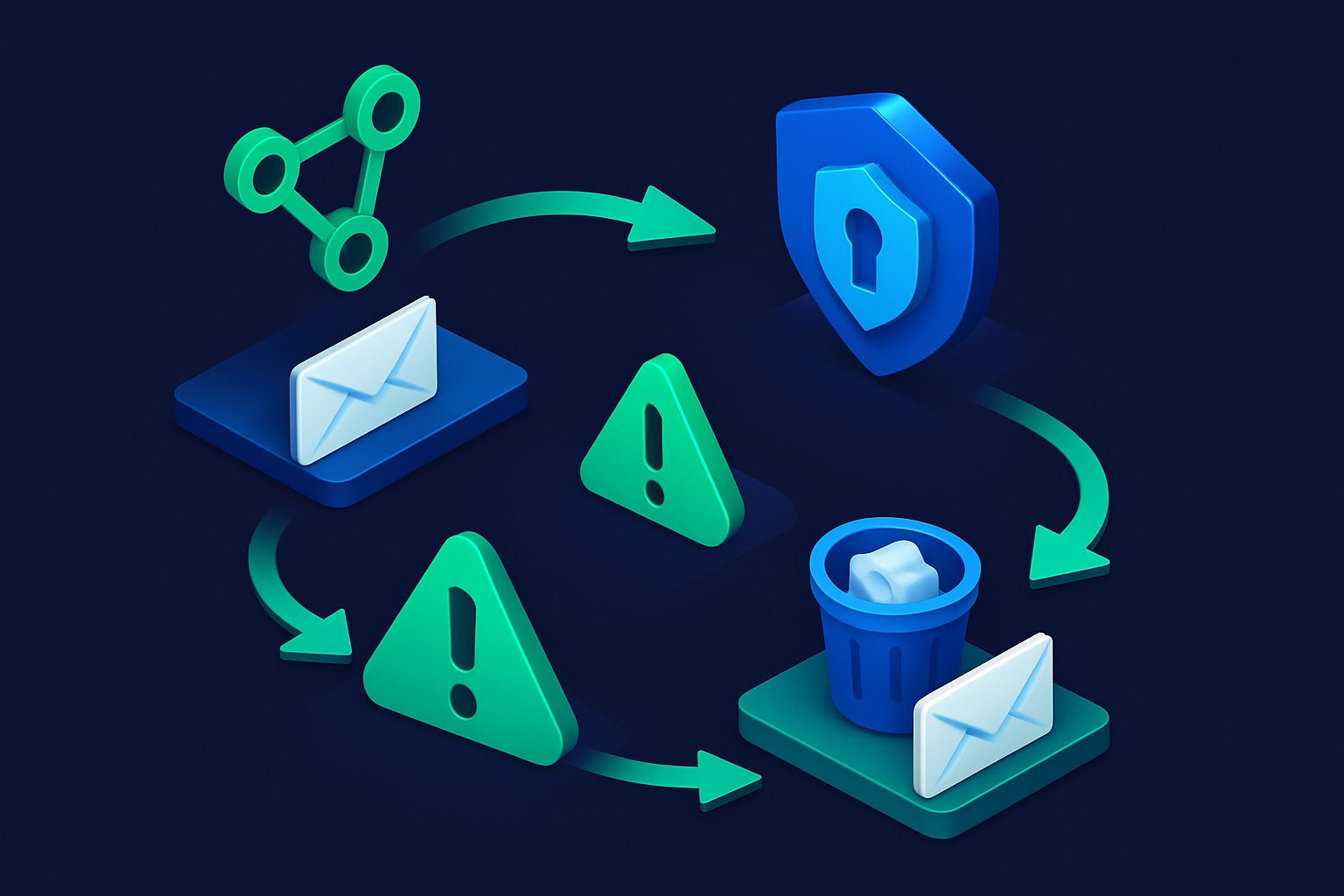
You receive an email. It appears in your inbox. It feels instant. But between the sender clicking "send" and the message appearing on your screen, that email traveled through a chain of servers, underwent authentication checks, was scanned for spam and viruses, evaluated against your personal rules, and finally placed in the right folder with the right flags.
This is the story of that journey.
Act 1: The sender clicks send
When someone sends you an email, their email client (Gmail, Outlook, Thunderbird) connects to their outgoing mail server via SMTP (Simple Mail Transfer Protocol). The email is handed off to that server, which is now responsible for delivery.
The sender's server looks up your domain's MX record in DNS to find out where to deliver the email. An MX record is like a postal address for email — it tells the world "deliver mail for this domain to that server."
$ dig MX cleanbox.me +short
10 mx1.cleanbox.to
20 mx2.cleanbox.to
The sender's server now knows to connect to mx1.cleanbox.to (or mx2.cleanbox.to as fallback).
Act 2: The SMTP handshake
The sender's server connects to the receiving server (in this case, Cleanbox) on port 25. They exchange a series of SMTP commands:
- HELO/EHLO — "Hello, I am mail.sender.com"
- MAIL FROM — "I have an email from alice@sender.com"
- RCPT TO — "It is addressed to you@cleanbox.me"
At the RCPT TO stage, the receiving server makes its first decision: does this recipient exist? If the address is not valid, the connection is rejected immediately — the email data is never transferred.
This is also where rate limits and quotas are checked. If the recipient has exceeded their weekly email limit, the server responds with a temporary error telling the sender to try again later.
Act 3: The email data
If the recipient is valid, the sender's server transmits the actual email content via the DATA command. This includes headers (From, To, Subject, Date, Message-ID) and the body (text, HTML, attachments).
The receiving server buffers the entire message before processing it. Nothing happens to the email until it is fully received.
Act 4: Authentication
Before looking at the content, the receiving server checks whether the sender is who they claim to be. Three standards work together:
SPF (Sender Policy Framework)
The server looks up the sender domain's SPF record in DNS. This record lists which servers are authorized to send email for that domain. If the sending server's IP is not in the list, SPF fails.
DKIM (DomainKeys Identified Mail)
The email includes a cryptographic signature in its headers. The server retrieves the sender's public key from DNS and verifies the signature. If it is valid, the email has not been tampered with in transit.
DMARC (Domain-based Message Authentication)
DMARC ties SPF and DKIM together. It checks whether at least one passes and aligns with the From domain. It also tells the server what to do on failure: nothing, quarantine, or reject.
Failed authentication does not automatically reject the email — it adds to the spam score, making rejection more likely.
Act 5: Spam analysis
Now the content is analyzed. A spam scanning engine (Cleanbox uses Rspamd) performs dozens of simultaneous checks:
- Bayesian classifier — Machine learning model trained on millions of spam and legitimate emails
- URL analysis — Are the links pointing to known phishing or malware domains?
- Header analysis — Are there signs of forgery, missing required fields, or mass-mailing software?
- Content patterns — Phrases like "act now", "claim your prize", excessive capitals, suspicious formatting
- Sender reputation — Has this sender been reported as spam by other users? Is this the first time anyone has seen this sender?
Each check produces a score. The scores are summed into a total spam score. A typical legitimate email scores 0–2. Marketing emails land around 3–5. Obvious spam scores 10+.
Act 6: Virus scanning
For high-security configurations (like Cleanbox Relay), the email is also scanned for malware by an antivirus engine. If a virus is detected, the email is rejected immediately — no exceptions, regardless of sender or spam score.
Act 7: Your personal rules
The email has passed the gauntlet of authentication and spam checks. Now it enters your personal ruleset — the checks specific to your account:
- Contact state — Is this sender blocked? Whitelisted? Muted?
- Shield rules — Is there a rate limit? A gatekeeper whitelist? A delivery window?
- Spam threshold — Does the score exceed your configured limit?
- Filter rules — Do any of your custom rules match this email?
Each check can short-circuit the chain. A blocked contact stops processing immediately. A whitelisted contact skips spam checks entirely. A matching filter can override folder placement or add flags.
Act 8: The decision
After all checks, one of six things happens:
| Decision | What happens |
|---|---|
| Deliver | Forwarded to your mailbox via IMAP (or SMTP for relay) |
| Quarantine | Held for your review — borderline spam |
| Snooze | Held until your delivery window opens |
| Deny | Blocked by your rules (contact, filter, shield) |
| Reject | Blocked by spam score, virus, or blacklist |
| Bounce | Delivery failed — sender is notified |
Act 9: Delivery
For delivered emails, the final step is placing the message in your mailbox. Cleanbox connects to your email provider via IMAP and appends the message to the configured folder (usually INBOX) with the appropriate flags:
- \Flagged — If the sender is prioritized or a filter marked it as important
- \Seen — If the sender is muted or a filter marked it as read
Custom headers are injected into the email before delivery:
X-Cleanbox-Id— Unique message identifierX-Cleanbox-Spamscore— The calculated spam scoreX-Cleanbox-Virusscan— SAFE, INFECTED, or UNSCANNED
And then — finally — the email appears in your inbox. The whole process took about 2 seconds.
The invisible infrastructure
Most people never think about what happens between "send" and "receive." But behind every email is a chain of DNS lookups, SMTP handshakes, cryptographic verification, machine learning classification, virus scanning, and personal rule evaluation.
Understanding this chain makes you a better email user. You know why some emails end up in spam. You know what SPF and DKIM mean when you see them in a spam report. And you know that "email is simple" is one of the great lies of technology.
Ready to take control of your inbox?
Start protecting your email with Cleanbox — free plan available, no credit card required.
Get started free