
How Cleanbox Filters Work Under the Hood
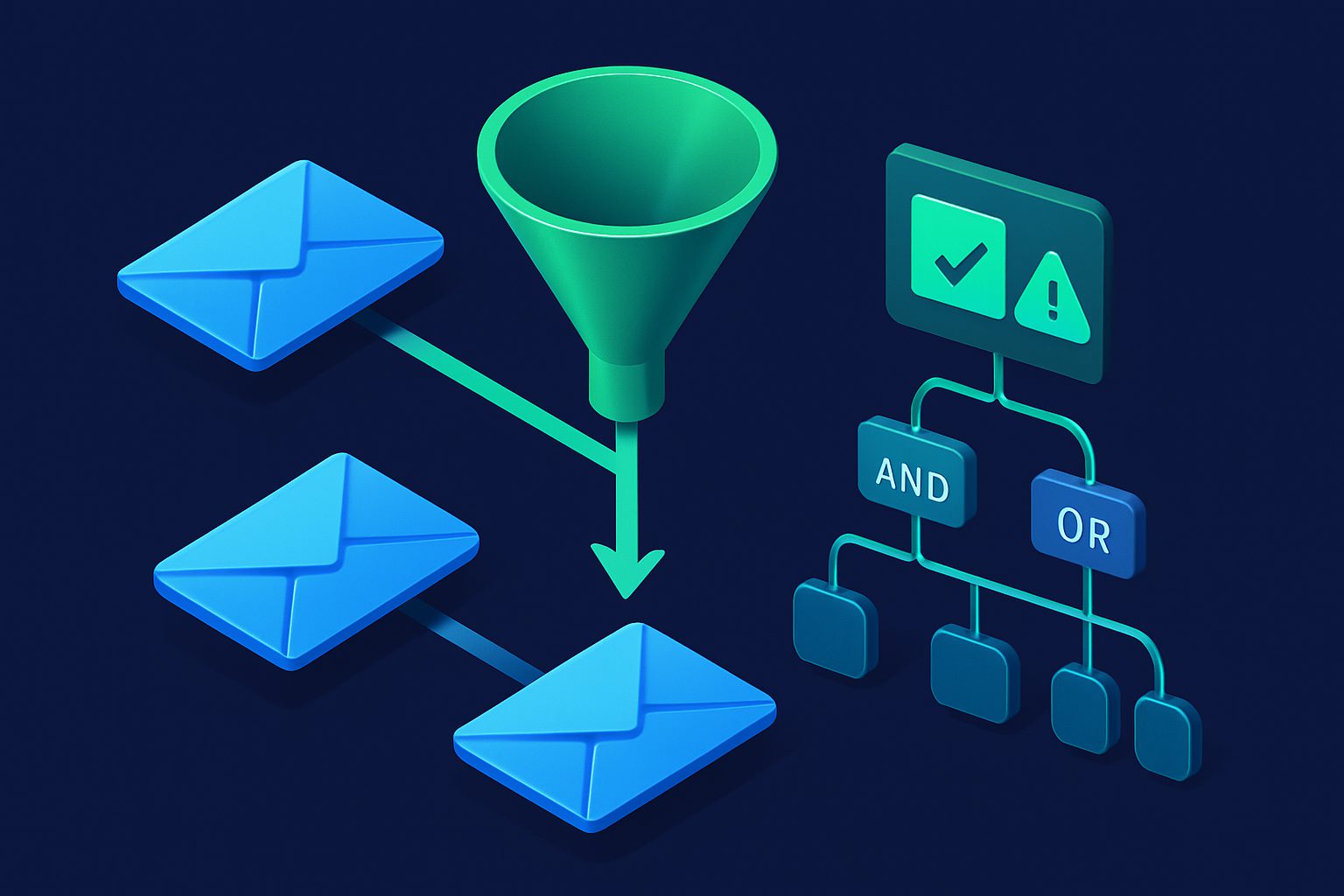
Cleanbox filters look simple on the surface: set a condition, choose an action, save. But under the hood, the filter engine is a flexible rule evaluation system that supports complex boolean logic, regex matching, and interaction with contact states and spam scoring.
This article explains exactly how filters are evaluated, what you can match on, and how filters fit into the broader message processing pipeline.
Where filters sit in the evaluation chain
When an email arrives, it goes through a strict sequence of checks. Filters are step 7 of 12:
- Virus scan (relay only)
- Contact blocked check
- Shield: Gatekeeper
- Shield: Rate limiter
- Spam threshold (reject)
- Quarantine threshold (flag)
- Filter rules
- Contact state (muted/prioritized flags)
- Quarantine intercept
- Shield: Snoozer
- Default: deliver
This ordering matters. A blocked contact never reaches filter evaluation. A whitelisted contact skips spam checks but still goes through filters. Understanding the chain helps you design effective rules.
Anatomy of a filter
Each filter consists of:
- Name — For your reference (e.g., "Block crypto spam")
- One or more rule groups — Each group contains conditions
- Logic per group — ANY (OR) or ALL (AND) within the group
- Action — Allow or Deny
- Options — Additional delivery instructions (allow action only)
- Sort order — Position in the evaluation sequence
- Active toggle — Enable/disable without deleting
The 10 condition components
Each condition matches against a specific part of the email:
| Component | What it matches | Best for |
|---|---|---|
from | Sender email address (From header) | Blocking/allowing specific senders or domains |
from_name | Sender display name | Catching spoofed display names |
sender | Sender header (if different from From) | Detecting mailing list software or forwarded mail |
subject | Email subject line | Routing by topic (invoices, alerts, reports) |
body | Email body text (HTML stripped) | Content-based filtering (keywords, phrases) |
header | Raw email headers | Detecting specific mailers, list IDs, custom headers |
property | Message properties (flags) | Filtering by message type (newsletter, has attachments, calendar invite) |
category | Contact category | Broad rules by sender type (block all Shopping, route all Finance) |
spam_score | Rspamd spam score (number) | Custom score-based actions beyond the threshold |
spam_symbol | Specific Rspamd symbols that triggered | Targeting specific detection rules (DKIM_FAIL, BAYES_SPAM) |
The 12 operators
| Operator | Applies to | Behavior |
|---|---|---|
contains | Text fields | Substring match (case-insensitive) |
not_contains | Text fields | Substring does not match |
equals | Text fields | Exact match |
not_equals | Text fields | Does not equal |
starts_with | Text fields | Begins with value |
ends_with | Text fields | Ends with value (ideal for domain matching) |
matches | Text fields | Regular expression pattern match |
exists | Headers, properties | Header or property is present |
not_exists | Headers, properties | Header or property is absent |
is | Properties, categories | Exact property/category match |
is_not | Properties, categories | Property/category does not match |
greater_than / less_than | Numeric (spam_score) | Score comparison |
Rule groups and boolean logic
A filter can have multiple rule groups. Within each group, conditions are combined with either ANY (OR) or ALL (AND) logic. Groups themselves are always combined with AND logic.
Single group example
Group 1 (ALL):
  from ends_with "@spam-company.com"
  subject contains "limited offer"
Action: Deny
Both conditions must match. An email from @spam-company.com about "your order shipped" would NOT be denied.
Multi-group example
Group 1 (ANY):
  from ends_with "@promo-a.com"
  from ends_with "@promo-b.com"
  from ends_with "@promo-c.com"

Group 2 (ANY):
  subject contains "sale"
  subject contains "discount"
  subject contains "% off"

Action: Deny
Translation: Deny if the sender is from any of these three domains AND the subject contains any sale-related keyword. Groups are ANDed, conditions within groups are ORed.
Actions and options
Deny
The message is blocked. Status becomes "denied." The sender may receive a bounce. No delivery options apply — the message is simply stopped.
For relay addresses, deny is the only available action. Relay filters are specifically for blocking.
Allow
The message is accepted. But "allow" is more than just "deliver" — it can include delivery options:
| Option | Effect |
|---|---|
store_folder | Deliver to a specific IMAP folder instead of the default |
mark_seen | Mark as read upon delivery |
mark_flagged | Flag as important upon delivery |
forward_to | Forward a copy to another email address |
Options stack. You can route to a folder AND mark as read AND forward — all in one filter.
Evaluation order: first match wins
Filters are evaluated top-to-bottom in their sort order. The first filter that matches determines the action. No further filters are evaluated.
This means order matters:
Filter 1: from ends_with "@important-client.com" → Allow (store in "Clients")
Filter 2: category equals "Shopping"             → Deny
Filter 3: spam_score greater_than 8              → Deny
If your important client happens to be categorized as Shopping, Filter 1 catches it first and allows delivery. Filter 2 never fires. This is correct behavior — specific rules should be above broad rules.
Recommended ordering
- Top: Allow rules for critical/trusted senders
- Middle: Deny rules for known bad patterns
- Bottom: Allow rules with folder routing for organizational sorting
Interaction with contact states
Contact states are evaluated before filters. Here is how they interact:
- Blocked — Denied at step 2. Filters never run.
- Whitelisted — Skips spam checks (steps 5-6) but filters still run. This means a whitelisted contact CAN be denied by a filter. This is intentional — whitelisting means "trusted sender," but your explicit filter rules take priority.
- Muted/Prioritized — Applied at step 8, after filters. If a filter sets
mark_seenand the contact is prioritized (which setsmark_flagged), both flags apply.
Interaction with quarantine
The quarantine flag is set at step 6 (before filters) but the quarantine action happens at step 9 (after filters). This is a subtle but important design choice:
- If a message is flagged for quarantine AND a deny filter matches → the message is denied (filter wins)
- If a message is flagged for quarantine AND an allow filter matches → the delivery options are stored, then the message is quarantined with those options. When released from quarantine, it is delivered with the correct folder and flags.
This ensures that quarantined messages are routed correctly when released, even if they matched a filter with folder routing.
Testing and statistics
Every filter tracks daily match counts. You can also test a filter against your message history before activating it. See the testing and reordering guide for details.
Practical patterns
Block an entire category
Condition: category is "Discounts & Promotions"
Action: Deny
Route newsletters to a folder, marked as read
Condition: property is "newsletter"
Action: Allow
Options: store_folder = "Newsletters", mark_seen = true
Block emails with failed DKIM from unknown senders
Group 1 (ALL):
  spam_symbol contains "DKIM_FAIL"
  spam_score greater_than 3
Action: Deny
Forward all finance emails to your accountant
Condition: category is "Finance"
Action: Allow
Options: forward_to = "accountant@example.com"
The filter engine is designed to be as simple or as complex as you need. One condition and one action covers most cases. Rule groups and regex are there when you need precision.
Ready to take control of your inbox?
Start protecting your email with Cleanbox — free plan available, no credit card required.
Get started free