Which Email Providers Track You the Least in 2026
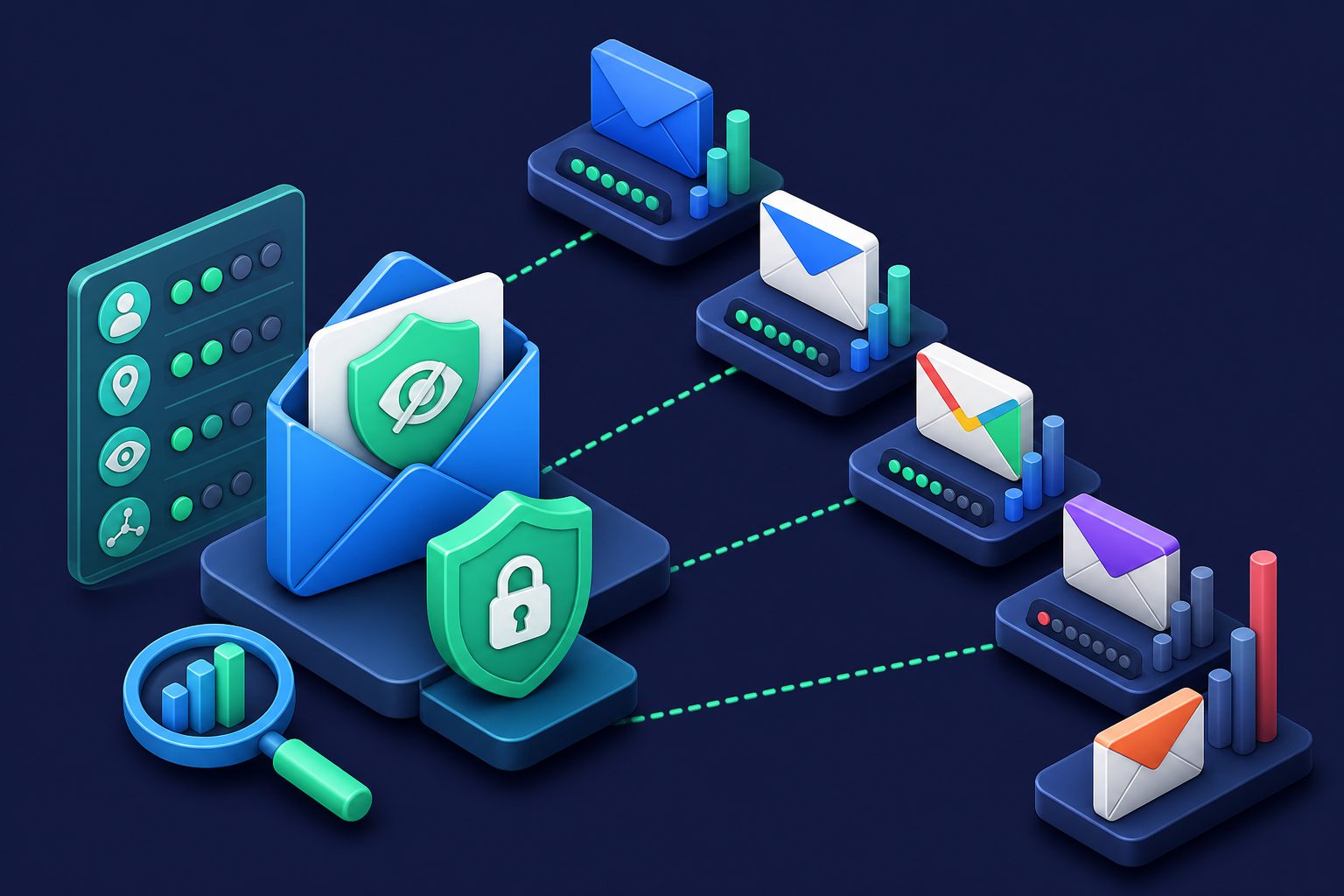
Your email provider knows more about you than almost any other service you use. It sees your purchase confirmations, your travel plans, your bank statements, your medical correspondence, your job applications, and your personal conversations. The question is not whether your provider has access to this information — it does. The question is what it does with it.
This is a ranking of major email providers by how much they track, from least to most. We look at data collection policies, ad targeting, content scanning, third-party sharing, and what you can actually control.
The ranking
| Rank | Provider | Tracking level | Ad model | Content scanning |
|---|---|---|---|---|
| 1 | Proton Mail | Minimal | None (subscription) | None (E2E encrypted) |
| 2 | Tuta (Tutanota) | Minimal | None (subscription) | None (E2E encrypted) |
| 3 | iCloud Mail | Low | None | Spam/malware only |
| 4 | Fastmail | Low | None (subscription) | Spam filtering only |
| 5 | Outlook/Hotmail | Moderate | Profile-based ads | Features + spam |
| 6 | Gmail | High | Profile-based ads | Features + tracking |
| 7 | Yahoo Mail | Very high | Content-based ads | Content scanning for ads |
Tier 1: Minimal tracking
Proton Mail
Proton Mail is end-to-end encrypted, meaning Proton cannot read your email content even if it wanted to. Zero-access encryption on the server side means stored emails are encrypted with your key. Proton collects no IP logs (with some exceptions for abuse), no content metadata, and runs no ad targeting. Revenue comes entirely from subscriptions.
The tradeoff: Proton’s spam filtering is limited because it cannot scan encrypted content the same way other providers do. And the free tier has storage and feature limitations that push you toward paid plans. See our Proton Mail review for more.
Tuta (Tutanota)
Similar to Proton in approach: end-to-end encryption, zero-access storage, no ads, subscription-funded. Tuta goes slightly further by encrypting subject lines (Proton does not). Based in Germany under strict EU privacy regulations.
The tradeoff: smaller ecosystem than Proton, fewer integrations, and a more limited free tier. Calendar and contacts are encrypted but the feature set is basic compared to Gmail or Outlook.
Tier 2: Low tracking
iCloud Mail
Apple’s email service collects minimal data for ad targeting (Apple’s ad business does not use email data). iCloud Mail is not end-to-end encrypted — Apple can technically access your email — but Apple’s business model does not depend on mining email content. Mail Privacy Protection in Apple Mail blocks tracking pixels and hides your IP from senders.
The tradeoff: iCloud Mail’s spam filtering is basic compared to Gmail. And while Apple collects less data from your email, it still collects significant data from other Apple services. For details, see Is iCloud Mail Safe?
Fastmail
Australian-based, subscription-only, no ads. Fastmail does not scan email for advertising purposes and does not sell data to third parties. It scans content only for spam filtering and user-requested features (like snoozing and rules). Fastmail is transparent about what it collects and why.
The tradeoff: no free tier at all. And being based in Australia means it falls under the Assistance and Access Act, which can compel companies to provide technical assistance to law enforcement. For most users this is irrelevant, but for high-risk individuals it matters.
Tier 3: Moderate tracking
Outlook / Hotmail
Microsoft’s email service scans content for spam filtering and “smart” features (Focused Inbox, suggested replies). Microsoft uses email data to build a profile for ad targeting, though less aggressively than Google. Outlook shows ads in the free tier, and Microsoft’s privacy policy allows broad use of “content and other data” for personalization.
Microsoft’s Connected Experiences feature sends email data to Microsoft’s cloud for processing. This is enabled by default and most users never change it. For a full breakdown, see Is Outlook Safe?
Tier 4: High tracking
Gmail
Google stopped scanning Gmail content for ad targeting in 2017, but still processes email extensively for other purposes: purchase tracking, travel extraction, contact inference, and Smart features. Google’s ad profile is built from your entire Google activity (search, YouTube, Maps, Chrome), and email data contributes to this profile indirectly.
Gmail’s privacy controls let you disable some features, but the defaults are permissive. Most users never change them. For the full analysis, see Is Gmail Safe?
Yahoo Mail
Yahoo Mail is the most aggressive tracker among major providers. Yahoo explicitly scans email content for ad targeting — not just metadata or sender information, but the actual content of your messages. Yahoo’s privacy policy states that it analyzes email content to deliver “relevant advertising.” This is the most direct form of email monetization among major providers. See Is Yahoo Mail Safe? for details.
What tracking actually means for you
Email tracking is not abstract. It has concrete consequences:
- Ad targeting: Your email reveals what you buy, where you travel, what subscriptions you have, and who you communicate with. This builds an advertising profile that follows you across the web.
- Data breaches: The more data your provider stores about you, the more is exposed in a breach. A provider that does not collect purchase history cannot leak purchase history.
- Government access: Data that exists can be subpoenaed. End-to-end encrypted providers cannot hand over what they cannot read. Providers that process your content in plaintext can comply with any legal request.
- Tracking pixels: Senders can track when you open emails. Some providers block this (Apple), some partially block it (Gmail proxy), and some do nothing (Yahoo).
How to reduce tracking regardless of provider
Use email aliases
Email aliases do not stop your provider from scanning your inbox, but they limit what ends up there. Each service gets a unique alias. If one starts receiving spam or gets leaked in a breach, you disable it. Your real address stays private, and your inbox stays clean. You also gain the ability to trace which service leaked your data.
Disable smart features
Every provider that offers “smart” features (suggested replies, auto-categorization, travel summaries) is processing your content to provide them. Disable these features in your provider’s settings. You lose some convenience, but you reduce content processing significantly.
Block tracking pixels
Disable remote image loading in your email client, or use a provider/service that blocks tracking pixels automatically. Apple Mail Privacy Protection does this natively. For other providers, you need a third-party solution.
How Cleanbox minimizes tracking
Cleanbox works differently from email providers because it is not your email provider — it is a layer between senders and your inbox. This architecture means:
- Your real address stays hidden: Senders communicate with your Cleanbox alias. They never see your real provider address, which means they cannot build a profile linked to it.
- Spam is filtered before your provider sees it: Messages pass through Rspamd, DNSBL checks, SPF/DKIM/DMARC verification, ClamAV, and AI classification before reaching your inbox. Your provider processes less email, which means less data for it to scan.
- No ad model: Cleanbox is subscription-funded. There is no advertising, no content scanning for targeting, and no third-party data sharing.
- Per-alias control: Disable any alias instantly if it starts receiving unwanted email. No need to change your real address or migrate your account.
You can keep using any email provider you prefer — even a high-tracking one like Gmail — and still reduce your exposure significantly by running email through Cleanbox first. For a broader look at privacy-focused email options, see Best Email Providers for Privacy in 2026.
Ready to take control of your inbox?
Start protecting your email with Cleanbox — free plan available, no credit card required.
Get started free