Email Security Gateway Pricing - Enterprise Protection Without Enterprise Cost
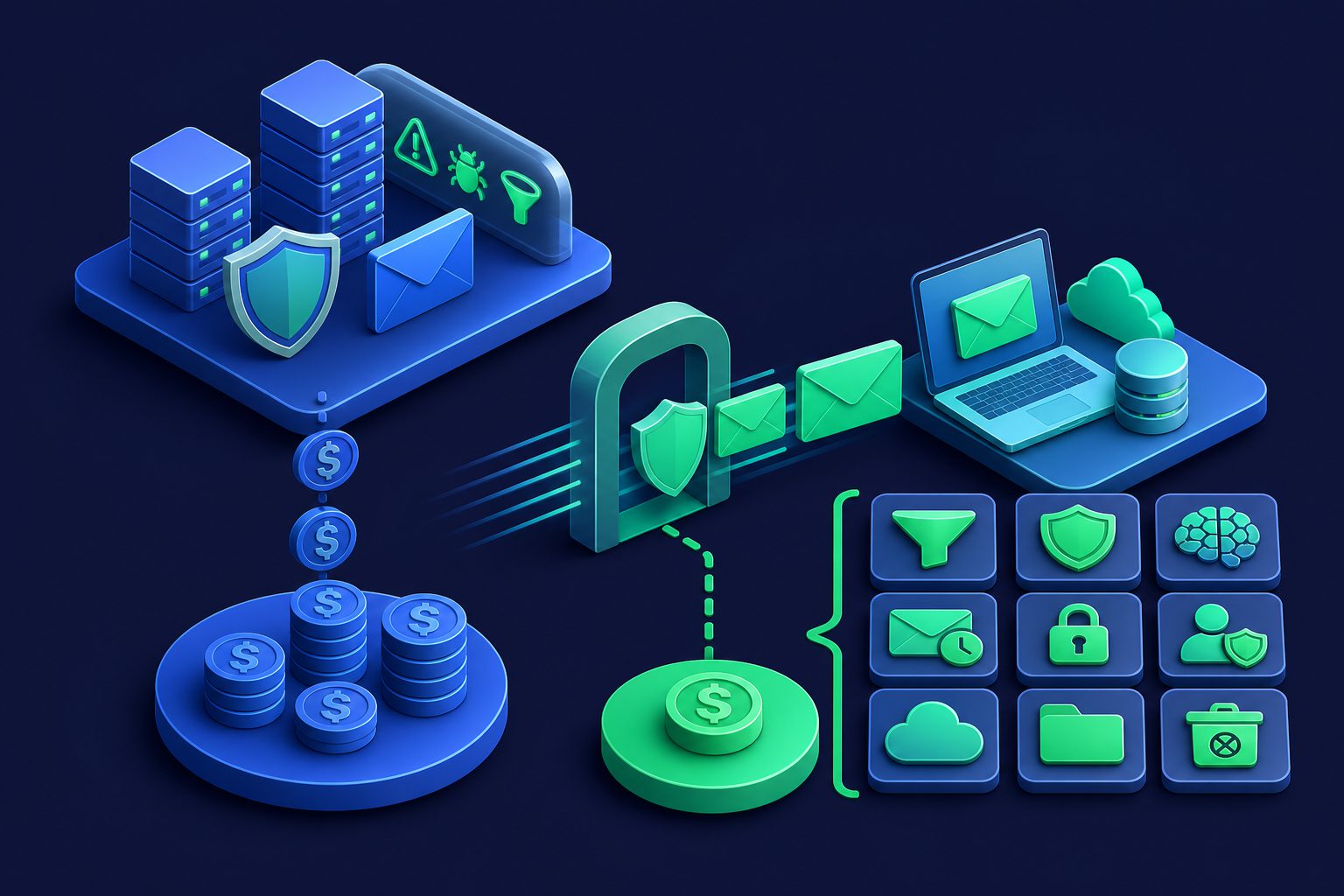
If you have ever looked into adding an email security gateway to your business, you have probably encountered names like Proofpoint, Mimecast, and Barracuda Email Security Gateway. These are serious products used by Fortune 500 companies. They are also priced for Fortune 500 budgets.
For small and mid-sized businesses, the math often does not work. A 50-person company paying $5 per user per month for email gateway protection is spending $3,000 a year on top of their existing email platform costs. That is a hard sell when the spam problem feels manageable, even if it is not.
But enterprise pricing is not the only option. The gateway market has changed, and there are now solutions that deliver the same fundamental protection at a fraction of the cost.
What enterprise gateways charge
Enterprise email security gateways typically use per-user, per-month pricing with annual commitments. Here is what the market looks like:
| Provider | Typical pricing | Contract | Minimum |
|---|---|---|---|
| Proofpoint Essentials | $2.50–$5.00 per user/month | Annual | Varies by reseller |
| Mimecast | $3.00–$6.00 per user/month | Annual (often 3-year) | Typically 50+ users |
| Barracuda Email Security Gateway | $3.00–$5.00 per user/month (cloud) | Annual | No strict minimum |
| Cisco Secure Email | $3.50–$5.50 per user/month | Annual | Enterprise sales process |
| Trend Micro Email Security | $2.00–$4.00 per user/month | Annual | Varies |
These prices are estimates based on publicly available information and reseller quotes. Actual pricing depends on user count, contract length, and negotiation. The point is not the exact numbers — it is the pricing model: per user, per month, annual commitment.
The per-user problem for small businesses
Per-user pricing makes sense at scale. A 5,000-person enterprise negotiates volume discounts, has a dedicated security budget, and writes the cost off as part of their infrastructure spend. At $3 per user, that is $15,000 a month — significant, but proportional to the risk.
For a 10-person startup or a 30-person agency, the same model is punishing:
| Team size | At $3/user/mo | At $5/user/mo | Annual cost |
|---|---|---|---|
| 10 users | $30/mo | $50/mo | $360–$600 |
| 25 users | $75/mo | $125/mo | $900–$1,500 |
| 50 users | $150/mo | $250/mo | $1,800–$3,000 |
| 100 users | $300/mo | $500/mo | $3,600–$6,000 |
Add the annual commitment (most enterprise vendors require it), the complex onboarding process, and the management overhead of yet another enterprise dashboard, and many small businesses simply decide to live with their spam problem.
What you actually need from a gateway
Strip away the enterprise marketing, and what does an email security gateway actually do? The core functions are the same across all price points:
- DNS blacklist checking — Query Spamhaus, Barracuda, SpamCop, and other DNSBLs on every incoming connection
- Authentication verification — Validate SPF, DKIM, and DMARC for every message
- Content-based spam scoring — Analyze headers, body content, URLs, and patterns using a spam engine
- Virus scanning — Check attachments against malware signature databases
- Quarantine — Hold suspicious messages for review outside the inbox
- SMTP forwarding — Deliver clean email to your actual mail server
Enterprise products add features on top: advanced threat intelligence feeds, URL rewriting and click-time protection, attachment sandboxing, data loss prevention, compliance archiving, and SIEM integrations. These are valuable for large organizations with dedicated security teams. But the core filtering — the part that actually stops spam and malware — is the same.
Where enterprise vendors add cost without adding protection
When you compare enterprise gateways to simpler alternatives, much of the price difference comes from features most small businesses never use:
- Multi-tenant management consoles for managed service providers — irrelevant if you manage one domain
- Active Directory and LDAP sync — unnecessary if you have 10–50 users you can manage manually
- Compliance archiving and eDiscovery — a legal requirement for some industries, but not a spam filtering feature
- 24/7 phone support with dedicated account managers — nice to have, but a 25-person company rarely needs a named account manager
- Custom threat intelligence integrations — built for security operations centers that most small businesses do not have
None of these features make the spam filtering better. They make the product more suitable for enterprise procurement and IT management processes.
The alternative: flat-rate gateway protection
Some email security providers have moved away from per-user pricing entirely. Instead of charging per mailbox, they charge a flat monthly rate that covers a set number of addresses and domains. This model works significantly better for small and mid-sized teams.
The math changes dramatically:
| Team size | Enterprise gateway ($3-5/user) | Flat-rate gateway |
|---|---|---|
| 10 users | $30–$50/mo | $35/mo |
| 25 users | $75–$125/mo | $35/mo |
| 50 users | $150–$250/mo | $35/mo |
| 100 users | $300–$500/mo | $35/mo |
At 10 users, the cost is comparable. At 25 users, flat-rate is half the price. At 100 users, it is an order of magnitude cheaper. And the core protection — blacklists, authentication, spam scoring, virus scanning, quarantine — is functionally equivalent.
How Cleanbox Relay compares
Cleanbox Relay uses the flat-rate model. The Advanced plan at $35/month includes Relay protection for up to 100 email addresses across 10 domains. The Enterprise plan at $100/month covers unlimited addresses across 25 domains.
What you get:
| Feature | Enterprise gateways | Cleanbox Relay |
|---|---|---|
| Spamhaus, Barracuda, SpamCop | Yes | Yes |
| SPF/DKIM/DMARC verification | Yes | Yes |
| Content-based spam scoring | Yes (proprietary) | Yes (Rspamd) |
| Virus scanning | Yes | Yes (ClamAV) |
| AI spam classification | Some vendors | Yes |
| Quarantine with review | Yes | Yes |
| Per-address controls | Varies | Yes |
| Detailed spam reports | Yes | Yes |
| SRS for forwarding | Varies | Yes |
| Setup complexity | Days to weeks | Under 15 minutes |
| Contract | Annual (often multi-year) | Monthly (cancel anytime) |
| Pricing (25 users) | $75–$125/mo | $35/mo |
What Cleanbox does not include (and enterprise gateways do):
- URL rewriting and click-time detonation
- Advanced attachment sandboxing beyond virus scanning
- eDiscovery and compliance archiving
- SIEM/SOAR integrations
- Multi-tenant MSP management
If you need those features, an enterprise gateway is the right choice. If you need reliable spam filtering, virus scanning, blacklist checking, and quarantine — the features that actually stop spam — you do not need to pay enterprise prices to get them.
Making the decision
Ask yourself three questions:
- Do you have a security operations team? If yes, enterprise features like SIEM integration and threat intelligence feeds have value. If no, you are paying for features nobody will use.
- Do you need compliance archiving? If your industry requires email retention for legal or regulatory purposes, that is a specific feature you need. It is not a spam filtering feature.
- What is your actual spam problem? If spam, phishing, and malware are getting through your current email platform, the solution is better filtering — not more management dashboards.
For most small and mid-sized businesses, the answer is straightforward: you need the core filtering that enterprise gateways provide, but not the enterprise overhead that comes with them.
To see what your domain's current email security looks like, start with the SPF Checker and MX Lookup tools. For a complete audit, follow the steps in How to Test if Your Domain Email Is Actually Protected.
Ready to take control of your inbox?
Start protecting your email with Cleanbox — free plan available, no credit card required.
Get started free