How to Reduce Spam Without Losing Legitimate Emails
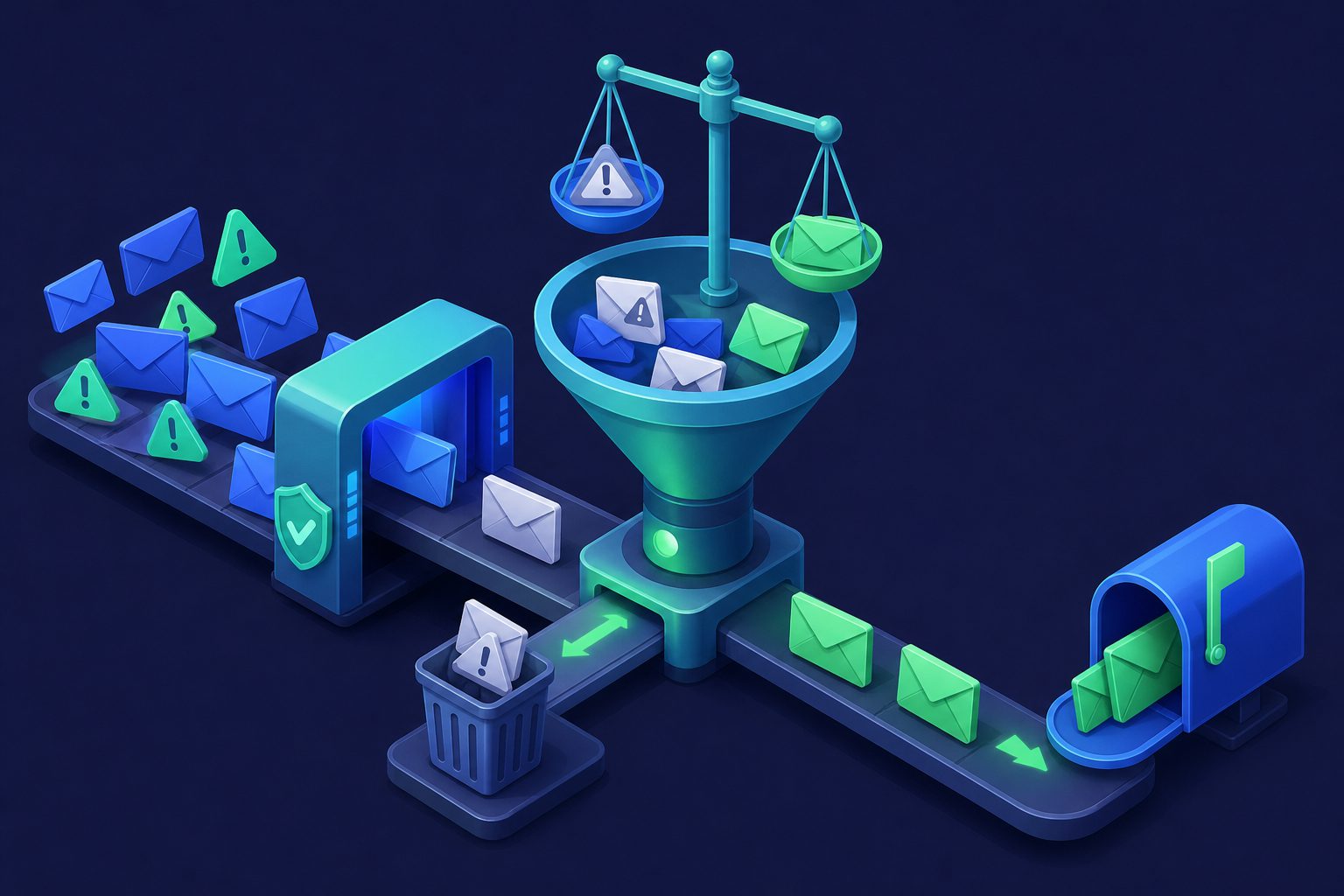
The obvious way to stop spam is to make your filter stricter. Raise the threshold, block more aggressively, reject anything suspicious. It works — until you realize that an invoice from a new vendor never arrived, a customer’s reply landed in quarantine, or a password reset email was silently discarded.
Every spam filter faces the same tradeoff: catch more spam and risk losing legitimate email, or let more through and deal with inbox clutter. The solution is not a single setting — it is a layered approach that catches spam at different stages while giving legitimate email multiple chances to get through.
Why false positives happen
A false positive occurs when a legitimate email is incorrectly flagged as spam. Understanding why they happen tells you where to intervene:
Shared infrastructure
Many small businesses use shared email hosting. If another customer on the same server sends spam, the IP reputation drops for everyone. Your legitimate vendor’s email gets flagged not because of anything they did, but because their hosting neighbor is a spammer.
Poor sender authentication
Small businesses and freelancers often have incomplete SPF, DKIM, or DMARC configurations. Their emails are legitimate, but their DNS says otherwise. A strict filter flags them. A loose filter lets both them and actual spoofed emails through.
Marketing-style formatting
Legitimate transactional emails sometimes look like marketing spam — HTML templates, tracking pixels, bulk-send headers. Filters trained on format rather than content catch these. Your order confirmation looks like a promotional blast to the algorithm.
New sender cold start
Reputation systems penalize unknown senders. The first email from a new contact, vendor, or service has no history. Without reputation data, the filter relies entirely on content analysis, which is more prone to errors in both directions.
Layer 1: Authentication before content
The most reliable way to separate legitimate email from spam is not analyzing what the email says, but verifying who sent it. Authentication checks have far lower false positive rates than content filtering because they are binary — the sender either passes or fails.
SPF verifies the sending server is authorized. DKIM proves the message was not modified. DMARC ties them together. Emails that pass all three are almost certainly from who they claim to be. This alone eliminates a huge category of spam (domain spoofing) without touching legitimate email. See Email Authentication Explained for setup details.
Layer 2: Reputation with nuance
DNSBL providers like Spamhaus, Barracuda, and SpamCop maintain lists of known spam sources. Checking incoming email against these lists catches spam from known-bad infrastructure with very high accuracy.
The nuance: not all blocklists are equally aggressive. Spamhaus ZEN has extremely low false positive rates. Some smaller, less-maintained lists over-block. Using multiple high-quality lists and weighting their results (rather than blocking on any single match) reduces false positives while maintaining coverage.
Layer 3: Content scoring, not binary decisions
The biggest source of false positives is binary content filtering — a message either passes or it does not. Scoring systems like Rspamd apply hundreds of rules, each adding or subtracting from a total score. A single suspicious element does not trigger blocking. It takes a pattern of signals.
This is where threshold tuning matters. A threshold of 6 catches obvious spam. A threshold of 4 catches more subtle spam but risks more false positives. The right number depends on your email patterns. For guidance on finding yours, see Choosing the Right Spam Threshold.
Layer 4: Quarantine instead of reject
The most important false-positive safety net is quarantine. Instead of silently deleting suspicious email, a quarantine holds it for review. If a legitimate message gets caught, you can release it. If it is spam, it stays out of your inbox.
Quarantine turns a permanent mistake (lost email) into a temporary inconvenience (reviewing a held message). The key is that quarantine must be easy to check. If reviewing quarantine takes too long or is buried in an admin panel, people stop checking and false positives become functionally identical to rejections.
Layer 5: Whitelisting and contact management
Once you have communicated with someone, their future emails should not be flagged. Contact-based whitelisting means that known senders bypass aggressive content filtering. This is the opposite of a blocklist — it is a trust list built from your actual communication patterns.
The best implementations build this list automatically. Every address you reply to or explicitly approve gets added. New senders go through the full filter stack. Known senders skip content scoring and are checked only against authentication and virus scanning.
Per-address thresholds
Not every email address needs the same protection level. A public-facing address (info@, sales@, support@) receives more spam than a personal address. A catch-all address receives the most of all.
Setting different spam thresholds per address lets you be aggressive where spam is heavy and permissive where false positives matter most. Your personal address gets a low threshold (fewer false positives). Your catch-all gets a high threshold (more spam blocked, acceptable if some borderline mail is quarantined).
What not to do
- Do not set one global threshold for everything. Different addresses have different risk profiles.
- Do not silently delete flagged mail. Always quarantine. Silent deletion is where legitimate email goes to die.
- Do not block entire domains. Blocking gmail.com because one Gmail user sent spam blocks every Gmail user. Block specific addresses, not providers.
- Do not disable spam filtering to avoid false positives. The cure is worse than the disease. Layer and tune instead.
- Do not ignore quarantine. Check it regularly or set up notifications for held messages.
How Cleanbox handles this balance
Cleanbox was built around the principle that spam filtering should be aggressive without being destructive. Every detection layer is designed to minimize false positives while maintaining catch rates:
- Multi-layer detection: SPF/DKIM/DMARC verification, DNSBL checks against Spamhaus, Barracuda, and SpamCop, Rspamd scoring with hundreds of rules, ClamAV scanning, and AI classification — each layer catches what the others miss.
- Per-alias thresholds: Set different spam sensitivity for each address. Your personal alias can be strict. Your newsletter catch-all can be lenient.
- Quarantine with transparency: Borderline messages are held for review, not deleted. Every quarantined message includes a detailed spam report explaining exactly why it was flagged, so you can make informed release decisions.
- Contact-based trust: Known contacts from your address book bypass content scoring. New senders go through the full stack. Your existing relationships are never interrupted.
- Auto-manage: Cleanbox can automatically categorize new senders based on their behavior, building your trust list without manual effort.
The result is fewer false positives and less spam — not a compromise between the two. For more on how the detection stack works, see How Spam Filters Work.
Ready to take control of your inbox?
Start protecting your email with Cleanbox — free plan available, no credit card required.
Get started free