What Is a Whaling Attack and How to Protect Your Executives
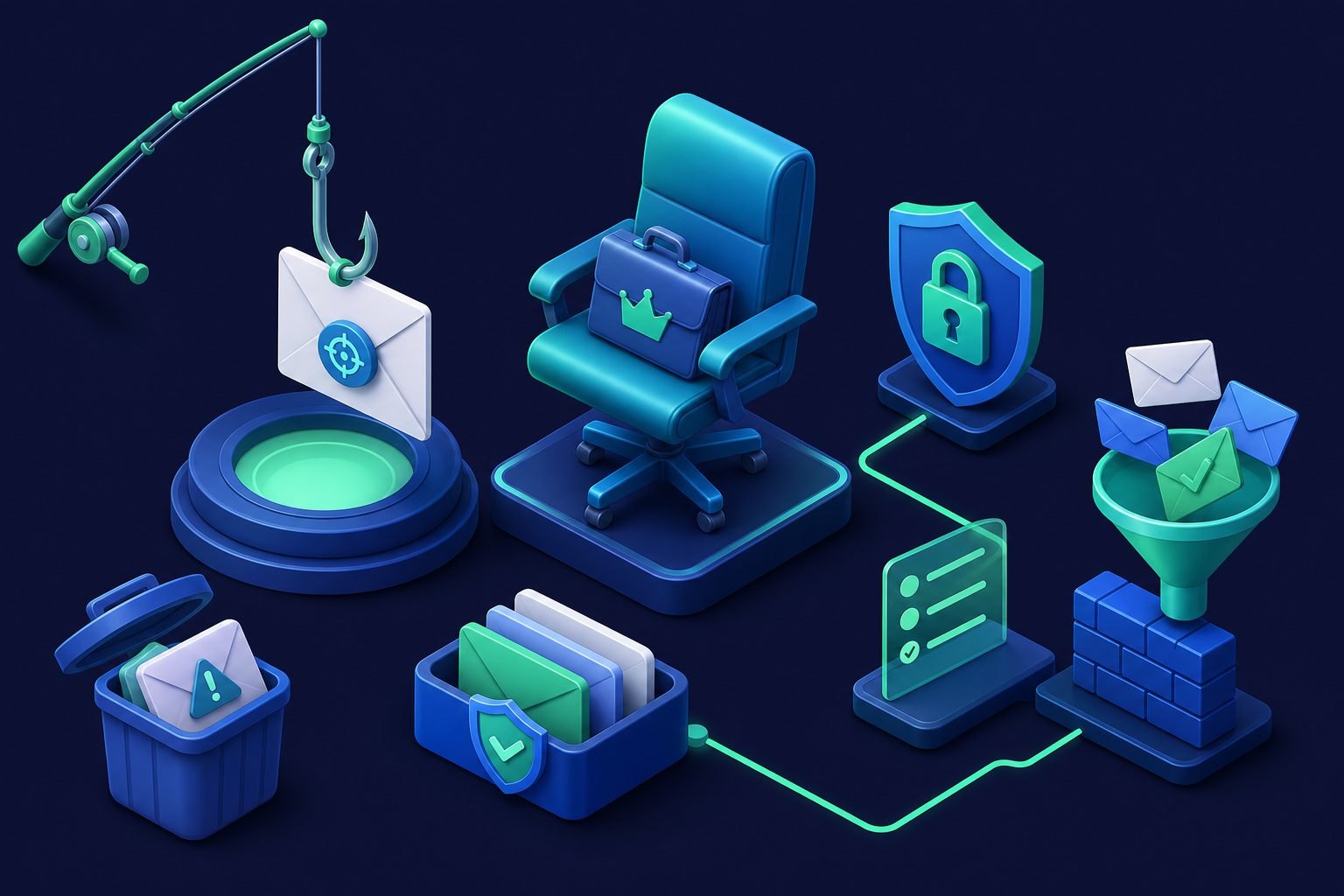
A whaling attack is a phishing attack aimed at a specific, high-value target — typically a CEO, CFO, COO, or other senior executive. Unlike mass phishing campaigns that blast thousands of generic emails, whaling attacks are carefully researched, personally tailored, and designed to trick one person into making one costly mistake.
The term comes from the idea that the attacker is going after the "big fish." And the payoffs match: a single successful whaling attack can result in fraudulent wire transfers worth millions, leaked confidential data, or compromised access to an entire organization.
How whaling attacks work
Whaling attacks follow a predictable pattern, but each step is executed with precision that makes them far more dangerous than ordinary phishing.
Step 1: Research the target
The attacker researches the target extensively. LinkedIn profiles, company press releases, SEC filings, conference speaker lists, social media posts, and news articles provide a detailed picture of who the executive is, who they work with, what projects they are involved in, and how they communicate.
This research phase can take weeks. The attacker learns the names of board members, legal counsel, banking partners, and direct reports. They study the target's communication style and identify relationships they can impersonate.
Step 2: Craft the email
Using the research, the attacker creates a highly personalized email that appears to come from a trusted contact — a board member, a law firm partner, a banking relationship manager, or a fellow executive. The email references real projects, real people, and real events.
Common whaling scenarios include:
- Urgent wire transfer: "We need to wire $340,000 to close the acquisition before Friday. Here are the account details."
- Legal matter: "Our outside counsel needs the employee tax records for the pending audit. Please send them to this secure link."
- Board request: "The board has approved the vendor payment. Please authorize the attached invoice."
- CEO impersonation: An email appearing to come from the CEO to the CFO: "Can you process this payment today? I am in meetings and cannot call."
Step 3: Create urgency
Every whaling email creates time pressure. The request is urgent, the deadline is today, the matter is confidential. This urgency is designed to bypass the target's normal verification process. An executive who would normally confirm a large payment by phone may skip that step when told the deal closes in two hours.
Step 4: Exploit the response
If the target responds — whether by transferring funds, sending data, clicking a link, or sharing credentials — the attack succeeds. Many whaling attacks also install malware or steal credentials that enable further access to the organization's systems.
Why whaling attacks succeed
Several factors make whaling attacks uniquely effective:
- Authority bias: Employees rarely question requests that appear to come from the CEO or a board member. The higher the apparent sender's authority, the less likely the recipient is to verify.
- Personalization defeats filters: Because whaling emails are individually crafted with real names, real context, and clean formatting, they often bypass spam filters that catch mass phishing.
- Executive communication patterns: Senior executives often email from mobile devices with brief, informal messages. A short "Please handle this today" email from the CEO looks normal.
- High-pressure culture: In fast-moving organizations, responding quickly to executive requests is expected. Stopping to verify feels like slowing things down.
- No malicious links or attachments: Many whaling emails contain no links or files at all — just a simple request for a wire transfer or data. This makes them invisible to traditional content-based spam filters.
Whaling vs phishing vs spear phishing
| Phishing | Spear phishing | Whaling | |
|---|---|---|---|
| Target | Anyone (mass) | Specific individual | Senior executive or decision-maker |
| Personalization | Generic | Moderate | Highly personalized |
| Research required | None | Some | Extensive |
| Goal | Credentials, malware | Data, access | Wire transfers, confidential data, C-suite access |
| Volume | Thousands | Dozens | One at a time |
| Detection difficulty | Low | Medium | High |
For a broader overview of email-based attacks including phishing and spear phishing, see The Email Threat Landscape: 10 Attack Types.
Real-world whaling examples
Whaling attacks have caused some of the largest financial losses in cybersecurity history:
- Ubiquiti Networks (2015): Attackers impersonated executives and tricked the finance department into transferring $46.7 million to overseas accounts.
- FACC (2016): An Austrian aerospace manufacturer lost $47 million when attackers impersonated the CEO and instructed employees to transfer funds for a fake acquisition.
- Crelan Bank (2016): A Belgian bank lost $75.8 million through a whaling attack targeting senior management.
- Toyota Boshoku (2019): A subsidiary of Toyota lost $37 million when attackers convinced a finance executive to change wire transfer account details.
In each case, the email appeared to come from a trusted internal source, referenced real business activity, and created urgency that overrode normal verification procedures.
How to protect your executives from whaling
1. Implement email authentication
Publish SPF, DKIM, and DMARC records for your domain with a strict DMARC policy (p=reject). This prevents attackers from sending email that appears to come from your domain. Without DMARC enforcement, anyone can forge a "from" address matching your CEO's email.
2. Use an inbound email security gateway
Route your organization's inbound email through a security gateway that checks sender authentication, reputation, and content before delivery. An inbound email security gateway catches spoofed senders, flagged IP addresses, and suspicious patterns that built-in email filters miss.
3. Flag external emails
Configure your email system to mark messages from external senders with a visible banner. When an email claims to be from "John Smith, CEO" but originates from outside your organization, that banner is an immediate red flag.
4. Establish verification procedures for financial requests
Require out-of-band verification (phone call, in-person confirmation) for any wire transfer, payment change, or data request above a threshold. This single policy would have prevented every real-world whaling loss listed above.
5. Train executives specifically
Generic security awareness training is not enough. Executives need targeted training that shows them real whaling examples, explains how their public profile makes them a target, and reinforces verification procedures. Include realistic simulations that test whether executives follow the verification protocol under time pressure.
6. Limit public information
Every piece of public information about an executive gives attackers material for a convincing email. Review what your organization shares about leadership on the website, in press releases, and on social media. You cannot eliminate public exposure, but you can be deliberate about what you share.
7. Control sender reputation at the inbox level
Use contact management to whitelist known trusted senders and flag unknown ones. When your CFO's inbox automatically categorizes and tracks every sender, an email from a new address impersonating a known contact stands out. Combined with Gatekeeper mode, you can restrict executive inboxes to only receive email from approved senders.
How Cleanbox helps prevent whaling
Cleanbox adds multiple layers that make whaling attacks harder to execute:
- Authentication enforcement: SPF, DKIM, and DMARC are checked on every inbound email. Spoofed sender addresses are flagged or rejected before delivery.
- AI classification: Cleanbox's AI classification engine analyzes email content for social engineering patterns, including urgency language, impersonation signals, and financial request patterns that characterize whaling.
- Contact management: Every sender is automatically categorized and tracked. Emails from new, unknown senders impersonating known contacts trigger different handling than established trusted senders.
- Gatekeeper: For high-risk executive inboxes, Gatekeeper mode ensures only pre-approved senders can deliver email. Unknown senders are held for review instead of delivered directly.
- Per-address thresholds: Executive email addresses can have stricter spam thresholds than general company addresses, increasing sensitivity for the accounts most likely to be targeted.
No single tool stops all whaling attacks — the most sophisticated ones use clean domains, real context, and no malicious content. But combining email authentication, AI analysis, contact reputation, and inbox access controls makes it significantly harder for attackers to reach your executives with a convincing impersonation.
For related reading, see How to Protect Your Company Email from Phishing and Email Security Checklist for Small Businesses.
Ready to take control of your inbox?
Start protecting your email with Cleanbox — free plan available, no credit card required.
Get started free