What Is CC in Email and When Should You Use It
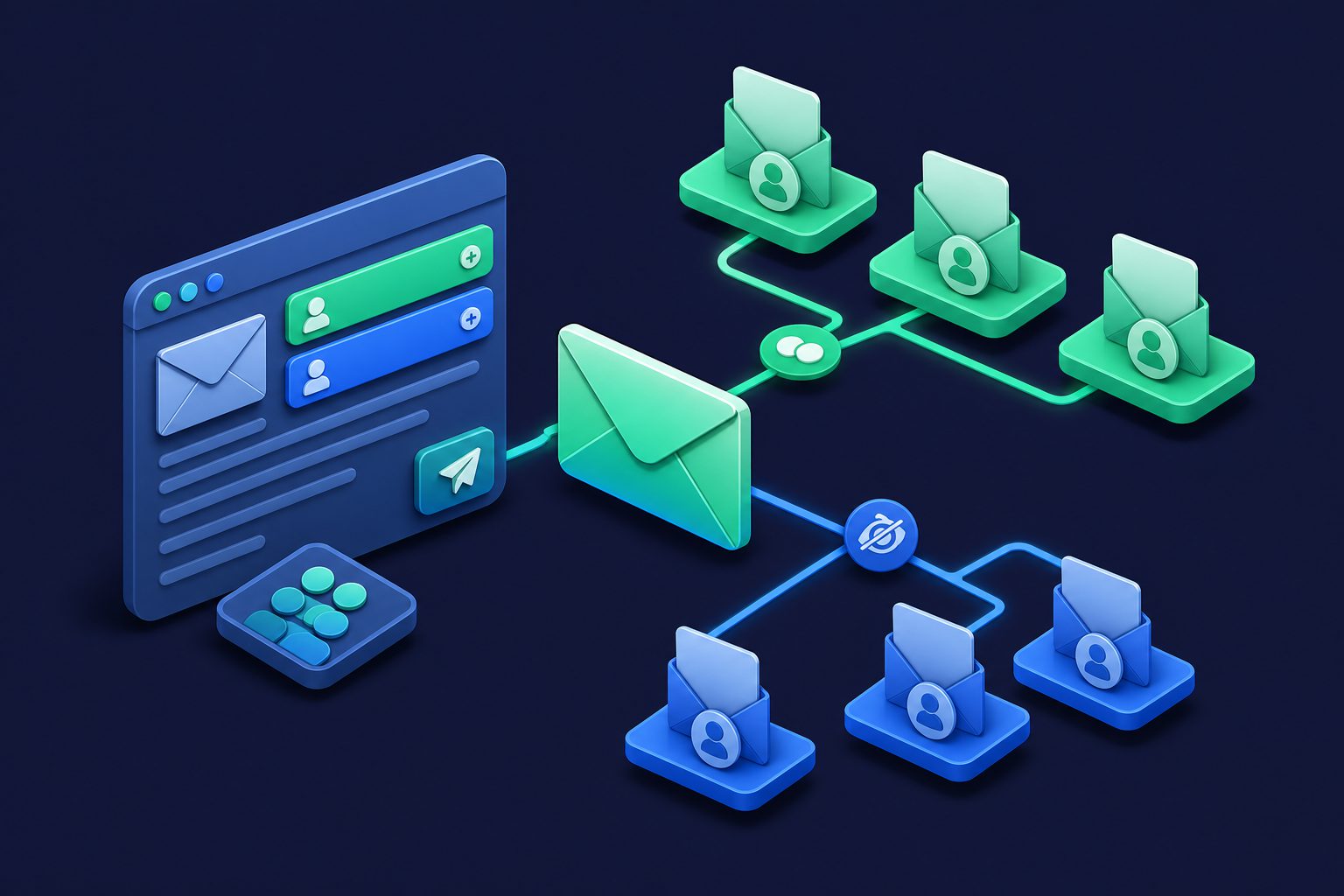
Every email client has three recipient fields: To, CC, and BCC. Most people use To and ignore the other two. Those who use CC often use it wrong — copying too many people, creating Reply All chains that spiral out of control, or accidentally exposing email addresses that should have been hidden.
CC is a simple feature with real consequences when misused. This guide covers what CC actually does, when it is the right choice, and when you should use something else.
What CC means
CC stands for “carbon copy.” The term comes from carbon paper, which was used to create duplicate copies of typed documents before photocopiers existed. In email, CC sends an identical copy of your message to additional recipients.
The key difference between To and CC is intent, not function. Technically, both fields deliver the same message to the recipients. The difference is social:
- To: The primary recipient(s). The people who are expected to read and act on the message.
- CC: Secondary recipients. People who should be aware of the message but are not expected to respond or take action. “For your information.”
Everyone in both the To and CC fields can see all other recipients. This is the critical detail that distinguishes CC from BCC.
When to use CC
Keeping someone in the loop
The most common legitimate use. You are emailing a client about a project update and CC your manager so they are aware. You are replying to a vendor and CC the finance team so they see the agreed pricing. The CC recipients are informed without being expected to act.
Creating a paper trail
CC is useful for documentation. If you are making a commitment or agreement over email, CC-ing relevant stakeholders creates a record that multiple people witnessed the exchange. This is common in business, legal, and project management contexts.
Introducing people
When introducing two people over email, you put both in To (or one in To and one in CC) so they can see each other’s addresses and continue the conversation directly.
When not to use CC
Large groups where recipients do not know each other
If you are emailing 50 people about an event, putting them all in CC exposes every email address to every recipient. This is a privacy violation and potentially a legal issue under regulations like GDPR. Use BCC instead — it hides recipient addresses from each other.
When you want to prevent Reply All
Every person in CC can hit Reply All and send their response to everyone on the thread. For large CC lists, this creates inbox-flooding Reply All storms. If you have ever received 47 “Thanks!” and “Please remove me from this thread” replies, you have experienced the CC Reply All problem.
If the recipients do not need to communicate with each other, use BCC. BCC recipients cannot Reply All to people they cannot see.
Passive-aggressive accountability
CC-ing someone’s manager in a complaint email is a classic workplace move. It works once. After that, it damages relationships and makes people defensive. If you have an issue, address it directly before escalating. CC-as-weapon is poor email etiquette and usually backfires.
Newsletter or mass distribution
Never use CC for newsletters, announcements to mailing lists, or any message going to a large group. Use a mailing list service, or at minimum use BCC. CC exposes every recipient’s address to every other recipient. For more on managing bulk communication, see CAN-SPAM Requirements.
CC vs BCC vs To
| Field | Who sees it | Can Reply All | Best for |
|---|---|---|---|
| To | Everyone | Yes | Primary recipients expected to act |
| CC | Everyone | Yes | Secondary recipients who need awareness |
| BCC | Only sender | No (reply goes to sender only) | Large groups, privacy, preventing Reply All |
For a detailed guide on BCC and when it is the better choice, see What Is BCC in Email.
CC best practices
- Keep CC lists short. If more than 5-6 people are in CC, ask yourself whether they all truly need to see this message. Most do not.
- Move people to BCC when forwarding. If someone was CC’d on the original message and does not need to be part of the ongoing thread, remove them or move them to BCC with a note (“moving you to BCC to spare your inbox”).
- Think before Reply All. When you are CC’d on a message, reply only to the sender unless your response is relevant to everyone. Default to Reply, not Reply All.
- Never CC large external groups. Exposing email addresses of clients, customers, or external contacts to each other is a privacy violation. Use BCC.
- Use aliases for important CC chains. If you are frequently CC’d on threads from a specific context (a project, a client), using a dedicated email alias for that context keeps your primary inbox clean and lets you disable the alias when the project ends.
The Reply All problem and how to prevent it
Reply All storms happen when someone replies to a large CC thread, triggering a cascade of “please stop replying all” messages that are themselves Reply All. Large organizations have had entire mail servers overwhelmed by Reply All chains.
Prevention:
- Use BCC for large distributions so Reply All only goes to you.
- If you must use CC, add a note: “Please reply to me directly, not Reply All.”
- As a recipient, check the recipient list before hitting Reply All. If there are more than 10 people, reply only to the sender.
CC and email privacy
Every address in the CC field is visible to every recipient. In personal email, this means you are sharing people’s email addresses without their consent. In business email, this can leak client information, internal team structures, or vendor relationships.
For privacy-conscious communication, minimize CC usage and default to BCC when recipients do not need to see each other. If you use email aliases, you can share an alias in CC rather than your real address — if the thread generates spam or unwanted communication, you disable the alias without affecting your real inbox.
Cleanbox makes this practical: create a unique alias for each project or context, use it in CC chains, and disable it when the context ends. Your real address never appears in CC fields, and you keep full control over which conversations can reach you. Combined with per-alias spam thresholds and transparent spam filtering, you can participate in CC threads without exposing yourself to the spam and Reply All problems they typically create.
Ready to take control of your inbox?
Start protecting your email with Cleanbox — free plan available, no credit card required.
Get started free