
Apple Hide My Email vs SimpleLogin: Which Keeps Your Address Safer
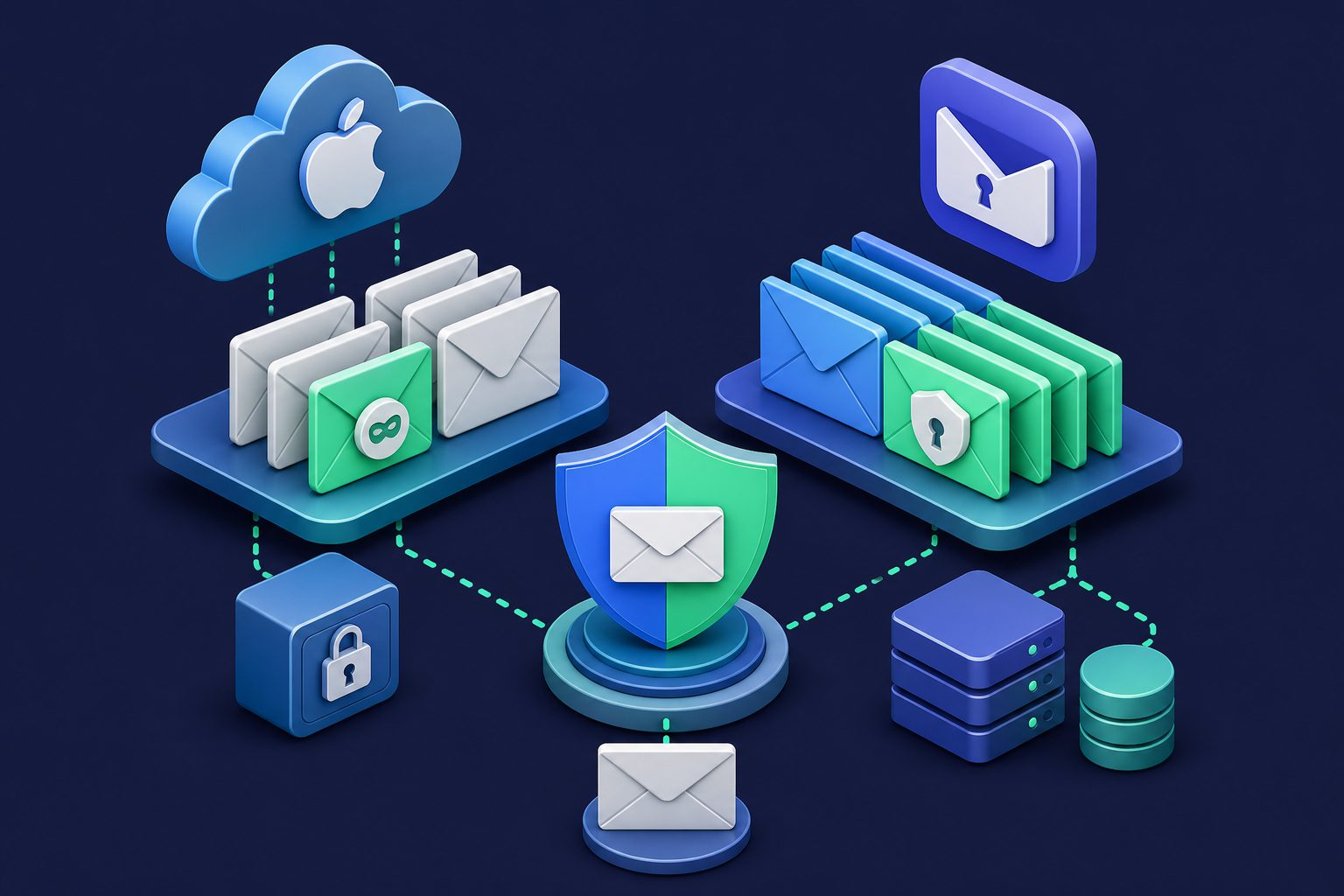
Apple’s Hide My Email and SimpleLogin solve the same core problem: hiding your real email address when signing up for services online. Both generate random forwarding addresses. Both let you disable an alias if it starts receiving spam. Both keep your real address private.
The similarities end there. Hide My Email is a platform feature locked to Apple’s ecosystem. SimpleLogin is a standalone service that works everywhere. Their features, flexibility, and long-term implications are fundamentally different.
Quick comparison
| Feature | Apple Hide My Email | SimpleLogin |
|---|---|---|
| Price | Free with iCloud+ ($0.99/mo) | Free (10 aliases) / $30/year |
| Alias limit | Unlimited (iCloud+) | 10 free / unlimited paid |
| Custom domains | No | Yes (paid) |
| Reply from alias | Yes | Yes |
| Works outside Apple | Limited | Yes (any platform) |
| Browser extension | Safari only (native) | Firefox, Chrome, Edge, Safari |
| Password manager integration | iCloud Keychain only | Bitwarden, 1Password, Proton Pass |
| Open source | No | Yes |
| Self-hostable | No | Yes |
| PGP encryption | No | Yes |
| Alias format | Random string @privaterelay.appleid.com | Random or custom @simplelogin.com or your domain |
| Spam filtering | None | Basic |
How Hide My Email works
Hide My Email is part of iCloud+, Apple’s paid iCloud tier starting at $0.99/month. When you sign up for a service through Safari or an iOS app, Hide My Email generates a random address like x7kj3m@privaterelay.appleid.com. Email sent to this address forwards to your real iCloud address.
For Sign in with Apple specifically, the feature is free. Any app that supports Sign in with Apple can generate a hiding address without an iCloud+ subscription. The iCloud+ subscription extends this to any website or app, not just those supporting Sign in with Apple.
The experience is seamless if you live in Apple’s ecosystem. Safari auto-suggests creating a hidden address. iOS apps integrate natively. iCloud Keychain stores the mapping. It just works — within Apple.
Where Hide My Email falls short
Platform lock-in
Hide My Email is tied to Apple. If you use a Windows PC at work, an Android phone, or Chrome as your browser, you cannot easily create or manage Hide My Email addresses outside Apple’s apps. The feature exists in iCloud.com’s web interface, but it is clunky compared to the native experience.
This matters long-term. If you ever leave Apple’s ecosystem, your aliases are stuck behind an iCloud+ subscription. Cancel iCloud+ and your forwarding addresses stop working. Every service you signed up with using a Hide My Email address becomes unreachable unless you update each one manually.
No custom domains
Every Hide My Email address ends in @privaterelay.appleid.com. You cannot use your own domain. This means your aliases are instantly recognizable as Apple relay addresses. Some services block signups from known relay domains. And the addresses look random and impersonal — fine for throwaway signups, but not for professional use.
No alias control
You cannot choose your alias address. Apple generates a random string. With SimpleLogin, you can create aliases like shopping@yourdomain.com or newsletters@yourdomain.com — meaningful, readable addresses that you control. Hide My Email gives you a string of random characters that tells you nothing about where you used it unless you check your iCloud settings.
Limited management
Hide My Email aliases are managed through iCloud settings. You can see your aliases, disable them, or delete them. That is the extent of the management. There are no labels, no notes, no categories, no bulk operations, and no way to set different forwarding destinations for different aliases.
Where SimpleLogin falls short
No native OS integration
SimpleLogin requires a browser extension or app. It does not integrate into iOS or macOS at the system level. When an app asks for your email, you have to switch to the SimpleLogin app to generate an alias. Hide My Email appears natively in the keyboard and autofill suggestions. For iPhone and Mac users, Hide My Email is simply more convenient for in-app signups.
Free tier is limited
10 free aliases is generous for testing but limiting for serious use. If you adopt the one-alias-per-service approach, you hit 10 quickly. Hide My Email with iCloud+ offers unlimited aliases for $0.99/month, which is cheaper than SimpleLogin’s $30/year for someone who only needs aliasing.
Depends on Proton
SimpleLogin was acquired by Proton in 2022. It benefits from Proton’s resources and ecosystem, but its future depends on Proton’s corporate decisions. Apple is not going anywhere; Proton is a smaller company with different dynamics.
The real question: aliasing vs protection
Both Hide My Email and SimpleLogin solve the address-hiding problem. Neither solves the email-protection problem. When spam, phishing, or AI-generated attacks are sent to your alias, both services forward them straight to your inbox. Your destination provider’s spam filter is the only line of defense.
For many users, this is fine. If you use aliases mainly to control which services have your address and to disable aliases that get compromised, address hiding is enough.
But if you receive real email through your aliases — business correspondence, customer messages, important notifications — you need filtering before forwarding. Spam that gets past your alias service and past your destination filter lands in your inbox and wastes your time. Worse, forwarding breaks SPF authentication, which makes your destination filter less effective.
The verdict
Choose Hide My Email if you live entirely in Apple’s ecosystem (iPhone, Mac, Safari, iCloud Keychain), want the most seamless experience for quick signups, and do not need custom domains or advanced alias management.
Choose SimpleLogin if you use multiple platforms, want custom domain support, need password manager integration beyond iCloud Keychain, value open-source transparency, or want to keep your aliases independent of any single platform. For a deeper comparison of SimpleLogin with another popular alias service, see SimpleLogin vs Addy.io.
Choose Cleanbox if you need aliases that protect, not just hide. Cleanbox generates aliases like both services, but every incoming message is filtered through Rspamd scoring, DNSBL checks (Spamhaus, Barracuda, SpamCop), SPF/DKIM/DMARC verification, ClamAV virus scanning, and AI classification before reaching your inbox. Per-alias spam thresholds, quarantine with transparent spam reports, contact management, and MX relay for custom domains. Works on any platform, any browser, any email provider. For a direct comparison with Apple’s approach, see Hide My Email vs Dedicated Alias Services.
Ready to take control of your inbox?
Start protecting your email with Cleanbox — free plan available, no credit card required.
Get started free