Why Your Custom Domain Needs Its Own Spam Filter
You registered a custom domain for your business. You set up email hosting — maybe through your web host, maybe through a small provider, maybe on your own mail server. Emails work. But within weeks, spam starts pouring in. Not the occasional junk message, but a steady stream of phishing attempts, fake invoices, and unsolicited marketing.
The problem is not your domain. The problem is that most custom domain email setups come with minimal spam filtering — or none at all.
Why custom domains attract more spam
Public WHOIS and DNS records
When you register a domain, your contact information may be publicly visible in WHOIS records. Even with privacy protection, the domain itself is public. Spammers harvest domains from registration databases, scan MX records to confirm email is active, and start sending. A brand-new domain can start receiving spam within days of going live.
Catch-all configurations
Many small hosting providers configure custom domains with a catch-all address by default — any email sent to anything@yourdomain.com gets delivered. This means spammers can send to randomly generated addresses and every single one gets through. A catch-all is convenient but it is also an open invitation for spam.
Limited filtering on budget hosts
Shared hosting providers (the kind that bundle email with web hosting for $5-10/month) typically offer basic spam filtering at best. Their filters are not comparable to what Gmail or Microsoft run. You are getting a basic SpamAssassin installation with default rules, maybe updated quarterly. Compare that to Gmail, which trains its models on billions of messages daily.
What Gmail and Outlook do that your host does not
| Capability | Gmail / Outlook | Typical shared host |
|---|---|---|
| Machine learning spam detection | Yes (billions of training examples) | No (rule-based only) |
| Real-time sender reputation | Yes (global network) | Basic or none |
| Phishing URL detection | Yes (Safe Browsing / SmartScreen) | No |
| DKIM/SPF/DMARC enforcement | Strict | Often permissive |
| Virus scanning | Yes (multiple engines) | ClamAV if you are lucky |
| Per-user spam threshold tuning | No (automated only) | No |
| Quarantine for borderline messages | Spam folder | Usually nothing |
The gap is enormous. When you move from Gmail to a custom domain on shared hosting, you are going from one of the best spam filters ever built to essentially nothing.
Your options for adding spam filtering
Option 1: Use a privacy-focused provider with good filtering
Providers like Fastmail, ProtonMail, and Tuta offer custom domain support with built-in spam filtering that, while not Gmail-level, is significantly better than shared hosting. If you are setting up a new custom domain, starting with one of these providers avoids the filtering gap entirely. See Best Business Email Providers for Privacy and Security for a comparison.
Option 2: Keep your current host, add a filtering gateway
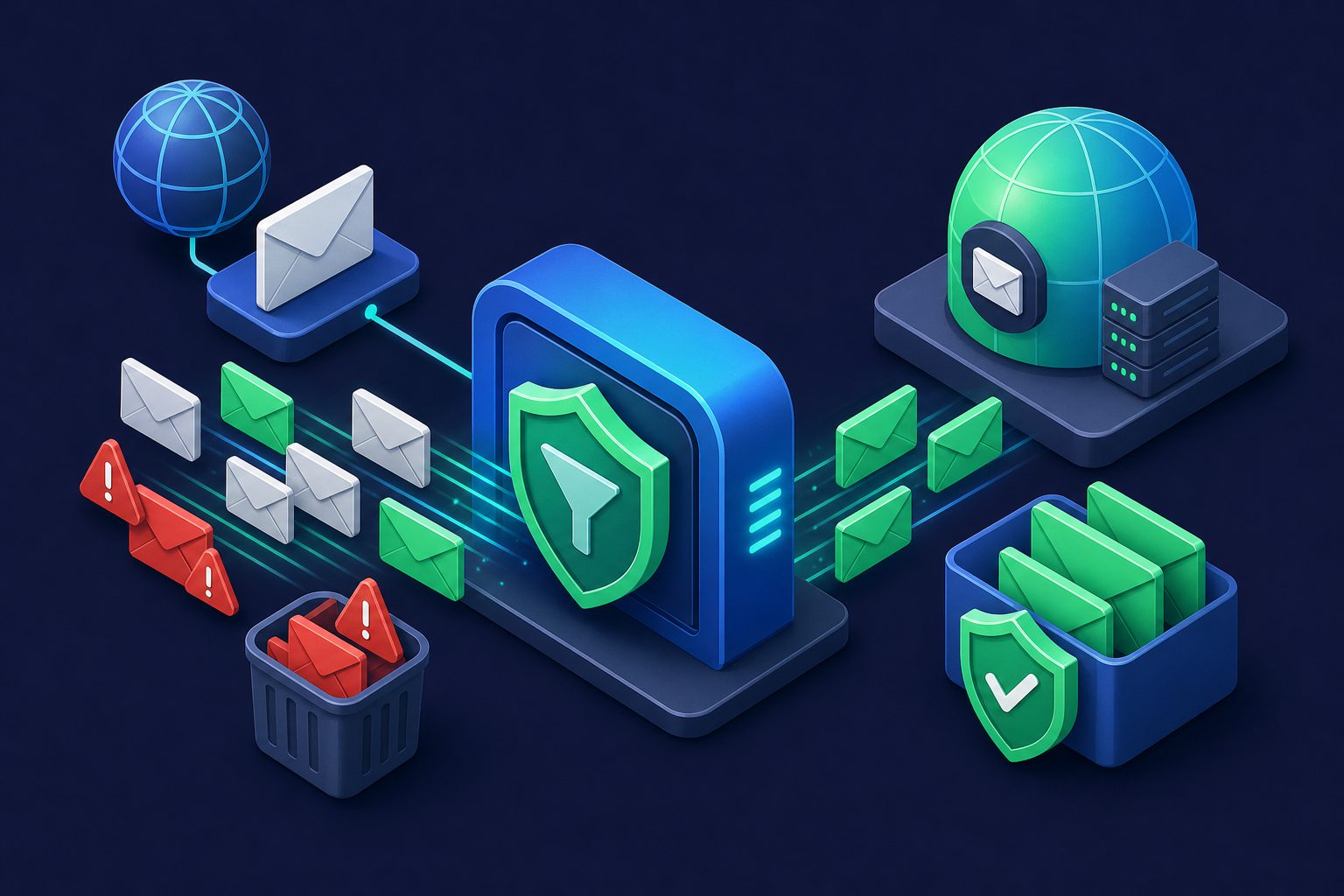
If you are already established with a host and do not want to migrate, you can add a pre-delivery filtering layer. This is a service that sits between the internet and your mail server, scanning all inbound email before it reaches you. Your MX records point to the filtering service instead of directly to your host. Clean email is forwarded; spam is blocked or quarantined.
This is the approach used by enterprise email security gateways (Barracuda, Mimecast, Proofpoint), but those are designed for large organizations with IT teams and per-user pricing. For individuals and small businesses, there are lighter options.
Option 3: Run your own filter
If you manage your own mail server, you can install Rspamd or SpamAssassin directly. This gives you full control but requires ongoing maintenance: rule updates, threshold tuning, reputation list management, and monitoring for false positives. This is the right choice for technically skilled administrators who want maximum control. For everyone else, it is a maintenance burden.
What to look for in a spam filter for custom domains
Not all filtering services are equal. Here is what matters:
- Pre-delivery filtering — The filter should block spam before it reaches your server, not sort it after arrival. Pre-delivery means less storage waste and no spam in your IMAP client.
- Authentication enforcement — The filter should check SPF, DKIM, and DMARC and reject or quarantine messages that fail.
- Tunable thresholds — Different addresses need different sensitivity. Your public
contact@address needs aggressive filtering; your personal address can be more lenient. - Quarantine — Borderline messages should be held for review, not delivered or silently dropped. A good quarantine lets you check for false positives without cluttering your inbox.
- Virus scanning — Malicious attachments should be caught before delivery. This is table stakes but some filtering services skip it.
How Cleanbox protects custom domains
Cleanbox is designed specifically for this use case. Instead of replacing your email provider, it sits in front of it as a filtering and management layer:
- Relay — Point your MX records to Cleanbox. All inbound email is scanned through Rspamd, virus detection, and AI classification before being forwarded to your mail server via SMTP. Works with any hosting provider.
- Per-address thresholds — Set different spam sensitivity for each alias or domain address. Public-facing addresses get strict filtering; internal addresses stay lenient.
- Quarantine — Borderline messages are held for review instead of delivered or rejected. Check your quarantine when convenient, release legitimate messages with one click.
- Aliases — Stop giving out your real domain addresses. Create aliases for each external contact or service and disable them if compromised.
- Shield — Rate-limit senders, restrict delivery to business hours, or enable Gatekeeper to only accept email from approved senders on sensitive addresses.
Relay is available on the Advanced ($35/month) and Enterprise ($100/month) plans. For personal custom domains that do not need full relay protection, aliases with per-address spam thresholds are available starting at the Premium plan ($15/month).
For a step-by-step setup guide, see How to Set Up Email DNS Records at Cloudflare, GoDaddy, and Namecheap and Best Email Spam Protection for Custom Domains in 2026.
Ready to take control of your inbox?
Start protecting your email with Cleanbox — free plan available, no credit card required.
Get started free