
Why We Built Relay: The Problem with Traditional MX Gateways
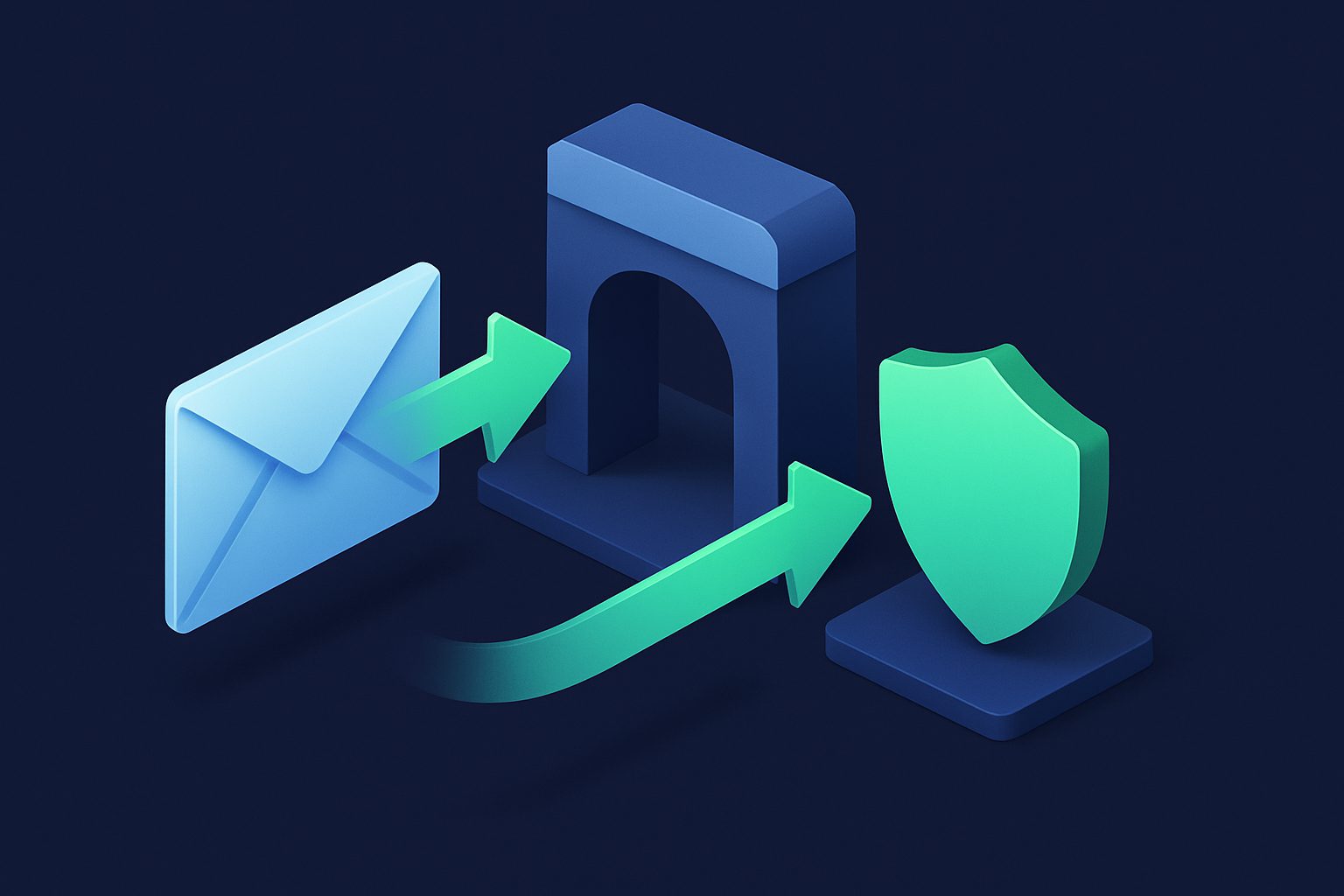
Email relay is not a new concept. Services like Barracuda, SpamTitan, and Antispamcloud have been offering MX-level filtering for decades. You point your MX records at them, they scan your email, and they forward clean messages to your mail server.
So why did we build our own?
Because the traditional model has fundamental limitations that become obvious when you need per-address control, modern sender reputation, and seamless integration with alias-based email management.
Problem 1: One policy for all addresses
Traditional gateways apply a single spam policy per domain. Every address on yourdomain.com gets the same threshold, the same rules, the same treatment.
This does not reflect reality. Your info@ address is published on your website and receives 100x more spam than your ceo@ address. A single threshold means either info@ gets too much spam (threshold too high) or ceo@ gets false positives (threshold too low).
Cleanbox Relay solution: Per-address spam thresholds. Each relay address has its own quarantine threshold and reject threshold. Aggressive on public addresses, lenient on internal ones. Same domain, different rules.
Problem 2: Static threat intelligence
Traditional gateways rely on commercial threat intelligence feeds — databases of known spam IPs, domains, and signatures, updated periodically (hourly or daily). This works well for known threats but has a blind spot: new campaigns.
When a new spam operation starts, there is a window between the first emails sent and the threat feed update. During this window, the spam gets through.
Cleanbox Relay solution: Crowd-sourced sender reputation in real time. When Cleanbox users mark a sender as spam, that feedback is aggregated and immediately affects scoring for all users. The system reacts to new threats within minutes, not hours.
This works alongside traditional DNSBL checks (Spamhaus, Barracuda, SpamCop). Cleanbox uses both — IP blacklists for known bad actors, crowd-sourced reputation for emerging ones.
Problem 3: SPF breaks on forwarding
This is the dirty secret of MX gateways. When a gateway forwards email to your server, the sending IP is the gateway — not the original sender. If your server checks SPF, it fails because the gateway IP is not in the original sender domain SPF record.
Traditional gateways solve this by telling you to whitelist their IP range on your server. This works, but it means your server trusts everything from the gateway IP — if the gateway is compromised or misconfigured, your server accepts whatever it sends.
Cleanbox Relay solution: SRS (Sender Rewriting Scheme). Cleanbox rewrites the envelope-from to an @srs.cleanbox.to address with an HMAC-signed hash. Your server checks SPF against srs.cleanbox.to (which passes) instead of the original sender. The original sender information is preserved in the headers.
SRS is cryptographically signed — an attacker cannot forge an SRS address without the secret key. And your server does not need to blindly trust a gateway IP range.
Problem 4: No concept of contacts or categories
Traditional gateways see email as anonymous messages from IP addresses. They do not track senders as contacts, do not categorize them, and do not let you set per-sender rules.
Cleanbox Relay solution: Every sender that emails a relay address becomes a contact with:
- Automatic category detection (Shopping, Finance, Social Networks, etc.)
- Contact states (whitelist, block, mute, prioritize)
- Email history and statistics
- Newsletter detection with one-click unsubscribe
This means you can whitelist your bank, block a persistent spammer, and mute a noisy vendor — all on relay addresses, not just aliases.
Problem 5: No retry intelligence
When a traditional gateway cannot reach your mail server, it typically retries on a fixed schedule (every 15 minutes for 4 hours, then give up). If your server is down for maintenance, emails bounce after the retry window.
Cleanbox Relay solution: Exponential backoff retry queue. First retry at 5 minutes, then 10, 15, 30 minutes, then hours, up to ~4 days. This covers extended outages (server migration, hardware failure) without losing email. Messages are stored in the queue and delivered automatically when your server comes back.
Problem 6: Separate from your alias infrastructure
If you use an enterprise gateway for relay AND a separate service for aliases, you have two dashboards, two sets of rules, two contact lists, and no shared intelligence between them.
Cleanbox Relay solution: Relay and aliases share the same platform. Contacts, filters, categories, and reputation data are shared. A sender you block on an alias is also blocked on relay. A filter rule can apply to both. Everything is managed from one dashboard.
What Relay does NOT do (and why)
Cleanbox Relay deliberately omits some features that enterprise gateways include:
- Outbound scanning — Relay is inbound only. Your outbound email stays on your server with your SPF, DKIM, and DMARC. We do not touch your sending reputation.
- URL sandboxing — We check URLs against reputation databases but do not detonate them in a sandbox. This is a cost/complexity trade-off that is justified for enterprise but not for SMBs.
- DLP (Data Loss Prevention) — Preventing outbound data leaks is an enterprise compliance feature. Not relevant for most Relay users.
- Email encryption — Relay forwards to your server. Encryption is between your server and the recipient. We do not add a proprietary encryption layer.
These omissions are intentional. Relay is designed to be the best inbound filter for small-to-medium deployments — not a full enterprise security suite.
Technical architecture
For those who want to know how Relay works under the hood:
- SMTP connection — Remote server connects to Cleanbox MX (
mx1.cleanbox.toormx2.cleanbox.to) on port 25 - Recipient validation — Cleanbox checks if the address exists and is active via internal API
- Rspamd analysis — Full content scan with Bayes classifier, authentication checks, URL analysis, and Cleanbox reputation symbols
- ClamAV virus scan — Malware detection on all relay messages
- Evaluation chain — Contact states, filters, spam thresholds, and quarantine thresholds applied per address
- SRS rewrite — Envelope-from rewritten with HMAC-signed SRS address
- SMTP forward — Clean message forwarded to your mail server with validation header
- Storage — Message metadata + raw email stored for your retention period
The entire pipeline runs in under 2 seconds for a typical message. Your users experience no noticeable delay.
Who Relay is for
- Small businesses running their own mail server who want spam protection without enterprise complexity
- Google Workspace or Microsoft 365 users who want an additional filtering layer with per-address control
- Organizations that already use Cleanbox aliases and want the same protection on their existing addresses
- Anyone who has tried traditional gateways and found them overbuilt for their needs
Ready to take control of your inbox?
Start protecting your email with Cleanbox — free plan available, no credit card required.
Get started free