
Every sender is automatically categorized, scored, and manageable. Whitelist the important ones, block the spammers, mute the noise — all from one dashboard.
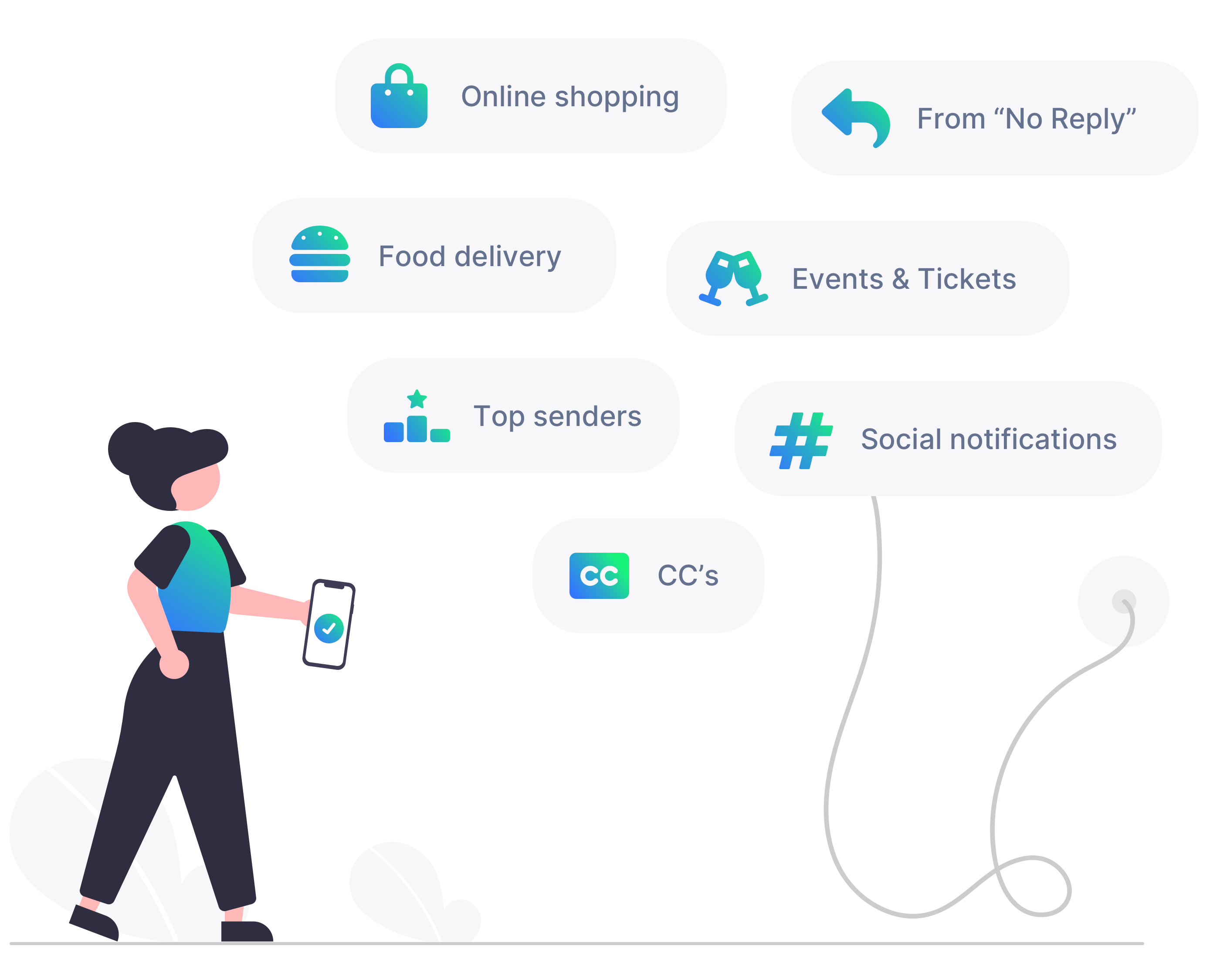
Every sender is categorized based on their domain: Shopping, Social Networks, Finance, Travel, Education, News, Gaming, and 13 more. No manual tagging — Cleanbox uses a curated database of domain-to-category mappings updated continuously.
Your dashboard shows category breakdowns so you can see at a glance what types of email dominate your inbox.
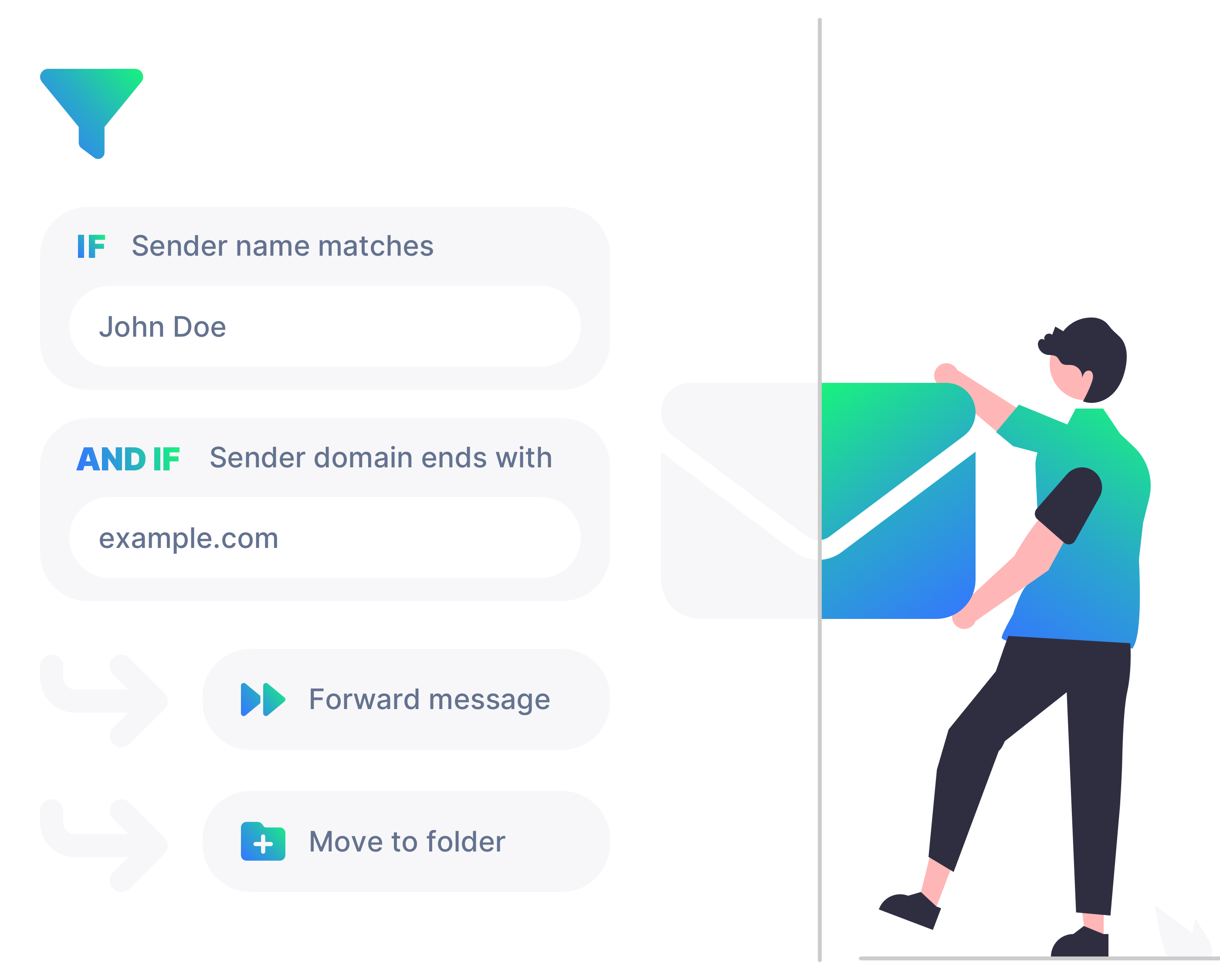
Each contact can be set to one of five states that control how their email is processed:
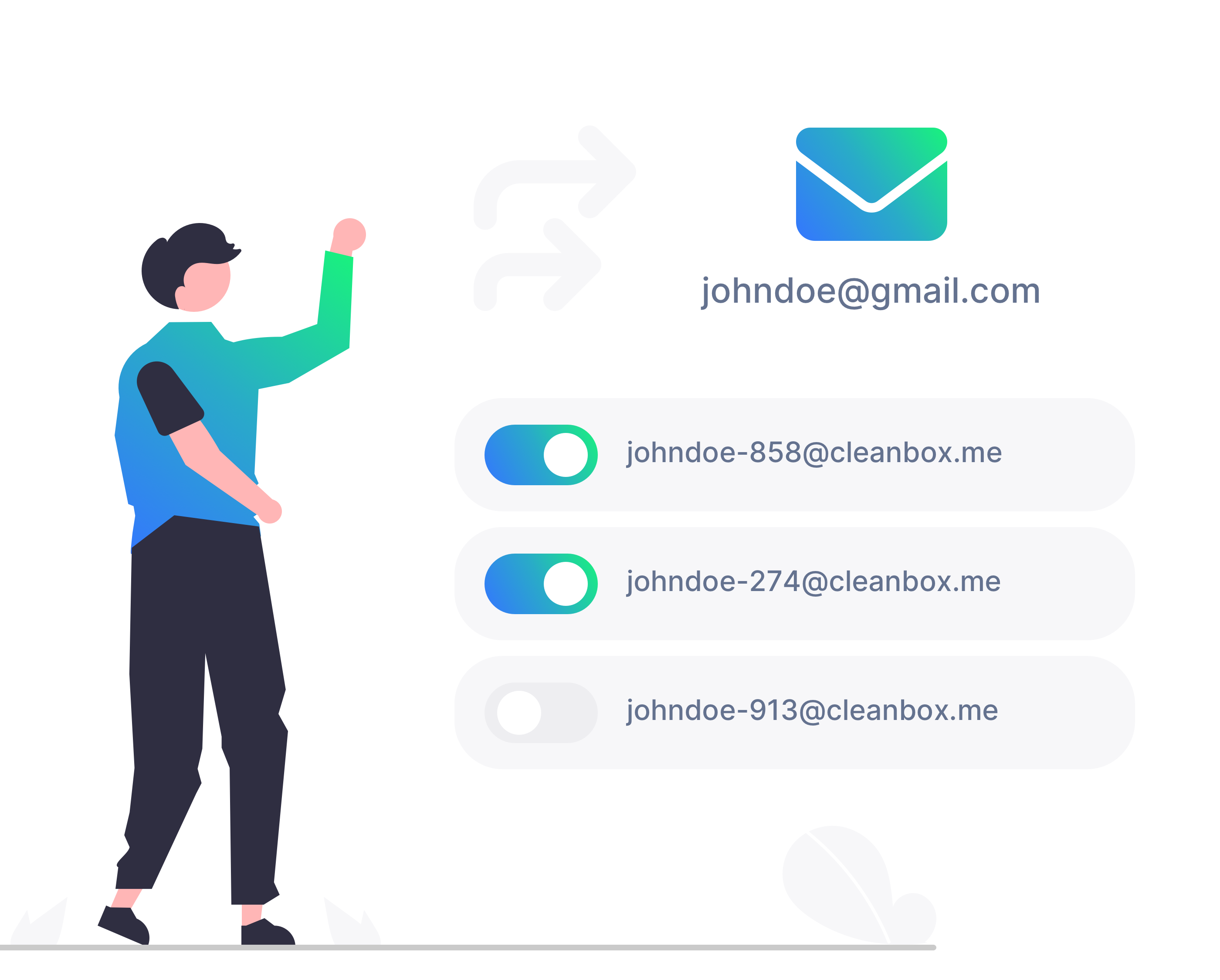
Cleanbox detects newsletter subscriptions via the List-Unsubscribe header (RFC 8058). Toggle a subscription off and Cleanbox sends the unsubscribe request directly to the sender — no clicking links in emails, no confirmation pages.
Each contact shows their subscription status: active, unsubscribed, or failed. Multiple mailing lists from the same sender are tracked independently.
Contact intelligence is included on every plan, including Free. Start managing your inbox today.
Get started free
Start protecting your inbox in 60 seconds