
What Is a Mail Relay and How Does It Work
You have probably heard the term "mail relay" thrown around in email discussions, server documentation, or hosting guides. But if you have never managed an email server, the concept can feel abstract. What exactly is a mail relay, and why would you need one between the internet and your mailbox?
This guide breaks down mail relays in plain language. No sysadmin experience required.
What Is a Mail Relay?
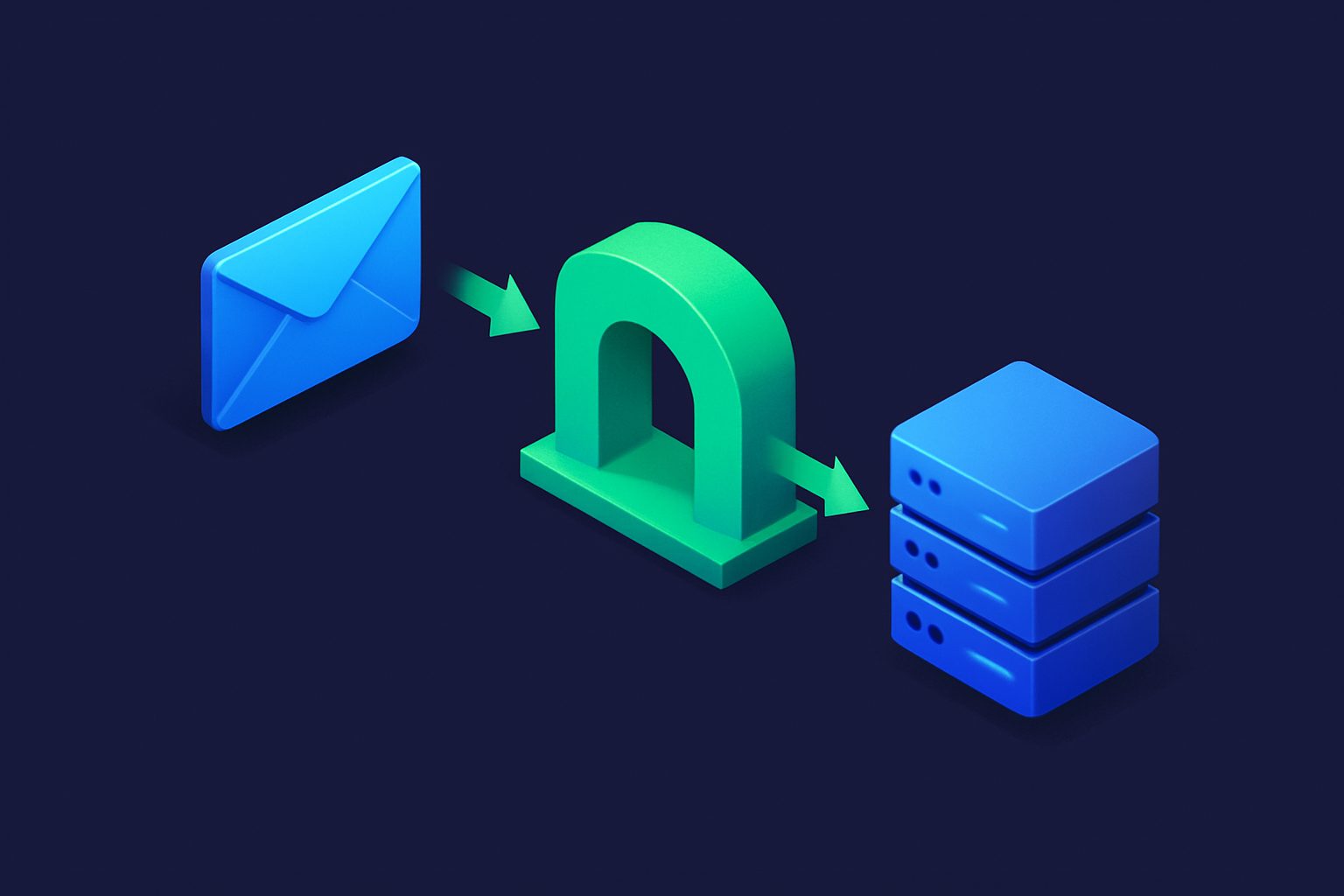
A mail relay is an intermediate email server that receives messages and forwards them to another server. It does not store the email permanently or deliver it to a user's mailbox directly. Instead, it acts as a waypoint in the email delivery chain.
Think of it like a mail sorting facility. Letters do not go directly from the sender's local post office to your front door. They pass through regional sorting centers that process, route, and forward the mail. A mail relay does the same thing for email.
In technical terms, a relay is an SMTP server that accepts email for a domain and then transmits it to the domain's actual destination server. It sits in the middle of the delivery path, adding a layer of processing between the outside world and the final mailbox.
Why Do Mail Relays Exist?
If email can go directly from sender to recipient server, why add a middleman? There are several practical reasons:
Spam and virus filtering
The most common reason. A relay can scan every incoming message for spam, phishing, and malware before it reaches the destination mail server. If the relay catches something malicious, it rejects or quarantines the message. The destination server never sees it.
This is far more efficient than filtering on the destination server itself, because the relay absorbs the load of processing millions of junk messages so the primary server does not have to.
Security gateway
A relay can shield the destination mail server from direct internet exposure. Instead of publishing your mail server's IP address in DNS for the whole world to see, you point your domain's MX records at the relay. Attackers scanning for vulnerable mail servers find the relay, not your actual infrastructure.
Load balancing
High-volume email environments use relays to distribute incoming email across multiple backend servers. The relay accepts all incoming connections and intelligently routes messages to whichever backend server has capacity.
Legacy system compatibility
Some older mail systems cannot handle modern email standards, TLS encryption, or high connection volumes. A relay can act as a translator, accepting modern email connections and delivering to the legacy system in a format it understands.
How a Mail Relay Works in the SMTP Chain
To understand where a relay fits, you need to know the basics of how email delivery works:
- Sender composes an email and clicks send. Their email client hands the message to their outgoing mail server (SMTP server).
- Sender's server looks up the recipient's domain by querying DNS for MX (Mail Exchange) records. These records tell the sender's server where to deliver the email.
- Sender's server connects to the MX server listed in DNS and transmits the message via SMTP.
- Recipient's server accepts the message and delivers it to the user's mailbox.
Without a relay, step 3 connects directly to the recipient's mail server. With a relay, the process changes:
- Sender's server looks up MX records and finds the relay server (not the final destination).
- Sender's server delivers the email to the relay.
- The relay processes the message (scanning, filtering, logging, or whatever it is configured to do).
- The relay forwards the message to the actual destination mail server.
- The destination server delivers it to the user's mailbox.
From the sender's perspective, nothing changes. They send an email and it arrives. The relay is invisible to them.
Types of Mail Relays
Not all relays serve the same purpose. The three main types are:
Inbound MX relay (email gateway)
This is the most common type for businesses. An inbound relay sits in front of your mail server and processes all incoming email before forwarding it. Your domain's MX records point to the relay, and the relay knows which backend server to forward clean messages to.
Inbound relays are primarily used for spam filtering, virus scanning, and compliance archiving. They protect the destination server from direct internet exposure and absorb the brunt of junk email traffic.
We discussed why inbound MX gateways matter for businesses in our article on using email relay to protect your business.
Outbound smart host
An outbound relay (often called a smart host) handles email going out. Instead of your mail server delivering messages directly to every recipient domain, it sends all outgoing email through the relay. The relay handles delivery, retry logic, and reputation management.
This is common with transactional email services. Your application sends email to the smart host, and the service ensures it gets delivered with proper authentication and high sender reputation.
Open relay (and why it is dangerous)
An open relay is a mail server configured to accept email from anyone and forward it to anyone, with no authentication or restrictions. In the early days of the internet, most mail servers were open relays because email was built on trust.
Today, open relays are a serious security and abuse problem. Spammers exploit them to send millions of messages while hiding their identity behind the relay's IP address. Running an open relay will get your server blacklisted by every major email provider within hours.
If you manage a mail server, make sure it only relays email for authorized senders and authorized domains. Never accept and forward email from arbitrary sources.
Mail Relay vs. Email Forwarding
People often confuse relaying with forwarding. They are related but distinct:
- Relaying means accepting email destined for a domain and transmitting it to that domain's actual mail server. The relay is listed in the domain's MX records and is part of the official delivery path. The message is typically delivered with its original headers and envelope intact.
- Forwarding means receiving email at one address and resending it to a different address. The forwarding server may rewrite headers, change the envelope sender, or modify the message. Forwarding is an action taken after delivery, while relaying is part of the delivery itself.
A relay processes email in transit. A forwarder redirects email after it has arrived. The distinction matters for email authentication (SPF, DKIM, DMARC) because forwarding often breaks authentication while properly configured relaying preserves it.
Common Use Cases for Mail Relays
Here are the scenarios where organizations typically deploy a mail relay:
- Spam filtering before delivery: The relay scans and scores incoming messages, only forwarding legitimate email to the mail server. This keeps the mail server's resources free for actual email processing.
- Virus and malware scanning: The relay inspects attachments and links before they reach the internal network. Infected messages are quarantined at the relay level.
- Compliance and archiving: Regulated industries use relays to log, archive, or inspect email for compliance purposes before delivery.
- Protecting the destination server: By putting a relay in front of the mail server, the actual server's IP address stays hidden. This reduces the attack surface and protects against DDoS attacks targeting the mail infrastructure.
- Multi-server routing: Organizations with multiple mail servers use relays to route email to the correct backend based on recipient address, department, or load.
How Cleanbox Relay Works
Cleanbox Relay is an inbound MX gateway. You point your domain's MX records to Cleanbox, and all incoming email flows through the Cleanbox infrastructure first. Each message is scanned for spam, phishing, and malware. Clean messages are forwarded to your actual mail server. Threats are blocked before they ever reach your infrastructure.
This means your mail server only handles email that has already been vetted, reducing load, improving security, and keeping your server's IP address off the public internet. For more on why this approach matters, see our piece on the problem with traditional MX gateways.
Key Takeaways
A mail relay is simply an intermediate server in the email delivery chain. It receives, processes, and forwards email without being the final destination. Whether used for spam filtering, security, load balancing, or compliance, relays add a layer of control between the open internet and your mailbox.
If you manage email for a business or a custom domain, understanding relays helps you make informed decisions about your email security architecture. And if you ever see the term "MX gateway" or "smart host" in documentation, you now know they are just specific types of mail relays.
Ready to take control of your inbox?
Start protecting your email with Cleanbox — free plan available, no credit card required.
Get started free