What Your Email Provider Knows About You
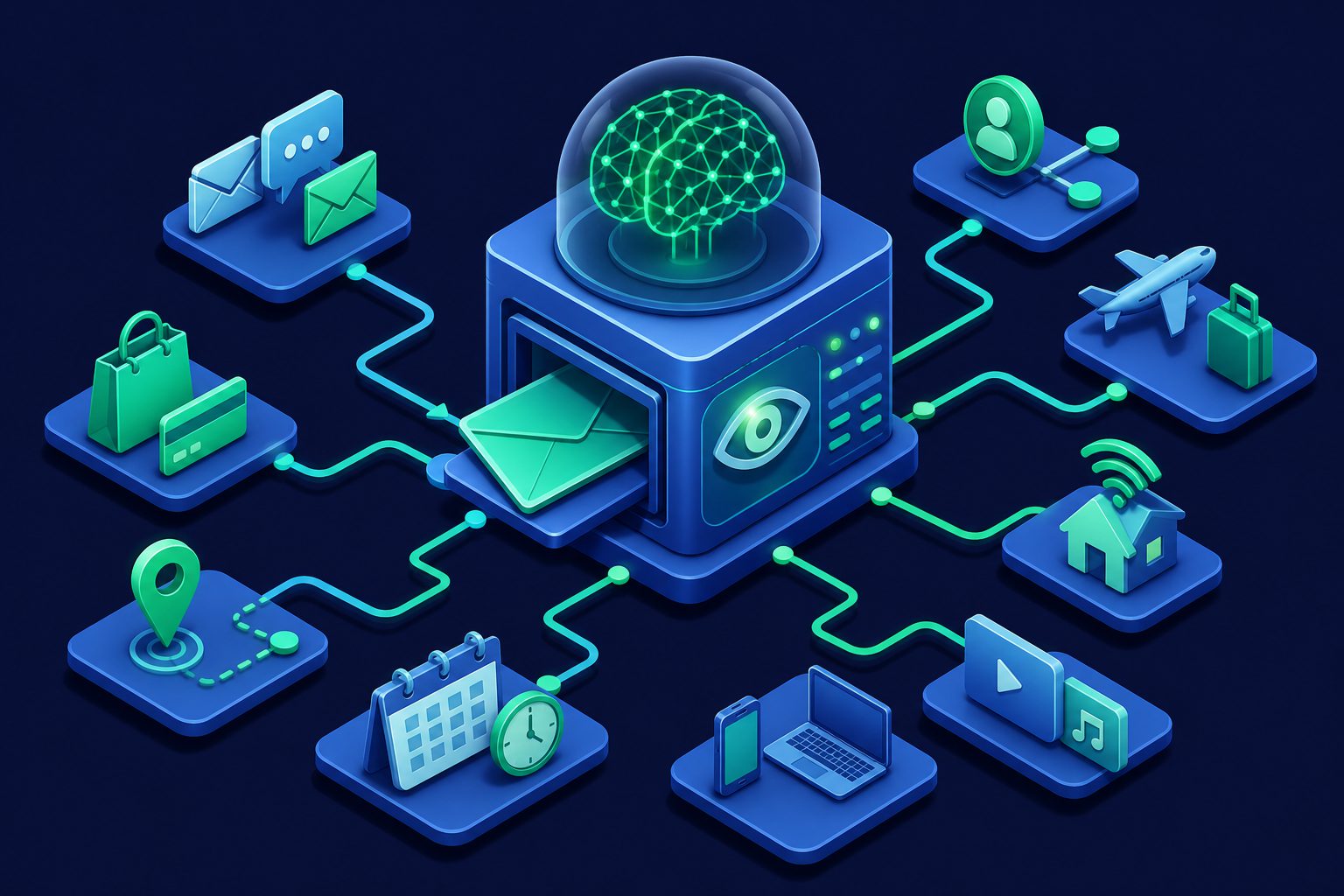
You probably think of your email provider as a utility — like electricity or water. You plug in, it works, and you do not think about what happens behind the scenes. But your email provider is not a utility. It is a company that processes the most detailed record of your digital life that exists anywhere.
Your email inbox is a near-complete log of your identity: purchase receipts, bank statements, flight bookings, medical appointments, job applications, password resets, social connections, and private conversations. Your email provider has access to all of it. What varies is what they do with that access.
What every email provider sees
Even the most privacy-focused email providers (with exceptions for end-to-end encrypted services) have access to:
Message content
The text of every email you send and receive passes through your provider’s servers. Unless both sender and recipient use end-to-end encryption (like Proton Mail to Proton Mail), the content is readable by the provider. For a review of which providers encrypt and which do not, see Best Email Providers for Privacy.
Metadata
Even encrypted email services see metadata: who you email, who emails you, when, how often, and from which IP address. Metadata alone reveals your social network, your schedule, your communication patterns, and your location. A study by MIT showed that email metadata can reveal political affiliations, health conditions, and personal relationships without reading a single message. For more on what metadata exposes, see What Email Metadata Reveals About You.
Attachments
Every file you send or receive passes through your provider’s servers: photos, documents, contracts, tax returns, medical records. Providers that scan for malware necessarily process attachment content. Providers that offer search functionality index attachment text.
Account data
Your login times, IP addresses, device types, browser fingerprints, session durations, and geographic locations. This data exists for security purposes (detecting unauthorized access), but it also creates a detailed record of when and where you access your email.
What the big providers do with it
Gmail
Google stopped scanning Gmail for ad targeting in 2017 but still extracts structured data from your email: purchase confirmations become a shopping history, flight bookings appear in Google Trips, package tracking numbers generate delivery notifications. Google’s privacy policy allows processing email content to “provide, maintain, and improve” Google services — broad language that covers most uses.
Smart Compose, Smart Reply, and nudges analyze your email in real time. Even with ad scanning removed, Google’s algorithms process your email constantly. For the full analysis, see Is Gmail Safe?
Outlook
Microsoft processes Outlook email for Focused Inbox (prioritizing emails), suggested replies, and calendar integration. Microsoft’s Connected Experiences feature sends email data to Microsoft’s cloud for processing — enabled by default. Outlook shows ads in the free tier informed by your Microsoft profile. See Is Outlook Safe?
Yahoo Mail
Yahoo is the most aggressive: it explicitly scans email content for ad targeting. Not just metadata, not just purchase tracking — the actual text of your messages is analyzed to serve relevant ads. Yahoo’s privacy policy is transparent about this, but most users never read it. See Is Yahoo Mail Safe?
iCloud Mail
Apple processes iCloud Mail for spam and malware detection but does not scan content for advertising. Apple’s business model is hardware, not data. iCloud Mail is the least invasive among the free mainstream providers, though it is not end-to-end encrypted — Apple can access your email if legally compelled. See Is iCloud Mail Safe?
Proton Mail
Proton cannot read email content between Proton users (end-to-end encrypted). But Proton can see metadata (who you email, when, how often), and emails from non-Proton senders arrive unencrypted before being encrypted at rest. Proton’s hands are cleaner than most providers, but not entirely empty. See Is ProtonMail Safe?
What your provider can infer
Even without reading content, email metadata and traffic patterns reveal:
- Your financial situation: Bank notifications, credit card statements, loan applications, investment account alerts.
- Your health: Appointment confirmations from medical providers, prescription notifications, insurance correspondence.
- Your relationships: Who you email most frequently, communication patterns that indicate personal vs professional relationships.
- Your schedule: Calendar invitations, meeting confirmations, travel bookings reveal where you are and where you will be.
- Your online identity: Password reset emails reveal every service you use. Sign-up confirmations map your entire digital footprint.
- Your purchases: Order confirmations, shipping notifications, receipt emails from every online purchase.
A single inbox contains enough information to build a comprehensive profile of someone’s life. The question is not whether your provider has this information — it does. The question is whether it uses it, and what happens if it is breached or subpoenaed.
What you can do about it
Reduce what reaches your inbox
The less email your provider processes, the less it knows. Use email aliases so that services do not communicate with your real email address directly. Each alias can be disabled if compromised, and your provider never sees the full picture of your online identity in one place.
Compartmentalize
Use different email addresses for different purposes: one for financial services, one for shopping, one for social media, one for personal communication. Your financial email provider never sees your shopping receipts. Your social media provider never sees your bank notifications. No single provider has your complete profile.
Disable smart features
Turn off Smart Compose, Smart Reply, Focused Inbox, and similar features. Each one requires your provider to analyze your email in real time. The convenience is not worth the processing. See Gmail Privacy Settings Guide for specific steps.
Switch to a privacy-focused provider
If privacy is your priority, providers like Proton Mail and Tuta offer end-to-end encryption that prevents the provider from reading content. The tradeoff is weaker spam filtering and fewer features. For a ranking, see Which Providers Track You the Least.
Add a filtering layer
A pre-filter between senders and your inbox reduces what your provider processes. Spam, phishing, and unwanted email are caught before your provider sees them — fewer messages means less data for your provider to analyze.
How Cleanbox limits what your provider sees
Cleanbox sits between the internet and your email provider. This architecture changes what your provider has access to:
- Senders never learn your real address. They communicate with your Cleanbox alias. Your provider sees forwarded email from Cleanbox, not direct communication revealing your relationships and services.
- Spam and junk are filtered before your provider. Every message passes through Rspamd, DNSBL checks, authentication verification, ClamAV, and AI classification. Your provider processes only clean, legitimate email — reducing the data it can mine.
- Per-alias control lets you compartmentalize. Different aliases for different purposes, each with its own spam threshold and forwarding rules. Disable any alias instantly without affecting others.
- No ad model. Cleanbox is subscription-funded. No content scanning for advertising, no profile building, no third-party data sharing.
You keep your existing email provider for the interface you are used to. Cleanbox controls what reaches it and who knows your real address. Your provider still sees your email, but it sees less of it, and the addresses connecting you to services are aliases you control, not your permanent identity.
Ready to take control of your inbox?
Start protecting your email with Cleanbox — free plan available, no credit card required.
Get started free